Solar energy company WordPress Theme



Edit Template Offline
2. Create new page and search for id 5213148
Edit Template Online
Create Awesome Websites


Free Nicepage Builder
Keywords
Solar Service Categories Support Page-Oriented Content
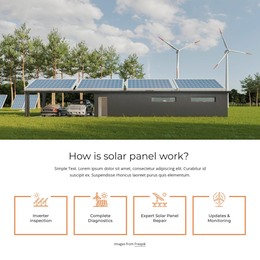
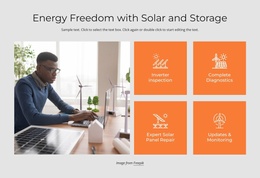
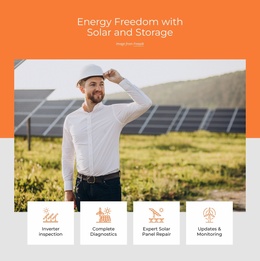
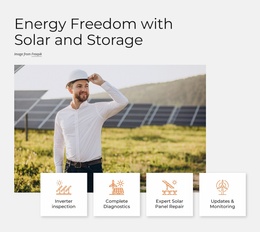
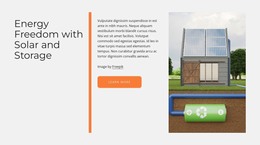
The three solution cards provide a useful basis for organizing permanent solar content around residential, utility-scale, and commercial audiences. Their separate visual treatment makes the categories easy to distinguish, while the shared orange, white, gray, and black palette keeps them part of one theme. Around those categories, the four maintenance topics—inspection, diagnostics, repair, and updates and monitoring—can be understood as another group of page-oriented service information.
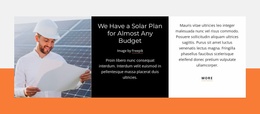
The three solar product cards add a distinct content area for individual offerings, while the alternating rows explain broader benefits through carbon reduction, electricity savings, and property value. This combination allows a WordPress-oriented project to keep stable service and product information visually related even if the content later expands with additional editorial material. The template analysis does not verify existing blog posts, categories, or WordPress-specific structures, so those should not be treated as built-in elements.
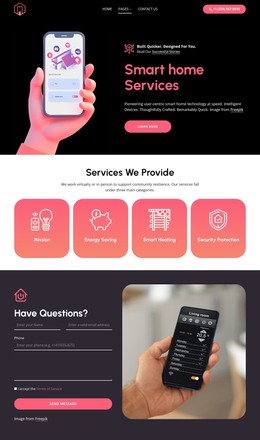
The contact form and expandable question list create a practical closing area for inquiries and supporting answers. Navigation, shared visual treatments, and the dark footer can continue around additional content while preserving the design character. The value of this theme interpretation lies in mapping the existing service, solution, product, and contact areas to a manageable content environment—not in claiming that the sample product names, placeholder questions, or promotional statements are verified business data.
Customize with Nicepage
Open this ready-made template in the WordPress Website Builder and customize it visually in the Nicepage editor. Replace demo content, edit page sections, and adapt the design to your project without rebuilding the template from scratch.
Manage and Edit This Theme in WordPress
Customize and Install the WordPress Theme
Start with this ready-made theme instead of building the WordPress design from scratch. Customize its layout, content, typography, images, sections, and other design elements visually in Nicepage editor, then export and install the WordPress Theme, Plugin, and Pages on your WordPress site. The Nicepage WordPress Plugin lets you continue working with the site after installation.
Edit the Theme Directly in WordPress
After installation, you can edit the WordPress Theme directly in WordPress with the Nicepage WordPress Plugin. Use Site Style to customize site Colors, Fonts, Header, Footer, Blog, and Post Page Templates while working within your WordPress website.
Edit WordPress Pages Visually
Use the Nicepage WordPress Plugin to edit page content directly from the WordPress admin area. Open a WordPress Page with Nicepage and visually change its text, images, sections, and other page elements while continuing to manage the Page through WordPress.
WordPress Content and Theme Integration
Use the customized theme with WordPress Pages, Posts, Blog and Post Templates, menus, widgets, and other CMS-managed content. Shared theme elements such as Colors, Fonts, Header, Footer, Blog, and Post Page Templates can be managed as part of the overall site design, while WordPress provides the CMS environment for managing site content.
This workflow combines a ready-made WordPress Theme with visual customization, direct theme editing in WordPress, and continued content management through the Nicepage WordPress Plugin.