370 Contacts WordPress Themes
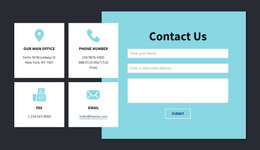
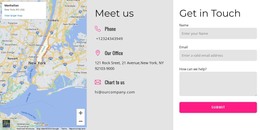







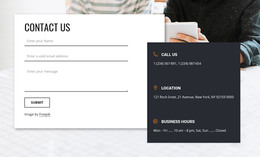
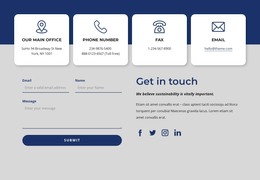
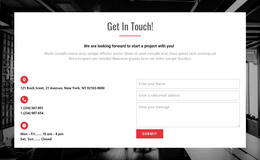
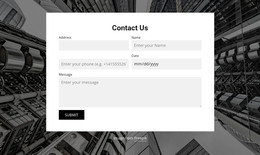
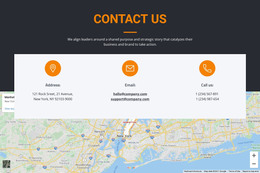


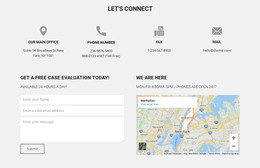
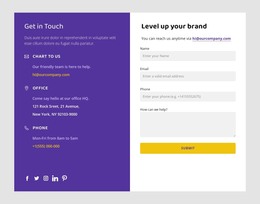




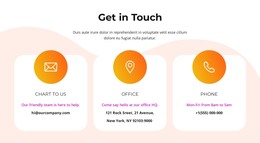

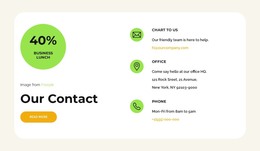
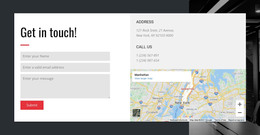
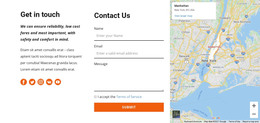
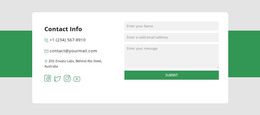
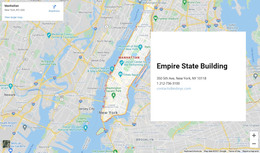


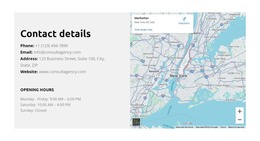

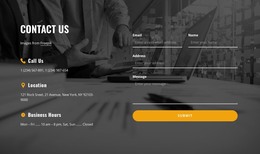
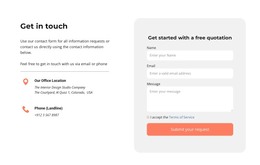

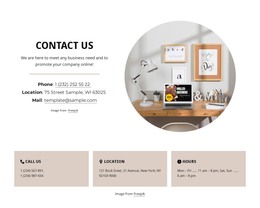
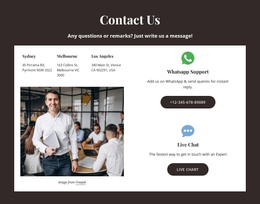

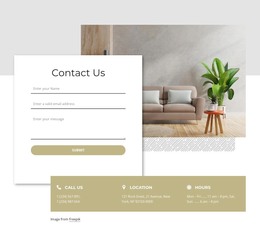
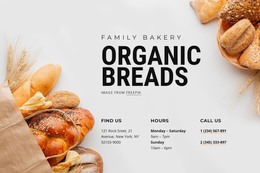

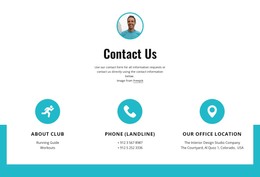
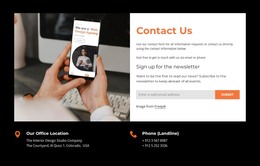
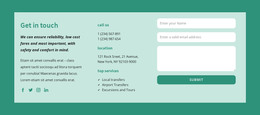
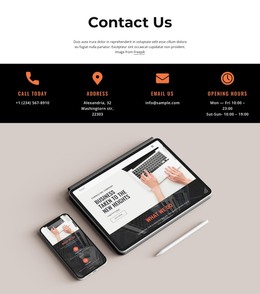

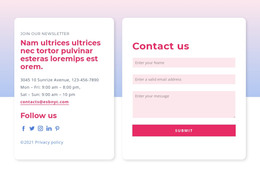
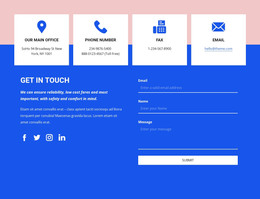
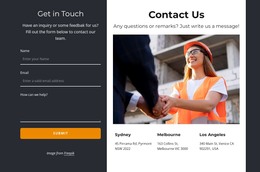
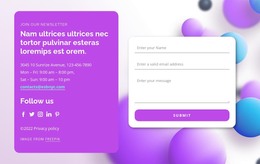

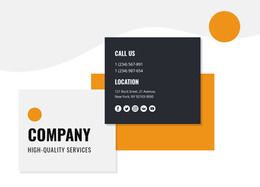











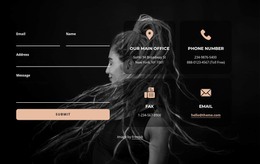
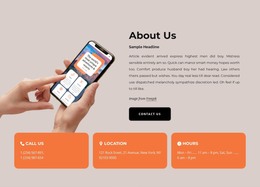
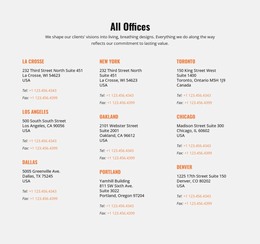

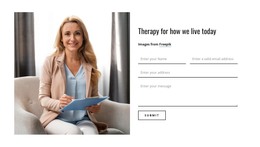


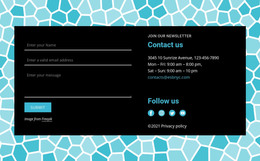

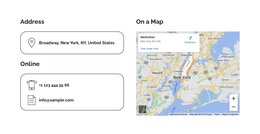


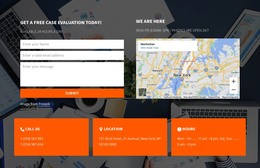
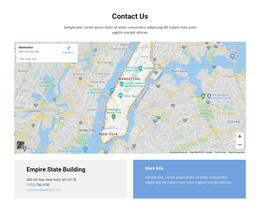



Contacts WordPress Themes With Ready-Made Contact Section Designs
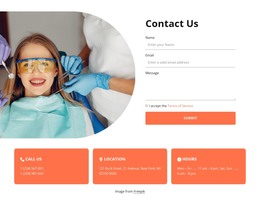
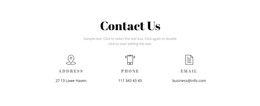
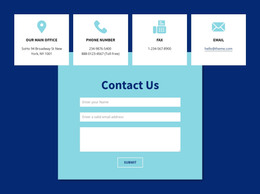
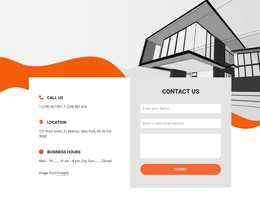
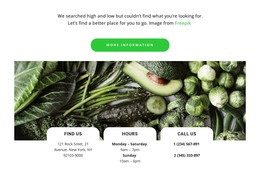
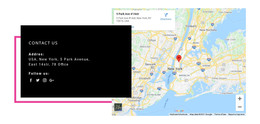
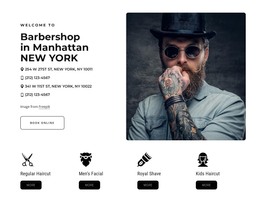
Explore Contacts WordPress Themes for ready-made contact-area designs suited to WordPress projects. Compare prepared sections by how naturally their headings, typography, background treatment, and contact groups complement the active theme. A service page and a dedicated office page can require different visual emphasis without requiring unique WordPress-only contact layouts.
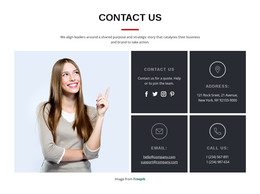
Compare each ready-made Contacts section's typography, colors, and width against the active WordPress theme to see whether phone, email, and address groups fit naturally alongside existing content.
Choose a Contacts Design for Your WordPress Theme
Start with the kind of contact information the WordPress page needs to present and the styling already established by its theme. Check whether the prepared section's heading levels, color contrast, and spacing look consistent beside existing content. These visual options need not be unique to WordPress—the platform matters when deciding how the selected section will fit the project.
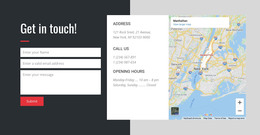
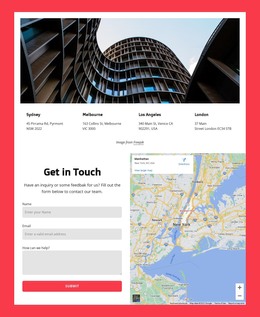
Compare layouts by their space for one office or several, the balance between text and map, and how comfortably they fit the existing page design. These are useful distinctions even when the underlying Contacts blocks overlap with those in other Nicepage catalogs.
Evaluate the Design Within a WordPress Page
After choosing a contact composition, look at how it fits the available WordPress page width. A broad layout can be appropriate in a full-width page template but feel cramped in a narrow content area.
This is a practical CMS-context consideration, not evidence that WordPress needs contact design types unavailable elsewhere.
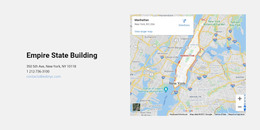
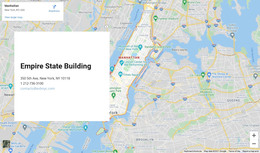
Nicepage's Google Maps Element provides location content for a suitable design. You can also browse address-focused sections and location-oriented layouts when the physical destination is the dominant theme.
Use a Chosen Contacts Design in WordPress
After selecting a prepared design, update outdated phone numbers, emails, opening hours, or branch details as business information changes. Keep the visual composition consistent with the WordPress theme while adjusting its content through the supported editing workflow.
The Nicepage WordPress Plugin supports editing Nicepage-created pages in a hosted WordPress installation. It does not turn every existing WordPress page into an editable Nicepage page. Keep that compatibility detail in mind, but don't let it overshadow your layout choice.
Check Theme Compatibility and Mobile Behavior
Compare the actual contact section against the active theme's page width, colors, and typography. Review narrower screen views for the specific selected block.
Choose the section that fits the theme's visual language and has enough room for real contact details.
Contacts WordPress Themes FAQ
What are the Contacts WordPress Themes in this collection?
They are ready-made Contacts section designs for WordPress. A section can become part of a supported Nicepage page in WordPress; it is not automatically a full installable WordPress theme.
Which Contacts design should I choose for several offices?
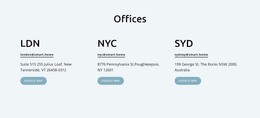
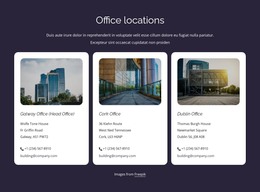
Look for designs with repeated location cards or clearly separated office panels, if available. A single compact panel usually works better for one primary contact point.
Can I adapt a selected Contacts section in WordPress?
Yes, for supported Nicepage-created WordPress content through the Nicepage Plugin. The chosen Contacts design should also fit the visual width and style of your active theme.
Is a map necessary in a WordPress contact design?
Not always. A map-led layout suits location-focused pages, while a smaller communication panel may better match the design when the main contact options are telephone and email.
Choose a WordPress-Oriented Contacts Layout
Compare the prepared Contacts designs by visual size, number of locations, and map prominence. Select one that fits the WordPress page you are building, then adapt the sample information within the supported workflow.
The goal is a suitable ready-made contact section—not an additional lesson in managing WordPress themes.