
FAQ WordPress Themes
-
-

-
-
-
-
-
-
-
-
-
-
-
-
-
-
-
-
-
-
-
-
-
-
-
-
-
-
-
-
-
-
-
-
-
-
-
-
-
-
-
Free Website Builder SoftwareDownload
-
-
-
-
-
-
-
-
-
-
-

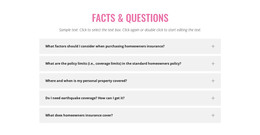
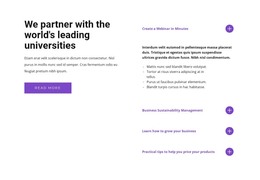
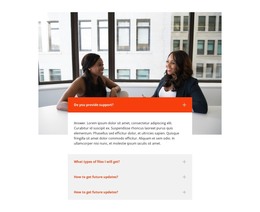
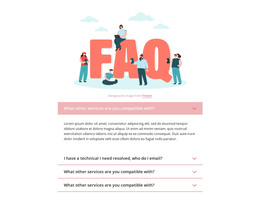
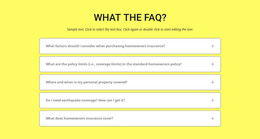
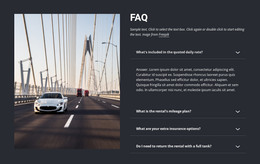
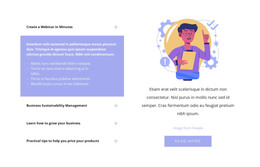
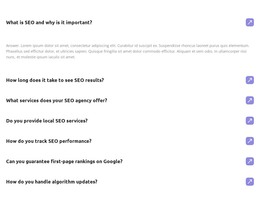

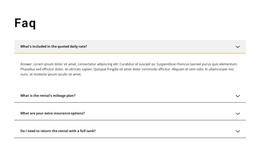
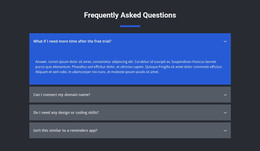
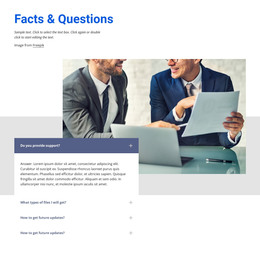
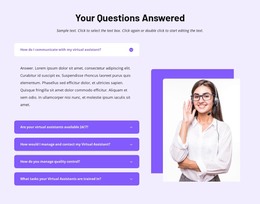
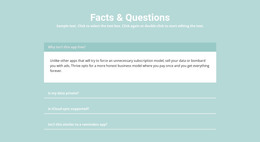

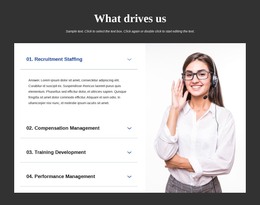
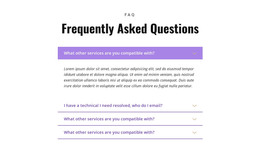

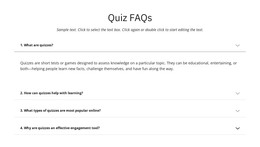

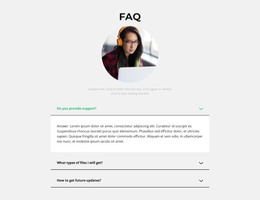
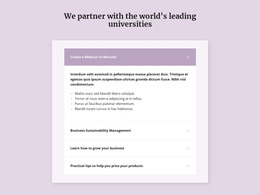

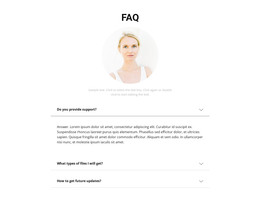
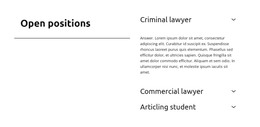
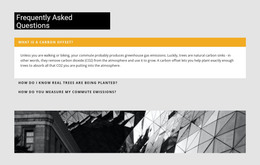
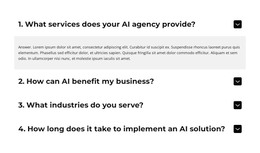
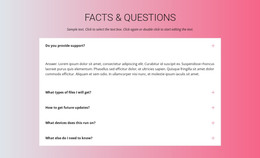
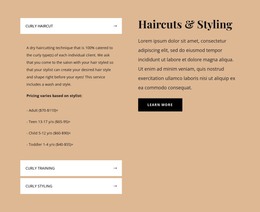
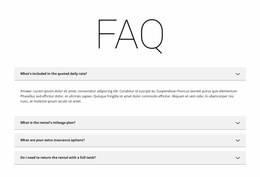
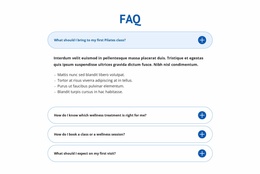
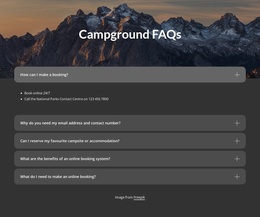
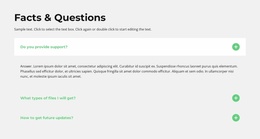
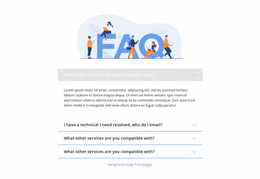
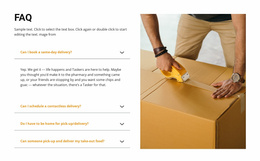

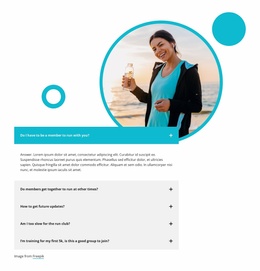
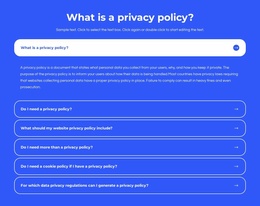
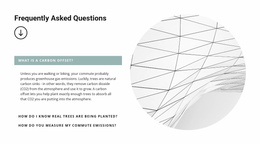
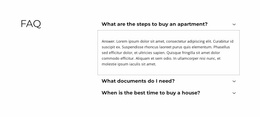
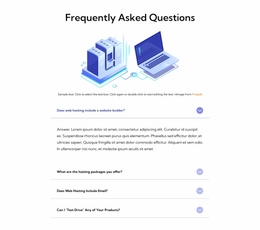
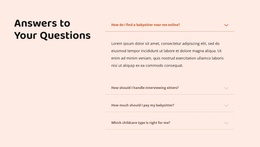
Customizable FAQ WordPress Themes for Editing Q&A Sections in WordPress Projects
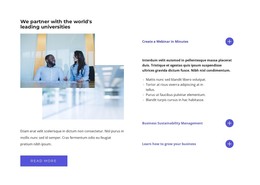
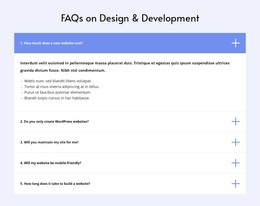
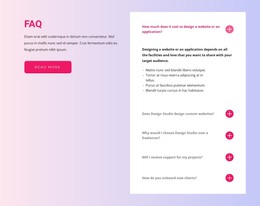
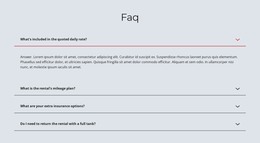
FAQ WordPress Themes offer ready-made question-and-answer layouts for WordPress-oriented projects. Compare compact expandable rows for a service page, grouped questions for support content, or a restrained FAQ section that matches your existing website style. Choose a design that fits your questions, then adapt its wording and appearance in Nicepage.
A prepared FAQ block can be used as part of a WordPress project, but an individual FAQ block is not necessarily a complete WordPress theme. Check the scope of the selected design rather than assuming every gallery item includes an entire theme.
Choose a FAQ Design for Your WordPress Content
Start with the questions visitors need answered and the page where those answers belong. A service page might place a short FAQ after appointment details; a product page may need ordering and returns questions; a support page may benefit from clearly separated topics.
- Compact expandable rows: suit a handful of service, booking, or eligibility questions.
- Grouped Q&A sections: help organize account, billing, or troubleshooting topics.
- Theme-consistent styling: keeps question typography, dividers, and spacing aligned with surrounding WordPress content.
Compare the actual FAQ layout and answer lengths before selecting. A block that looks balanced with three short answers may need more space when several explanations run to multiple paragraphs.
Customize Questions and Answers in Nicepage
The Nicepage FAQ Element provides expandable question rows and Rich Text-based answers. Replace sample questions with the concerns visitors actually raise, keep the most useful information at the start of each answer, and add relevant links when more detail is necessary.
Adjust fonts, colors, and spacing to fit the WordPress page. Then inspect long questions and expanded answers on mobile. The main benefit of the prepared design is a recognizable Q&A structure you can adapt, rather than having to assemble each row from scratch.
Fit the FAQ into a Supported WordPress Workflow
Choose the section for its content and layout first; then confirm how the WordPress project will be maintained. Nicepage supports WordPress-oriented workflows through its Desktop Application, Online Builder, and WordPress Plugin, but their editing and export capabilities differ.
A theme exported from the Desktop Application or Online Builder cannot be edited directly inside WordPress as a Nicepage theme. The WordPress Plugin supports page-content editing through its own workflow but does not support Nicepage project export. These distinctions matter if the FAQ or surrounding theme will need later changes.
An individual FAQ section is not a theme replacement. Verify whether the selected item is a block or a broader theme-oriented design before relying on it for a complete website.
Keep FAQ Sections Relevant to Each WordPress Page
A service page and a support page can share the same visual treatment without copying the same answers. Keep the question order tied to the page's purpose, use consistent terminology for policies, and review answers when information changes.
The selected layout should make the FAQ feel like part of the WordPress site: question rows remain readable, expanded content has enough space, and the surrounding headings retain their hierarchy.
FAQ WordPress Themes FAQ
Can I edit a Nicepage WordPress theme directly inside WordPress?
No. Nicepage allows WordPress themes to be exported from the Desktop Application and Online Builder, but exported themes cannot be edited directly inside WordPress. This is separate from editing page content with the Nicepage WordPress Plugin.
Can I export my Nicepage project from the WordPress Plugin?
No. The Nicepage WordPress Plugin does not support project export. If your workflow requires project-level export, plan it around the supported Nicepage applications rather than assuming the plugin provides that function.
Does a FAQ WordPress theme template include a complete website?
Not necessarily. A FAQ block is a question-and-answer section, while a complete WordPress website also requires a theme and surrounding pages. Check what the particular Nicepage item includes before choosing it.
Choose a FAQ Layout That Fits Your WordPress Page
Compare the prepared FAQ designs by question count, grouping, expandable answers, and visual fit. Customize the selected Q&A section for the WordPress page, review its responsive layout, and use the supported editing workflow for future updates.





















































