
320 Text & Button WordPress Themes
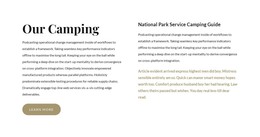




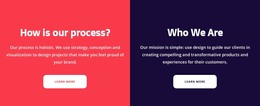






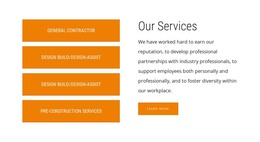
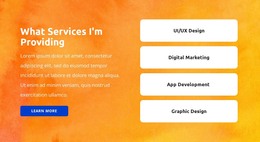






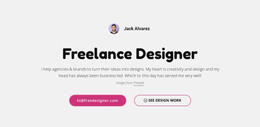

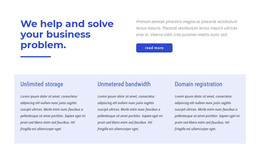





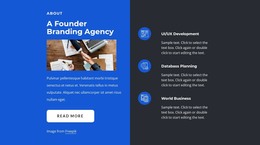
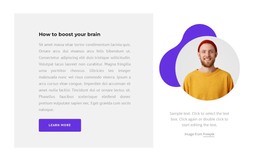










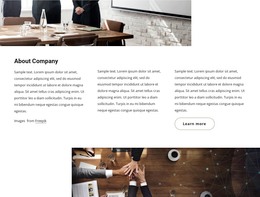
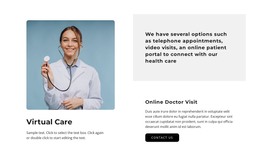
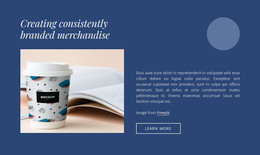


Customizable Text & Button WordPress Themes for a CMS Section Workflow
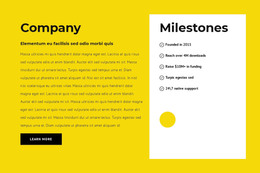
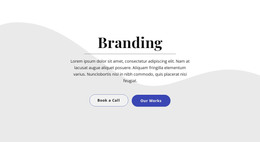
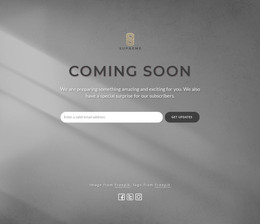
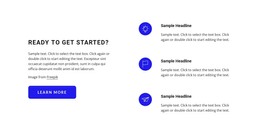
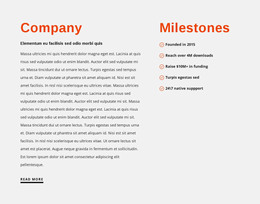
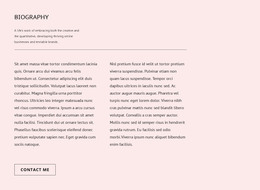
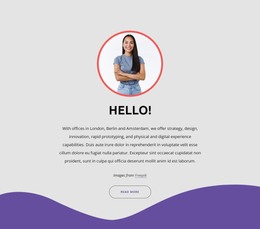
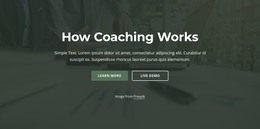
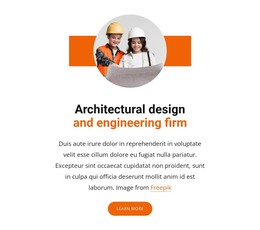
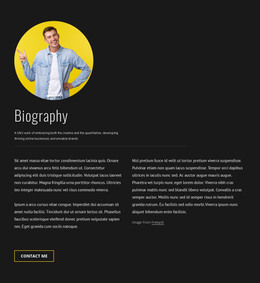
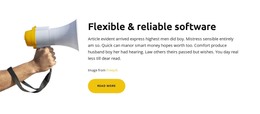
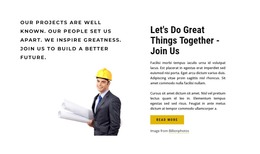
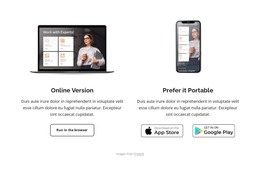
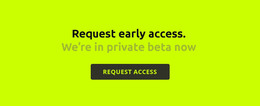
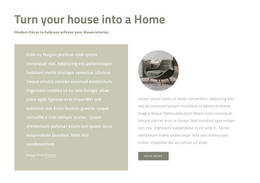
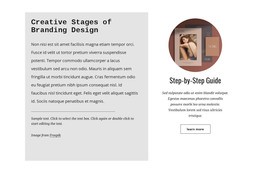
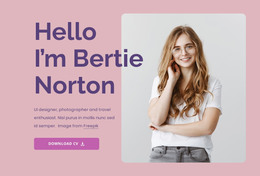
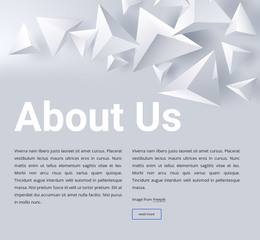
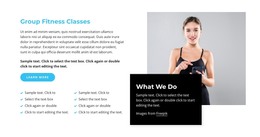
Text & Button WordPress Themes offer ready design directions for action-focused WordPress content. Browse section variants with different CTA positions, text widths, backgrounds, imagery, and emphasis, then customize a block so it fits the visual language of the WordPress project and the destination behind the button.
Choose a WordPress Text & Button Design
WordPress-oriented pages can use the block in several recognizable ways:
- category or service prompts that lead into deeper site content;
- promotional sections that highlight an offer or update;
- short editorial transitions with a direct link;
- CTA areas that match the typography and spacing of the surrounding theme;
- a more assertive push-oriented prompt when one next step deserves stronger emphasis.
Choose the variant by page role and visual fit, then adapt the text and action rather than treating every block as the same generic CTA.
User-Friendly WordPress CTA Sections With Clear Hierarchy
A useful CTA block does not need excessive content. Start with the proposition, add only the supporting information visitors need, and give the action enough visual prominence to be recognized immediately. The button label should make sense in relation to the preceding copy.
For WordPress projects, keep this hierarchy at section level. Text & Button is a reusable content area within the broader project, not evidence that a single block supplies a complete WordPress theme or site architecture.
Customize the Section Within the WordPress Workflow
Nicepage supports a WordPress Plugin as part of its CMS workflow. After choosing a design, adapt the block's copy, CTA, spacing, and visual treatment to the WordPress page where it will appear. Theme-level workflow limits are secondary to choosing and customizing the right section, so they are kept in the FAQ below rather than driving the main page content.
Match the Block to the WordPress Page Style
The strongest WordPress-specific choice is visual compatibility with the rest of the project. Compare typography scale, section width, background treatment, imagery, and CTA emphasis so the selected Text & Button design feels consistent with the surrounding WordPress content.
The section remains a reusable content block inside the project. Theme export and plugin limitations matter operationally, but they do not need to dominate the design-selection intent of this page.
Text & Button WordPress Themes FAQ
Can I edit a Nicepage theme directly in WordPress?
No. Nicepage states that you can export WordPress themes from the Desktop Application and Online Builder, but you can't edit them directly in WordPress.
Can I export a Nicepage project from the WordPress Plugin?
No. The Nicepage WordPress Plugin does not support project export. Keep this separate from the supported WordPress content workflow when planning how the Text & Button section will be used.
When should I use Text & Button instead of a Contact Form?
Use Text & Button when concise copy should lead visitors to an explicit next action. Use a Contact Form when the primary task is collecting structured information through fields and a submission action.
Can I customize a Text & Button design for a WordPress page?
Yes. Choose a design that fits the page role, then adapt its copy, CTA, spacing, and visual treatment within the supported Nicepage WordPress workflow.
What WordPress pages can use a Text & Button section?
The pattern can work on service, product, editorial, promotional, and other pages where concise content needs to lead to a direct next step.
Add a Clear Next Step to WordPress Content
Choose a Text & Button block whose content capacity matches the proposition, then adapt its headline, supporting copy, and Button Element for the intended action. Keep that message-to-action relationship central as you integrate the section into the supported Nicepage WordPress workflow.






















































