
140 Sale WordPress Themes



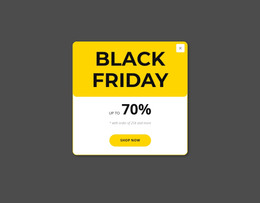
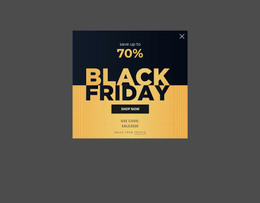
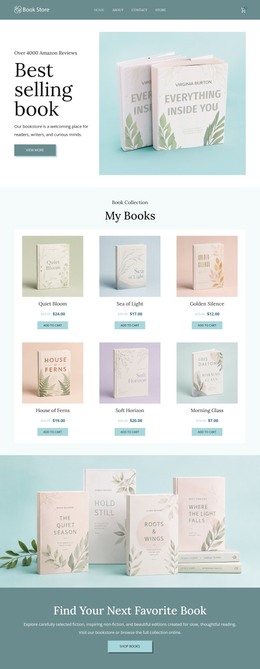





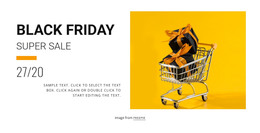













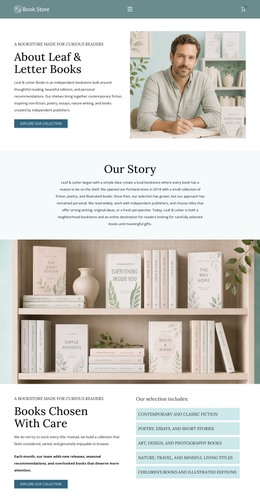
















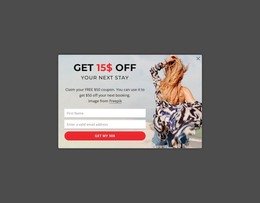














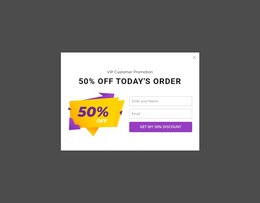
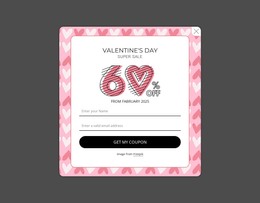









































Premium Sale WordPress Themes for Retail Campaigns
Fast campaign updates and safe client handoff define a successful WordPress sale website when offers change often. Sale WordPress themes give ecommerce teams, outlet stores, wholesalers, and promotional managers a structured way to present discounts, product groups, and seasonal offers while the CMS keeps day-to-day content under controlled access.
How to Prepare a Responsive Sale Site in WordPress?
A sale-focused WordPress workflow works best when each layer has a clear role:
- Use the theme for the shared visual system and store-wide structure.
- Use the Nicepage WordPress Plugin for page and content work inside the CMS.
- Use product layouts and campaign blocks for changing offers, clearance groups, and seasonal promotions.
This separation helps a team refresh campaign content without treating every discount change as a complete redesign. For stock reductions or end-of-season activity, clearance campaign ideas can help define which categories, prices, and urgency messages deserve the strongest placement.
Nicepage supports WordPress and WooCommerce e-commerce websites. The E-Commerce in WordPress workflow covers the CMS-specific store setup. At the same time, the visual editor lets teams shape product-oriented pages around the campaign rather than accept a generic catalog presentation. The plugin provides live editor integration for page and content work; visual theme customization and theme export remain separate from direct theme editing inside WordPress.
Customizable Features for WordPress Sale Stores
For the storefront layer:
- Product List Page Template can output a store catalog and use product data from WooCommerce in WordPress.
- Product Details Page Template can present the information for an individual WooCommerce product.
- Checkout Page Template lets you design the checkout page that is exported with the other ecommerce page layouts.
- Multi-Row Header can combine a Menu, Search Field, Shopping Cart, Social Icons, and Contacts for a promotion-heavy store.
For CMS control:
- WordPress Plugin lets you work directly in WordPress to add images, edit content, and design responsive page layouts.
- Theme Settings apply global colors, fonts, typography, Header, and Footer styling across the site.
- User Roles can separate design and content permissions when marketers, clients, or store staff share access.
- Export Websites supports WordPress Theme export from the Windows or macOS Desktop Application.
These controls matter when a retail campaign must remain visually consistent while product content changes. A trade-focused sale page may need a different catalog emphasis from a clearance event, yet both can keep the same brand system and shared header & footer builder controls. A WooCommerce sale page can also use a cyber sale direction when technology offers need a distinct campaign identity without changing the CMS workflow.
Best Practices for Clearance Campaigns in WordPress
Do: keep permanent theme styling separate from temporary sale messages, and give content staff only the access they need for routine updates. Don't: rebuild shared theme areas for every promotion or give broad design permissions to users who only need to change copy, prices, or campaign sections during fast seasonal campaign cycles. Nicepage documents this controlled editing model in User Roles in WordPress.
Professional Sale WordPress FAQ
Can I create a WooCommerce sale page with Nicepage?
Yes. Nicepage supports WordPress WooCommerce e-commerce websites, including product-oriented layouts for catalogs, product details, carts, and checkout flows.
Can store staff update sale content without full design access?
Yes. User Roles can give collaborators specific permissions. For example, a client or content editor can get limited editing access so routine content changes don't expose the full design workflow.
How can I organize a changing clearance catalog in WordPress?
Use the Product List Page Template to create the Store Page and output product data from WooCommerce. This keeps the catalog structure consistent while the available products, prices, and promotional groups change across a WordPress sale website.
Can I edit an exported WordPress theme directly inside WordPress?
According to the Nicepage FAQ, you export WordPress and Joomla themes from the Desktop Application or Online Builder and don't edit them directly in the CMS. The Nicepage WordPress Plugin is used for page and content editing within WordPress.
No-code WordPress Workflow for the Next Sale
Sale WordPress themes are most useful when design, CMS access, and ecommerce structure support the same campaign plan. Choose a design direction, open the relevant Nicepage WordPress website builder workflow, refine the promotion and WooCommerce layouts, then export the WordPress theme and continue page or content work through the plugin where appropriate. Start for free to test the visual workflow before the campaign goes live.






















































