Secure Authentication WordPress Theme


Edit Template Offline
2. Create new page and search for id 6449413
Edit Template Online
Create Awesome Websites


Free Nicepage Builder
Keywords
Inquiry cards and support content provide distinct WordPress page areas
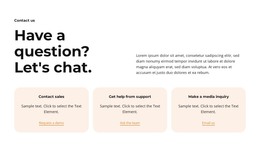
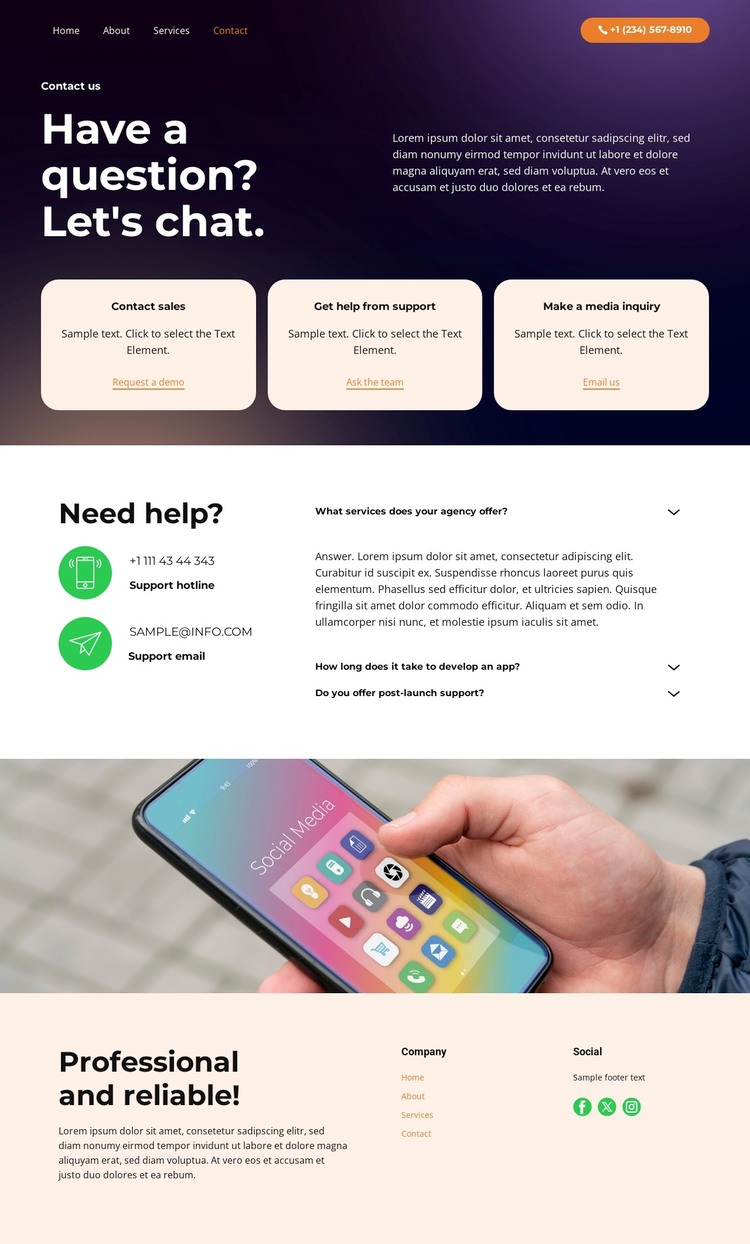
The hero’s three inquiry cards create permanent contact-oriented content areas that can be interpreted as separate routes within a WordPress theme. Sales, support, and media each have a clear role, while the repeated rounded treatment keeps them part of one visual system. The visible actions—Request a demo, Ask the team, and Email us—can be mapped to confirmed project destinations after the sample content is replaced, but the template itself does not establish WordPress Pages, Posts, or a particular form integration.
The support block offers a different content relationship. A hotline and email channel provide direct assistance information, while three FAQ questions explain services, app development timing, and post-launch support. This combination can support a permanent contact or support page, with the FAQ content kept distinct from regularly updated editorial material. The full-width mobile phone photograph adds a strong media area that can remain part of the page’s visual character while surrounding content is maintained through the CMS.
The footer’s company navigation, descriptive copy, and social links represent shared site content that can recur around related WordPress-managed pages. Together, the inquiry routes, support explanation, technology image, and footer regions form a theme foundation for organized page content. The design’s value is not an invented blog structure; it is the way its existing communication areas can remain visually coordinated as the WordPress project adds verified content.
Customize with Nicepage
Open this ready-made template in the WordPress Website Builder and customize it visually in the Nicepage editor. Replace demo content, edit page sections, and adapt the design to your project without rebuilding the template from scratch.
Manage and Edit This Theme in WordPress
Customize and Install the WordPress Theme
Start with this ready-made theme instead of building the WordPress design from scratch. Customize its layout, content, typography, images, sections, and other design elements visually in Nicepage editor, then export and install the WordPress Theme, Plugin, and Pages on your WordPress site. The Nicepage WordPress Plugin lets you continue working with the site after installation.
Edit the Theme Directly in WordPress
After installation, you can edit the WordPress Theme directly in WordPress with the Nicepage WordPress Plugin. Use Site Style to customize site Colors, Fonts, Header, Footer, Blog, and Post Page Templates while working within your WordPress website.
Edit WordPress Pages Visually
Use the Nicepage WordPress Plugin to edit page content directly from the WordPress admin area. Open a WordPress Page with Nicepage and visually change its text, images, sections, and other page elements while continuing to manage the Page through WordPress.
WordPress Content and Theme Integration
Use the customized theme with WordPress Pages, Posts, Blog and Post Templates, menus, widgets, and other CMS-managed content. Shared theme elements such as Colors, Fonts, Header, Footer, Blog, and Post Page Templates can be managed as part of the overall site design, while WordPress provides the CMS environment for managing site content.
This workflow combines a ready-made WordPress Theme with visual customization, direct theme editing in WordPress, and continued content management through the Nicepage WordPress Plugin.