110 Slider WordPress Themes












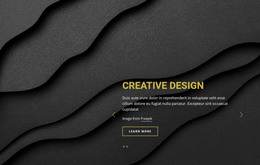






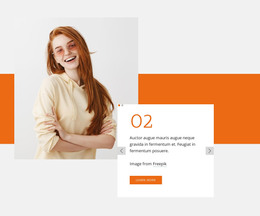


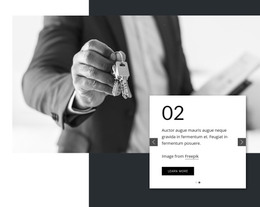
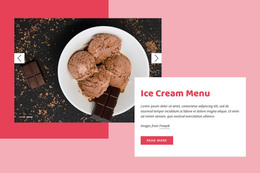
































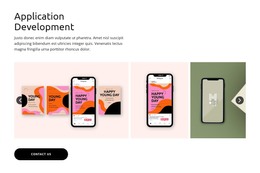


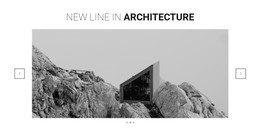



























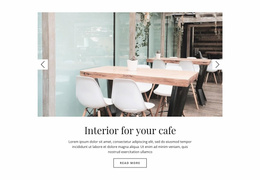

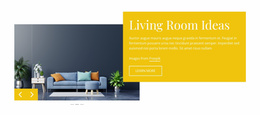





Slider WordPress Themes and Slider Designs for WordPress
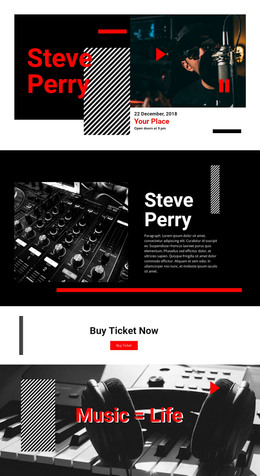
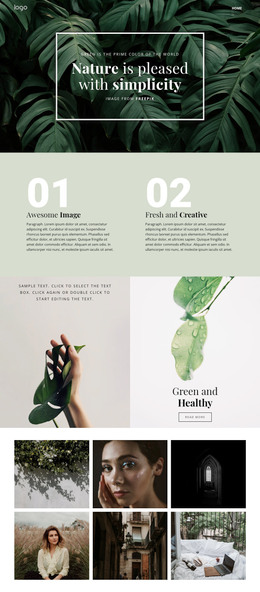
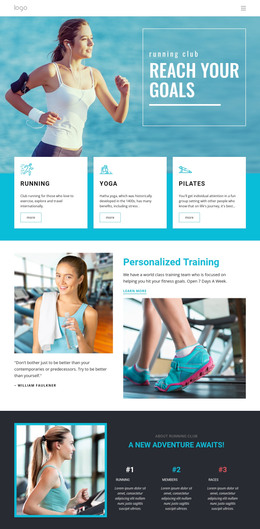
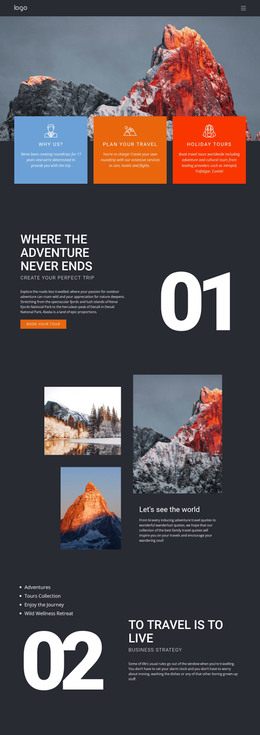
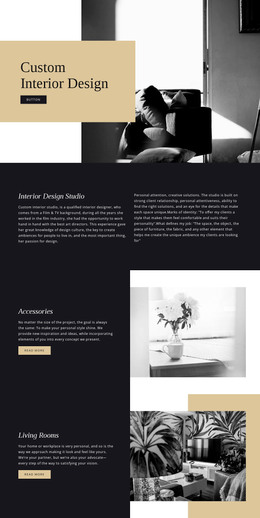
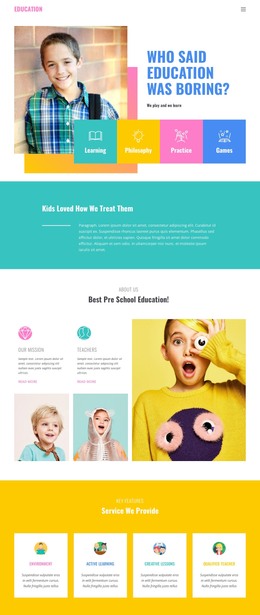
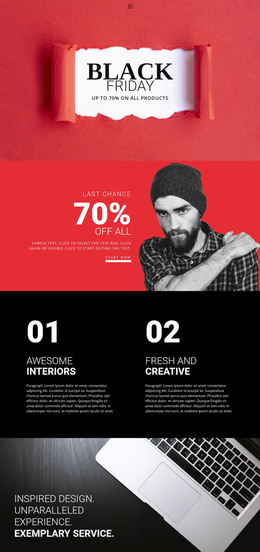
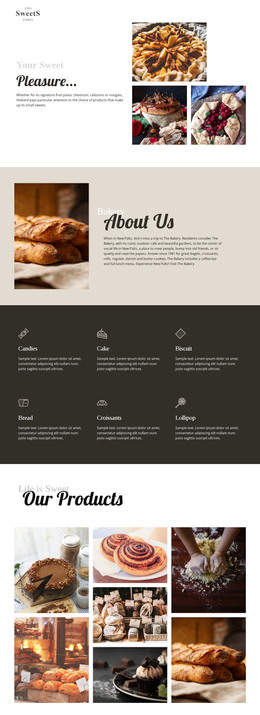
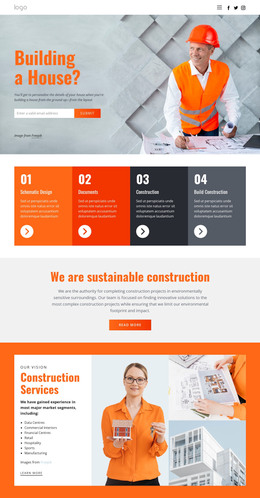
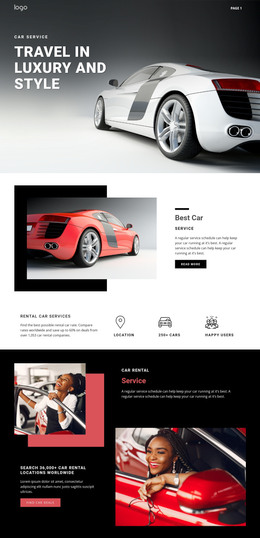
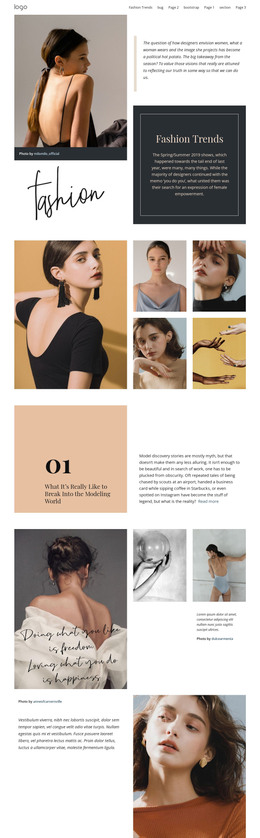
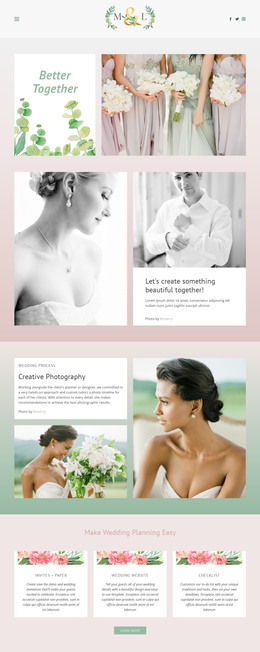
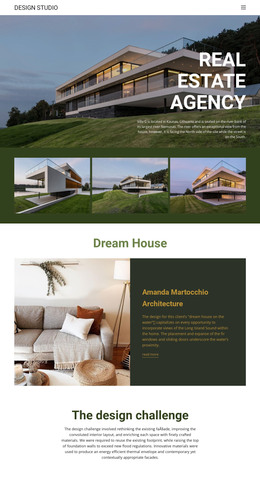
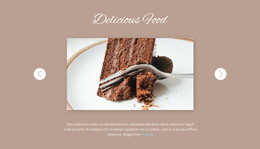
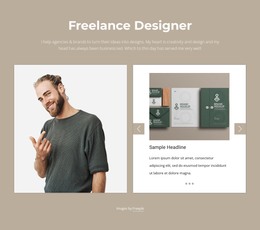
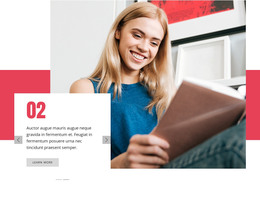
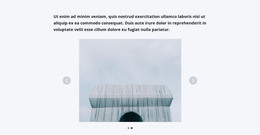
Slider WordPress Themes brings together ready-made Slider-related designs presented for WordPress use in Nicepage. Browse the actual catalog items for layouts featuring editorial highlights, services, products, or testimonials, and select the option that matches the content and type of WordPress project you are preparing.
The catalog may include theme-oriented page designs and Slider sections within them. Check the format and scope of each selected item instead of assuming every Slider card is either a complete installable WordPress theme or only a standalone block.
Choose a Slider Design for WordPress Content
Different page purposes call for different slide compositions:
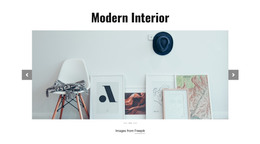
- Featured stories benefit from images and concise editorial summaries.
- Service introductions need room for a clear benefit and optional action.
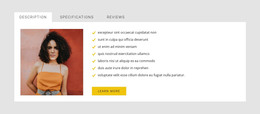
- Testimonials prioritize readable quotations and names.
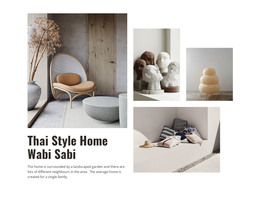
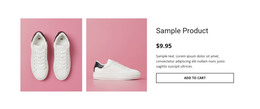
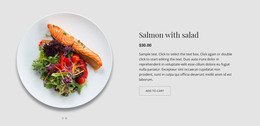
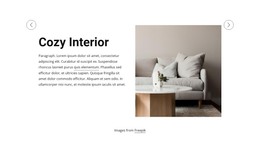
- Product highlights place imagery beside a focused description.
Select a template whose example slides resemble the type and volume of content you want to show. A text-oriented section may suit a professional-services site, while an image-led showcase may better suit creative work.
Evaluate Ready-Made Content Arrangements
The Slider Element supports images, text, buttons, and other elements within individual slides. This flexibility allows a selected design to be personalized. Still, choose based on the template's existing composition, especially how it handles longer headlines, multiple offers, and mobile presentation.
For a content-heavy WordPress page, an understated Slider may keep the flow focused. A promotional introduction might justify larger visuals. Visible navigation matters, but it should support rather than overpower the messages.
Confirm the Selected WordPress Design Format
Nicepage provides WordPress-oriented design and editing workflows; the Nicepage WordPress workflow guide explains supported page use. When selecting a Slider design, check whether the item is presented as a theme-related design, a page, or an individual section, and whether it fits the intended WordPress workflow.
The platform context matters, but the concrete catalog item determines what is being offered. A Slider-themed listing should not be described as a complete theme package without checking it, nor dismissed as a mere block when a fuller WordPress design is available.
Slider WordPress Themes FAQ
Does every Slider listing include a complete WordPress theme?
Not necessarily. Check each catalog item for its actual format and available WordPress use. Some designs may represent a Slider section within a larger page or theme-related project.
Which layout suits featured WordPress articles?
An image-and-summary design with space for each article's headline is a practical choice.
Can I choose a design for testimonials instead?
Yes. A text-forward layout is often more suitable for quotations and attribution than a large-image showcase.
Can the chosen slides be edited later?
Nicepage supports visual editing on pages compatible with its WordPress workflow. Confirm the target page is supported before relying on that capability.
What should guide the choice of slider size?
Consider whether the Slider is a secondary feature section or a leading visual area, and select the ready-made proportions accordingly.
Find a WordPress-Ready Page Section
Compare the Slider-focused WordPress designs by their visual content and item format. Choose one that fits the intended theme or page context, and use Nicepage’s supported workflow for personalization.