300 Gallery WordPress Themes





































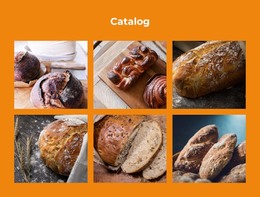
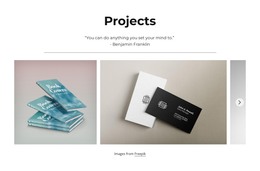







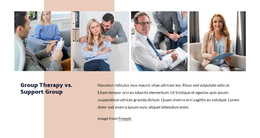












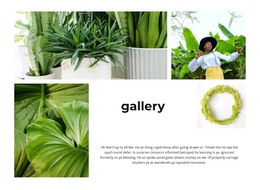






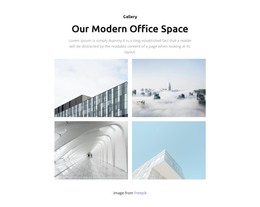






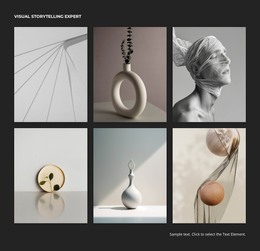








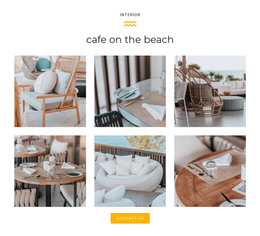















Gallery WordPress Themes for Image-Focused Page Sections
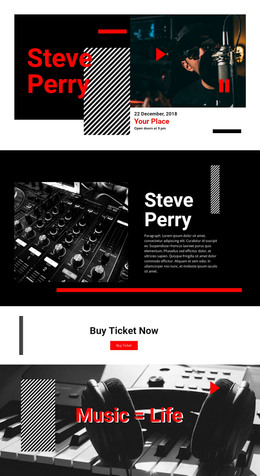
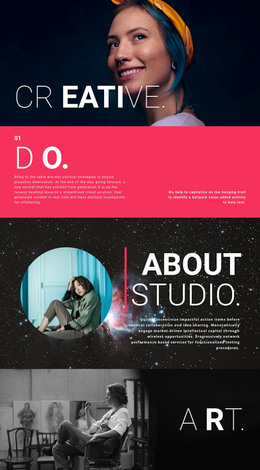
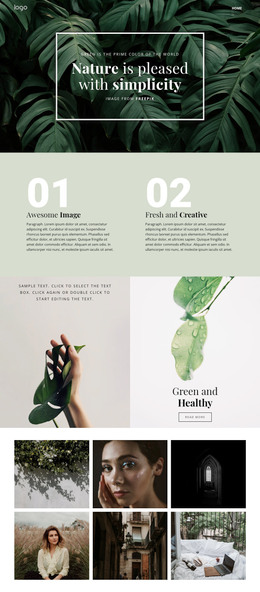
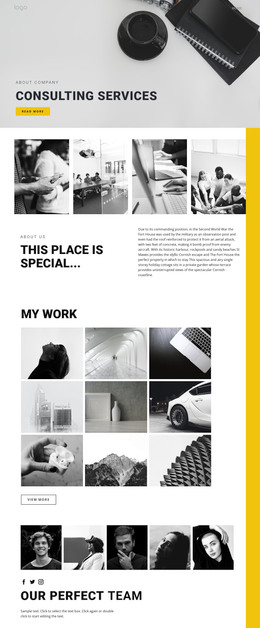
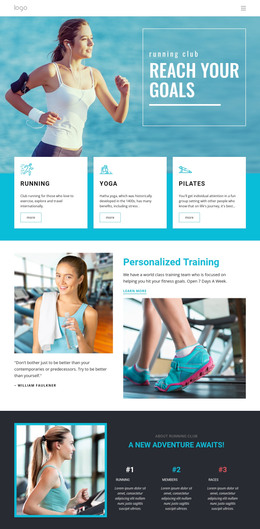
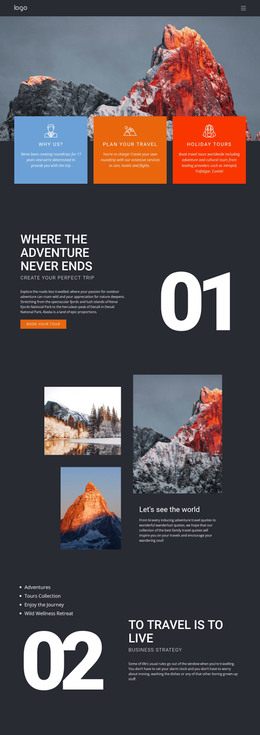
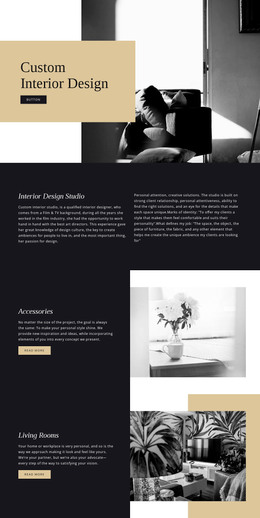
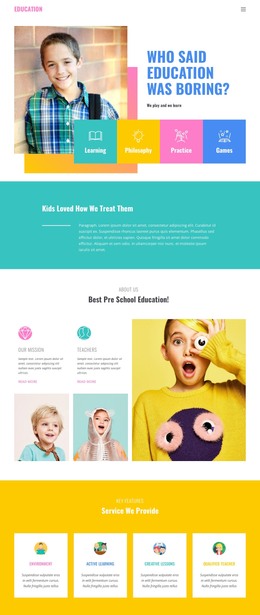
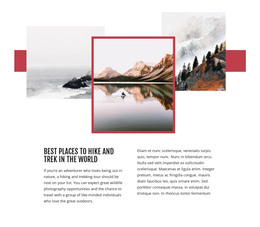
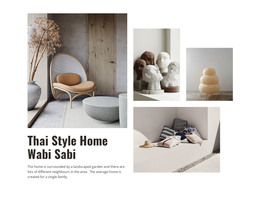
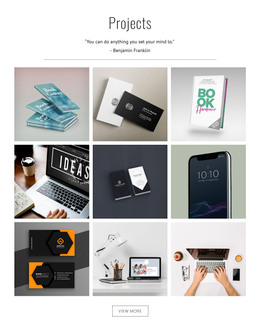
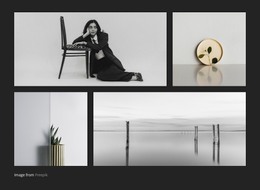
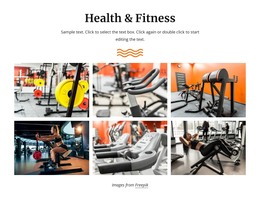
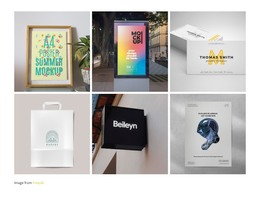
Browse ready-made Gallery designs for image-focused sections of WordPress websites. Compare compositions for portfolio pages, photography collections, illustrated posts, and project showcases. Some designs give every photograph equal prominence, while others feature a single image or include captions for individual works.
Choose a Gallery block based on the role the image collection plays on the WordPress page. A portfolio may benefit from a spacious showcase, while a gallery accompanying an article can use a more compact arrangement. These are ready-made Gallery sections for WordPress-oriented pages, not complete WordPress themes.
Choose a Gallery Design for a WordPress Portfolio or Article
A WordPress portfolio may need a substantial image collection, while a business page might need just a few photographs of finished work. Nicepage offers ready-made Gallery sections with different visual emphasis, from regular image groups to a composition led by a standout photograph.
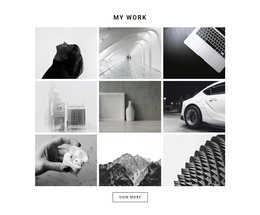
- Balanced grids suit comparable photographs or portfolio entries.
- Featured-image designs help one project take the lead.
- Captioned collections identify individual works or details.
Nicepage's Image Gallery Element provides the visual collection. Its role in a WordPress-oriented project depends on the surrounding page; choose the design based on the imagery and how much space the section should take up.
On a WordPress portfolio, a spacious Gallery can make large project photographs the main event. A more compact design is suitable when images illustrate a written post or accompany service information. Captioned collections work for galleries in which each completed project needs its name or short description. These ready-made Gallery sections can complement a broader WordPress website design.
The Nicepage WordPress Plugin offers a supported way to work with these page sections in WordPress, after choosing the appropriate Gallery design.
Maintain a Clear Visual Collection as Content Changes
A gallery should remain recognizable when new images are added. Repeated photographs, inconsistent cropping, or excessive captions can make the section harder to browse.
Group images by subject and choose an arrangement that fits their proportions. Use captions to clarify visual content, not to replace the surrounding article or project description.
If the main goal is one decorative composition with overlapping photographs, Layered Images may be a better choice. Gallery is more appropriate when visitors need to examine multiple distinct images within a connected collection.
Gallery WordPress Themes FAQ
Can I edit a Gallery section directly in WordPress with Nicepage?
Yes. The Nicepage WordPress plugin lets you edit pages created with Nicepage on a self-hosted WordPress website. You can open a supported page in the Nicepage editor and modify its Gallery content and layout.
Can I replace images and adjust captions in a WordPress Gallery section?
Yes. The Nicepage Image Gallery Element supports image replacement and configurable gallery properties. It also provides caption and image-preview options for supported gallery arrangements.
Which Gallery design works best for a WordPress portfolio?
A spacious Gallery with a prominent image suits a portfolio built around selected projects. For a broader collection of photographs, choose a balanced arrangement that gives several works comparable attention. Captioned designs are useful when each image needs a title or short project description.
When should I choose Gallery instead of Slider for WordPress content?
Choose Gallery when visitors need to browse several related photographs as one visual collection. A slider is better when the presentation emphasizes viewing individual slides sequentially. Gallery provides a collection-focused arrangement with supported image captions and previews.
Add a Gallery Section to Your WordPress Project
Choose a Gallery block design that suits your images and open it in the Nicepage editor. Replace photographs, refine the arrangement, adjust spacing, and add captions where they improve understanding.
Integrate the section into your WordPress page content and follow the supported Nicepage editing workflow to maintain it. The result is a recognizable image collection that visitors can browse without losing the context of the surrounding page.