
410 Testimonials WordPress Themes















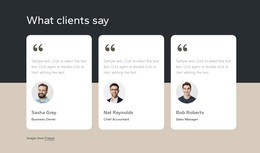
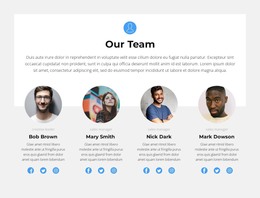
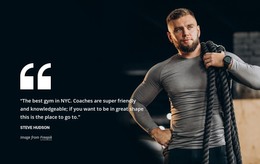

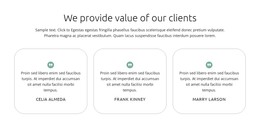







Flexible Testimonials WordPress Themes for Customer Feedback and Page Content Editing
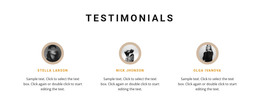
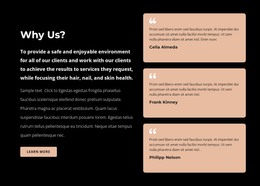
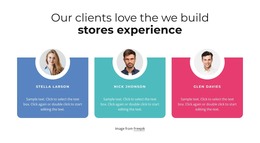
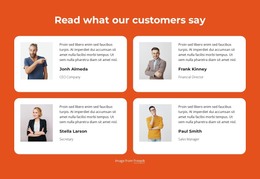
Customer quotations need a recognizable place on a WordPress page, with each review clearly connected to the person who provided it. Testimonials WordPress Themes offer section designs for presenting client experiences, author names, optional portraits, and supporting details. These blocks can be adapted within a Nicepage WordPress project without treating customer feedback as a separate website or an automatically generated review system.
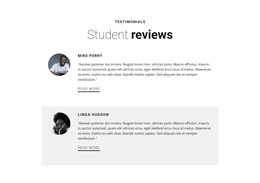
A testimonial section works best when the statement itself remains the focus. Names and portraits provide context, while card layouts help visitors distinguish one customer's experience from another.
Testimonial Sections for WordPress-Oriented Projects
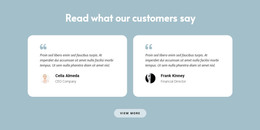
Testimonials WordPress Themes presents testimonial-oriented designs for WordPress projects, including individual review blocks in the category results. A theme provides the wider WordPress presentation, while a testimonial block is one section of page content. A portfolio might highlight a client story; a service site might feature a grid. Check the individual result before assuming it includes a complete theme rather than a section design.
The section can include:
- Customer quotations: Genuine statements describing an experience or outcome.
- Author names: Identification placed close to the corresponding feedback.
- Roles or companies: Optional context that helps explain the customer's perspective.
- Customer portraits: Images that support attribution when permission is available.
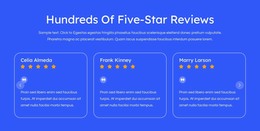
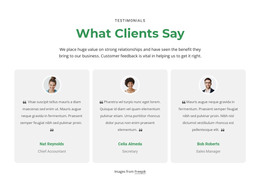
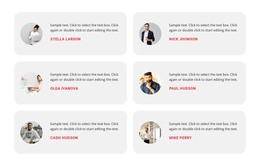
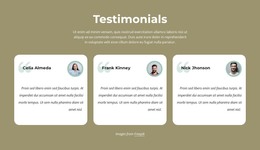
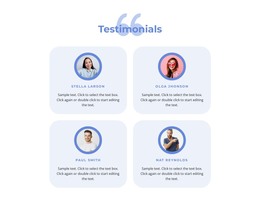
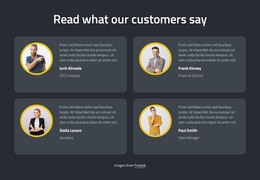
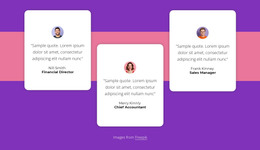
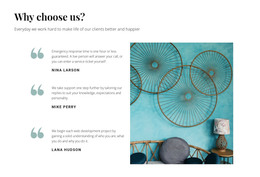
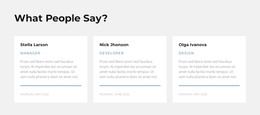
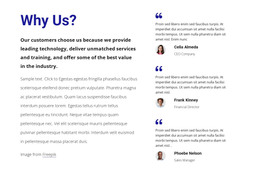
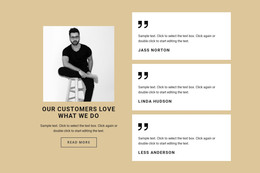
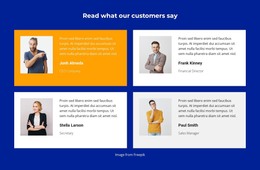
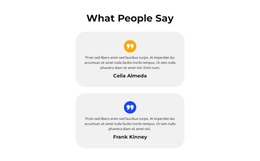
- Review cards: Consistent content groups for presenting several customer experiences.
Not every testimonial needs a portrait or rating. A detailed quotation with clear attribution may communicate more than a card filled with decorative elements. The main priority is keeping the customer's words readable and identifiable.
A WordPress Review Layout That Suits the Content
Review count, the balance of imagery and text, and available space all influence the fit. Restrained cards may work well for a corporate project; a creative portfolio might give one customer's words more prominence. The design comes first, with plugin or export questions considered only when relevant.
The Nicepage Text Element supports the written content of a testimonial, including the quotation and customer attribution. Within a section design, you can distinguish these elements through typography and spacing.
Consider three common arrangements:
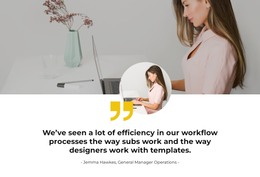
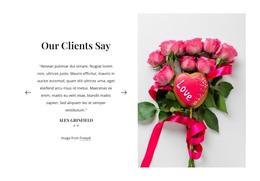
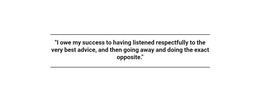
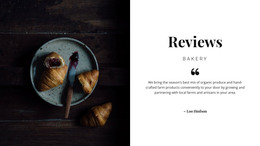
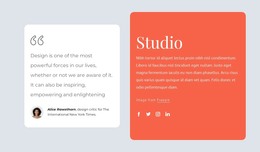
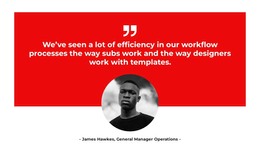
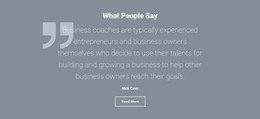
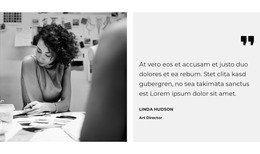
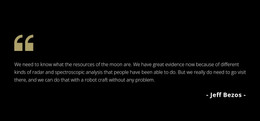
- Featured customer story: Give a longer statement more room and place attribution directly beneath it.
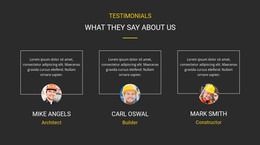
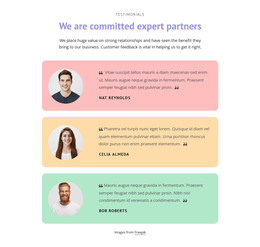
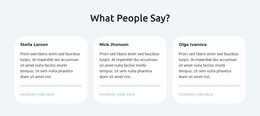
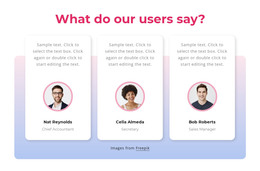
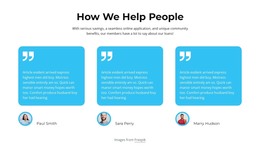
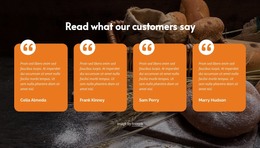
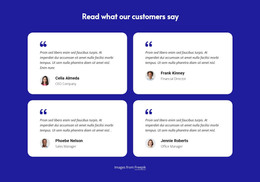
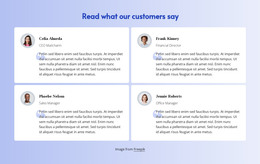
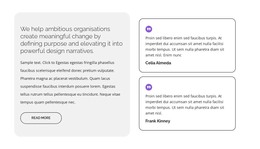
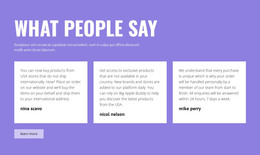
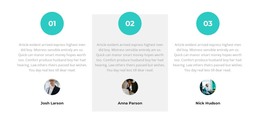
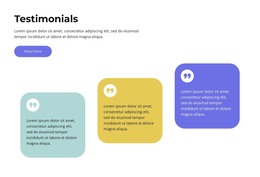
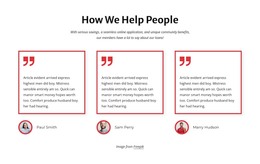
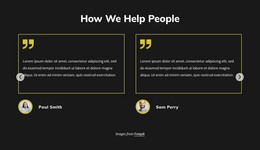
- Multiple review cards: Use a consistent layout for several shorter customer experiences.
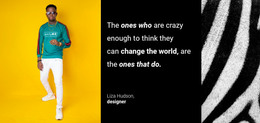
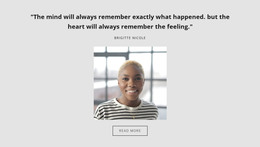
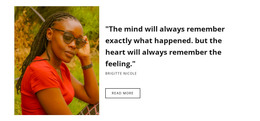
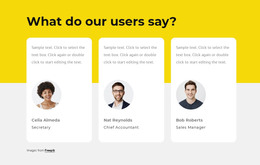
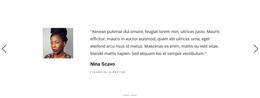
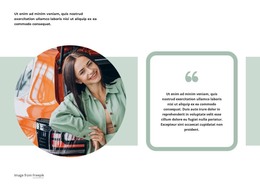
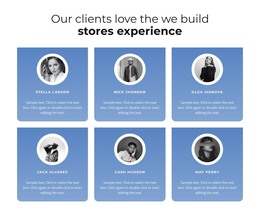
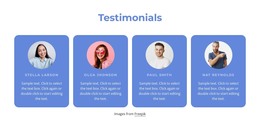
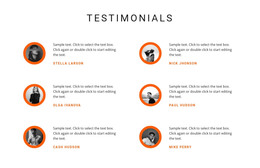
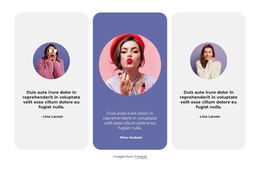
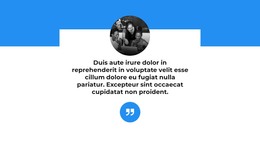
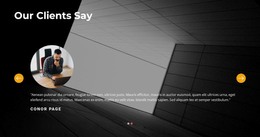
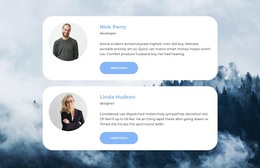
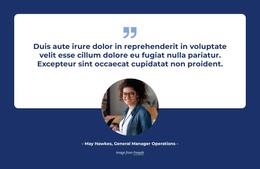
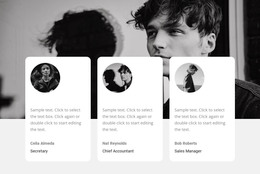
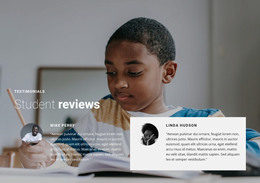
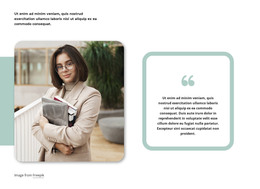
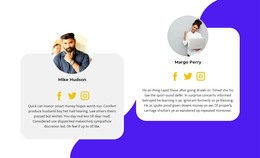
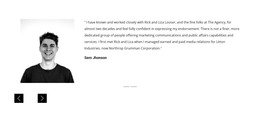
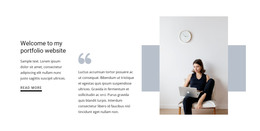
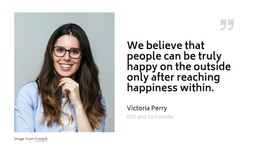
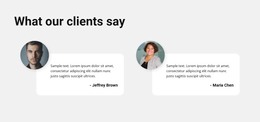
- Portrait-and-quote composition: Connect an identifiable customer image with the accompanying statement.
The testimonial section examples can provide additional layout directions. Whatever arrangement you choose, the customer's experience should remain more prominent than the surrounding decoration.
Nicepage's WordPress Plugin supports editing Nicepage page content, including quotations and reviewer details in a testimonial section. Exported WordPress themes come from the supported Nicepage application or online workflow and are not edited directly as themes inside WordPress. These distinctions matter for a WordPress project, but they shouldn't distract from judging the design itself.
Check How the Design Fits the WordPress Site
Preview the selected review section beside existing WordPress page content. A good candidate matches the site's overall mood without demanding identical layouts for every page.
The chosen block should remain readable with the actual review lengths and available customer details.
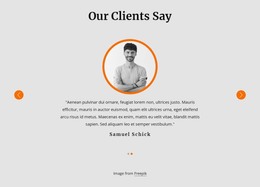
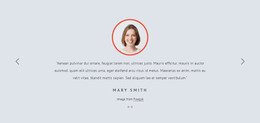
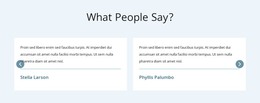
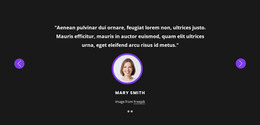
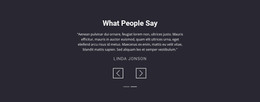
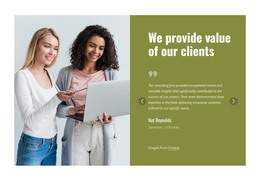
Similarly, a Slider may display several quotations, but sliding between panels is only a presentation method. The essential testimonial content remains the customer statement and its attribution.
The customer review examples offer further references for presenting feedback. However, a testimonial block doesn't automatically collect, moderate, or sync WordPress reviews. Its primary function is to clearly display selected customer experiences
Testimonials WordPress Themes FAQ
Can I edit testimonial sections with the Nicepage WordPress Plugin?
Yes. Nicepage provides a WordPress Plugin for working with Nicepage content in WordPress. You can adapt testimonial quotations, author names, and their visual arrangement within the supported editing workflow.
Can I edit an exported Nicepage WordPress theme directly in WordPress?
No. Nicepage allows WordPress theme export from its Desktop Application and Online Builder, but exported themes cannot be edited directly inside WordPress. Theme editing and testimonial page content editing are separate workflows.
Which testimonial design suits a WordPress service site?
For a service site, compare ready-made sections with a few readable customer statements and room for names or roles. A compact card layout often suits several concise reviews, while a featured quotation can highlight a detailed client experience.
Should I choose portrait cards or text-led testimonials?
Choose portrait cards when approved customer images are available and important to the design. Text-led sections work just as well when the statements and author names provide enough context. The ready-made composition should fit the feedback you have.
Add a Testimonials Section to Your WordPress Project
Begin with a Testimonials block that matches the customer feedback you want to display. Open it in the Nicepage editor, replace placeholder statements with authentic quotations, and arrange names, portraits, and supporting details around the customer's experience.
Then integrate the section through the appropriate Nicepage WordPress workflow. A focused testimonial block gives visitors clear access to real customer perspectives while keeping review content distinct from staff information, brand associations, and the surrounding page structure.






















































