
360 Medicine & Science WordPress Themes

































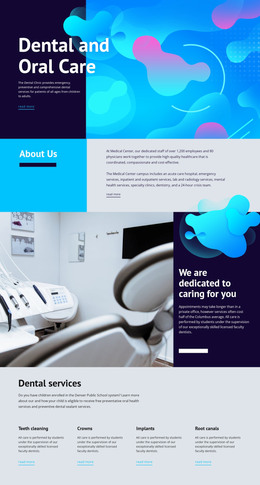
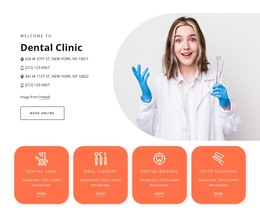


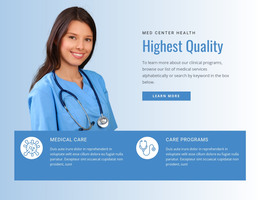




















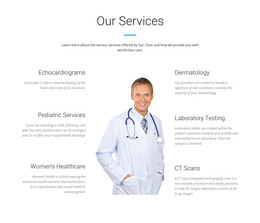




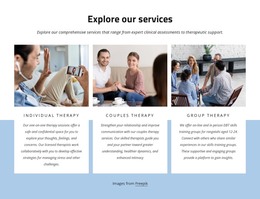
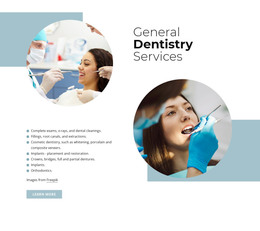


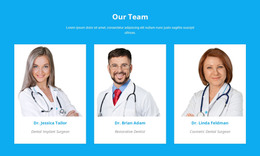
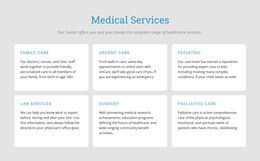

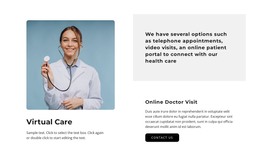





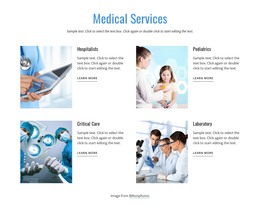

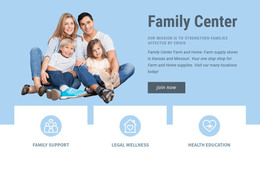

No-Code Medicine & Science WordPress Themes
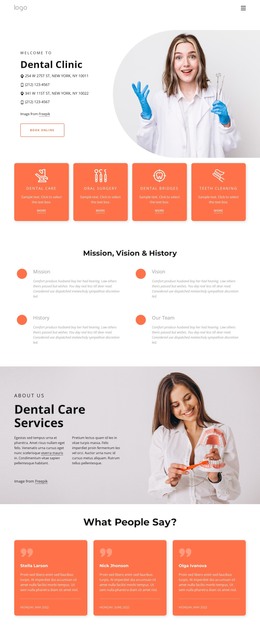
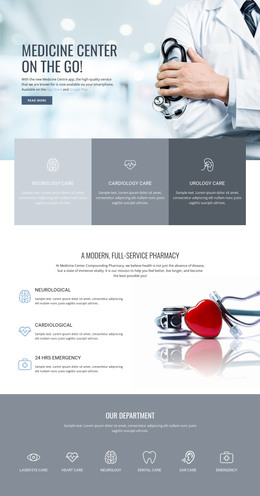
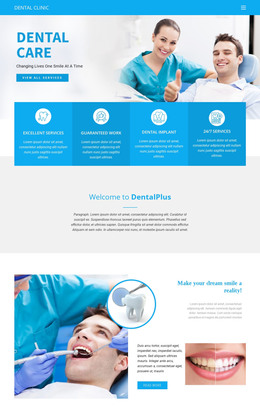
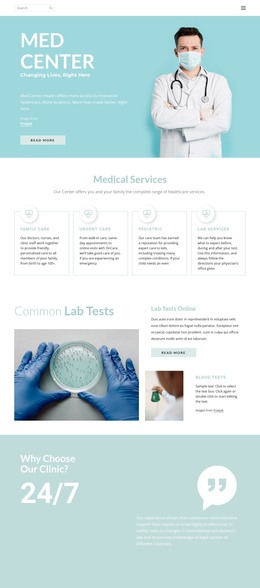
Protect the clinical brand, simplify article updates, and give each editor a clear role. Use medicine & science WordPress themes to keep dermatology services, neurology resources, research posts, specialist profiles, and contact pages within a single visual system. Keep design control with the team while WordPress handles regular content updates.
Who Needs Advanced Medicine & Science WordPress Themes?
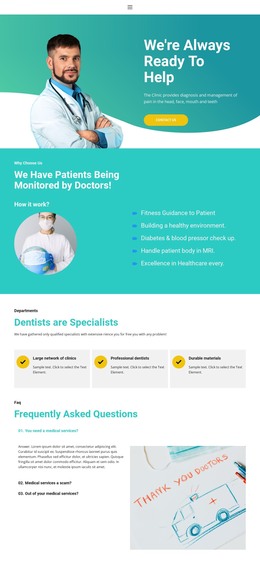
Clinics need structured services and specialist pages; researchers need publication and project content; and medical educators need articles that can expand over time. WordPress suits those recurring updates, while Nicepage adds visual theme control, responsive layouts, blog styling, and editor permissions around the CMS content.
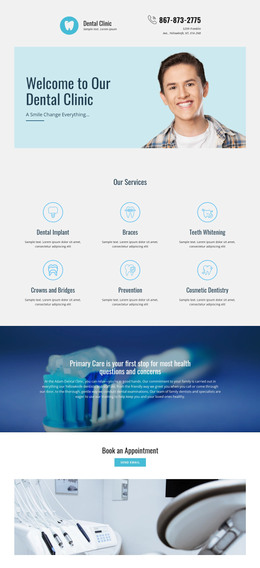
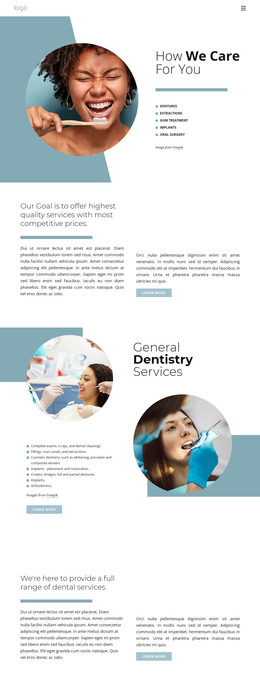
A dermatology practice may separate treatments, conditions, clinicians, aftercare guidance, and educational posts. Dermatology website ideas can help define that hierarchy before you refine the theme and article templates.
Theme and CMS control
- Export Websites: Prepare WordPress Themes from the Nicepage Desktop Application for Windows or macOS. The WordPress App workflow covers the connection between the Desktop Application and WordPress Plugin, including theme, plugin, and page transfer.
- WordPress Plugin: edit Nicepage content directly inside WordPress with visual controls for text, images, grids, and responsive layouts.
- Theme Settings: keep colors, fonts, typography, Header, Footer, Menu, and shared visual decisions consistent across the medical site.
- User Roles: assign Design Editor or Content Editor permissions so staff or clients can update approved content without unnecessary access to the full design.
Research and publishing tools
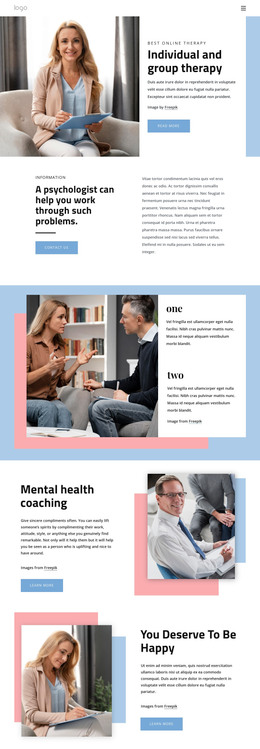
- Blog Templates: style WordPress Blog and Post Templates so research notes, patient education, or institutional articles follow the same visual language as the core site.
- SEO Plugin Compatibility: use Nicepage WordPress designs with SEO plugins such as Yoast and RankMath for SEO analysis.
- Recent Posts WordPress Widget: surface recent articles with titles, thumbnails, authors, categories, and dates where the site needs timely medical or scientific updates.
For a neurology practice, this structure can separate service pages from ongoing patient education; neurology website concepts offer a relevant content direction. A biology team can use WordPress posts for recurring research communication while fixed pages explain laboratories, people, and programs.
Flexible WordPress Administration for Medical Teams
Common Mistake: giving every contributor full design access just because several people publish content. The Fix: separate visual control from routine editorial work. Nicepage User Roles support permission-based editing in WordPress, and the WordPress User Roles documentation explains client editing permissions. For research-heavy sites, biology website ideas can help separate durable institutional pages from frequently updated articles. This keeps routine article work separate from broader theme decisions.
SEO friendly WordPress Questions for Medicine & Science
Does one Nicepage Premium plan cover the WordPress Plugin for a medical site?
Yes. A Nicepage Premium Plan covers the Desktop Application, WordPress Plugin, Joomla Extension, and Online Builder.
Will WordPress plugin or theme updates remove my medical layout adjustments?
No. The Nicepage knowledge base states that visual adjustments, block changes, and custom styling rules are preserved during plugin or theme updates.
Can I export a Nicepage project from the WordPress Plugin?
No. The Nicepage WordPress Plugin does not support project export.
How can a neurology or research site highlight its latest articles?
Use the Recent Posts WordPress Widget. It can show recent posts with titles, thumbnails, authors, categories, dates, and a configurable number of posts.
Easy-to-use WordPress Workflow for Medicine & Science
Ready to let clinical staff maintain WordPress content without turning every routine update into a developer task?
- Choose a suitable design and refine services, research sections, article templates, and responsive layouts in Nicepage.
- Prepare the WordPress Theme from the Desktop App, install the required WordPress components, and connect the site content.
- Start for free, assign appropriate editor access, and keep approved article or page updates inside the CMS while the visual system stays controlled.





















































