Smart living, safe data WordPress Theme


Edit Template Offline
2. Create new page and search for id 6542635
Edit Template Online
Create Awesome Websites


Free Nicepage Builder
Keywords
Page Content and Support Regions Suit a CMS-Maintained Theme
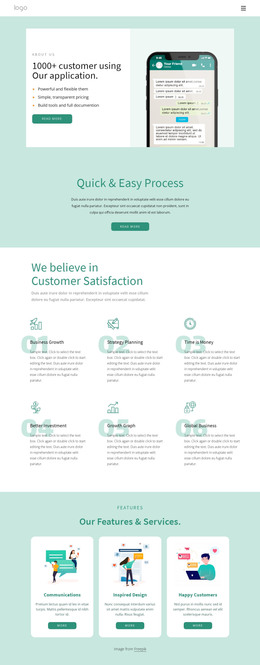
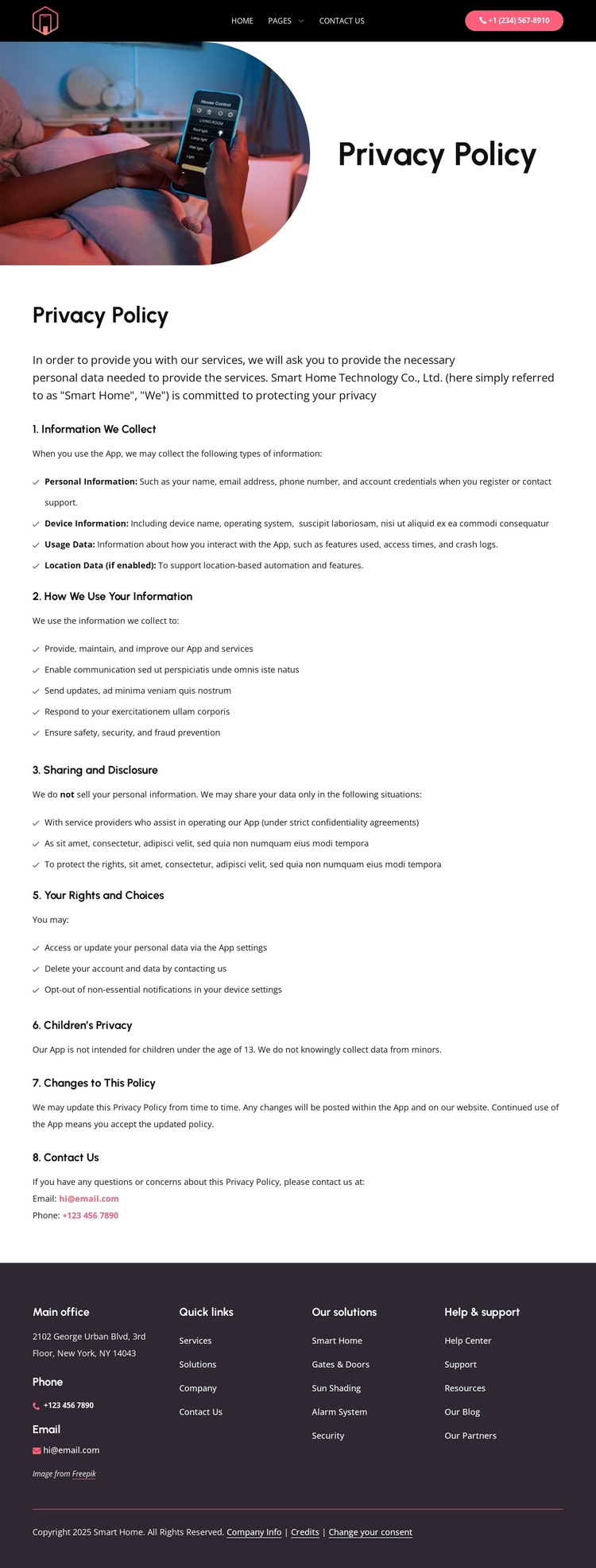
The page’s permanent informational content is divided into recognizable areas that can work within a WordPress-managed site. The opening identifies the policy with a rounded smart home image and a Privacy Policy title, while the first text section explains personal, device, usage, and enabled-location data and describes how the information is used. The next section continues with sharing and disclosure, user rights and choices, children’s privacy, changes to the policy, and Contact Us. These subjects are page-oriented content rather than a claim that blog posts or other dynamic structures already exist.
The shared site regions add a second layer of organization. The dark header connects the policy to Home, Pages, and Contact Us, and the phone contact button keeps a support route visible. The footer then groups office information, phone and email channels, quick links, smart home solutions, and Help & support into four columns. In a WordPress project, this relationship between permanent policy content and recurring site resources can help preserve a consistent theme direction as content is maintained through the CMS. The smart home service references also give the page context within a wider product and support environment.
The source verifies a single privacy policy page, not existing WordPress Posts, categories, or templates. Its WordPress-theme interpretation therefore rests on the content areas that are actually present: page text, navigation, service references, contact channels, and shared header-footer regions. The Nicepage WordPress Plugin may provide a bridge for working with such content, but the template’s primary value remains its organized policy presentation.
Customize with Nicepage
Open this ready-made template in the WordPress Website Builder and customize it visually in the Nicepage editor. Replace demo content, edit page sections, and adapt the design to your project without rebuilding the template from scratch.
Manage and Edit This Theme in WordPress
Customize and Install the WordPress Theme
Start with this ready-made theme instead of building the WordPress design from scratch. Customize its layout, content, typography, images, sections, and other design elements visually in Nicepage editor, then export and install the WordPress Theme, Plugin, and Pages on your WordPress site. The Nicepage WordPress Plugin lets you continue working with the site after installation.
Edit the Theme Directly in WordPress
After installation, you can edit the WordPress Theme directly in WordPress with the Nicepage WordPress Plugin. Use Site Style to customize site Colors, Fonts, Header, Footer, Blog, and Post Page Templates while working within your WordPress website.
Edit WordPress Pages Visually
Use the Nicepage WordPress Plugin to edit page content directly from the WordPress admin area. Open a WordPress Page with Nicepage and visually change its text, images, sections, and other page elements while continuing to manage the Page through WordPress.
WordPress Content and Theme Integration
Use the customized theme with WordPress Pages, Posts, Blog and Post Templates, menus, widgets, and other CMS-managed content. Shared theme elements such as Colors, Fonts, Header, Footer, Blog, and Post Page Templates can be managed as part of the overall site design, while WordPress provides the CMS environment for managing site content.
This workflow combines a ready-made WordPress Theme with visual customization, direct theme editing in WordPress, and continued content management through the Nicepage WordPress Plugin.