
100 Wedding WordPress Themes
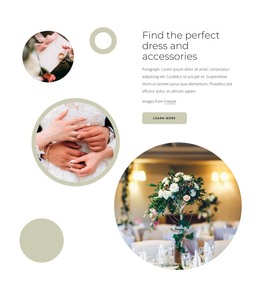
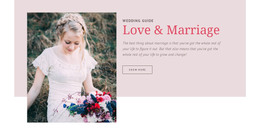
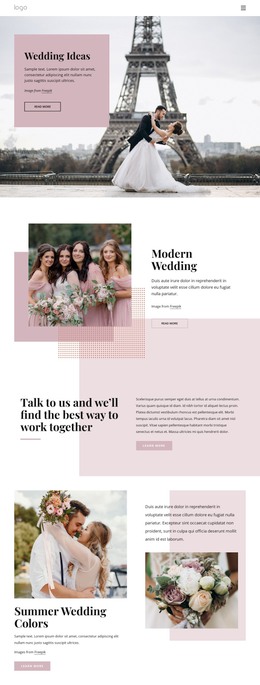
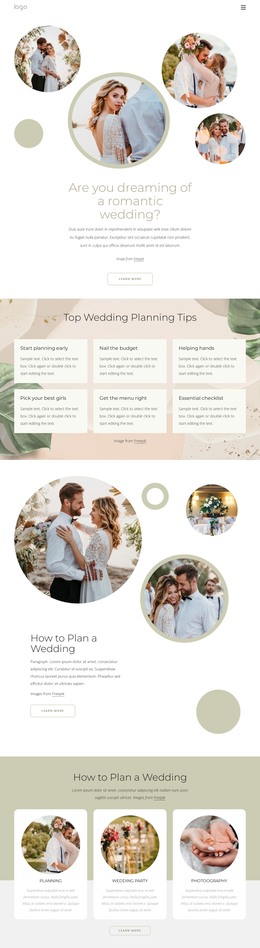
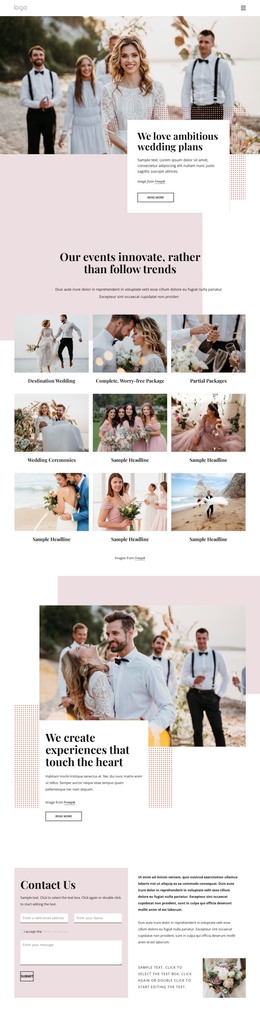
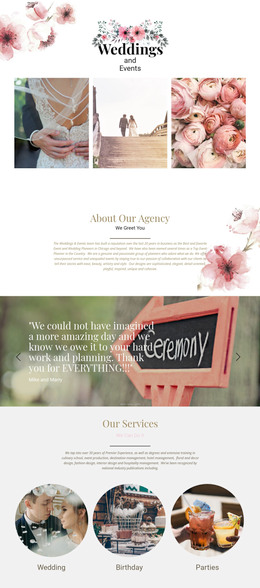
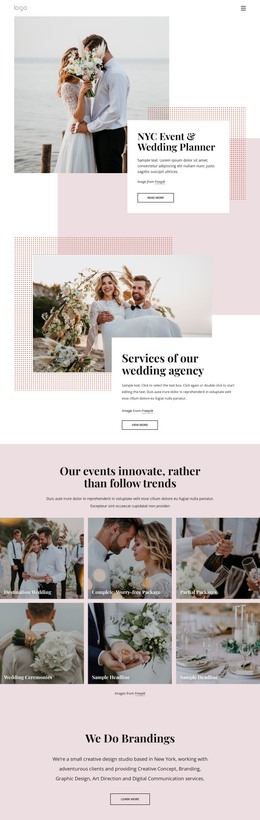

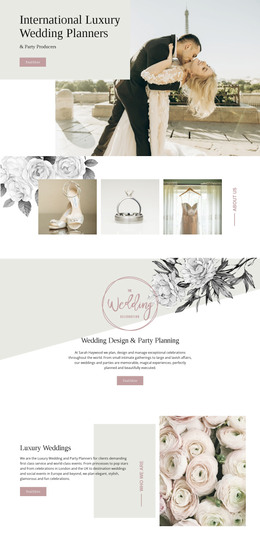
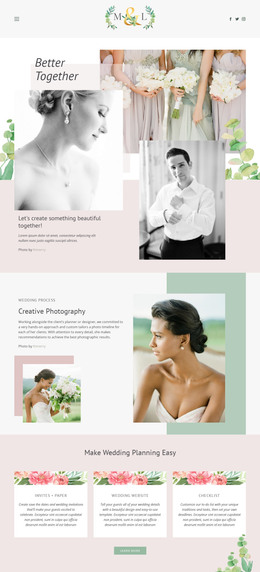


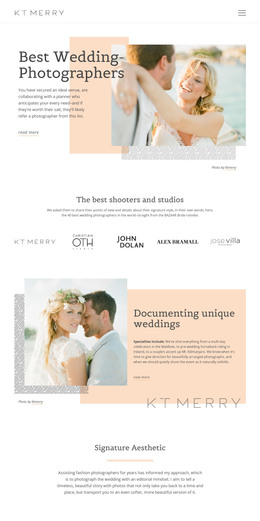
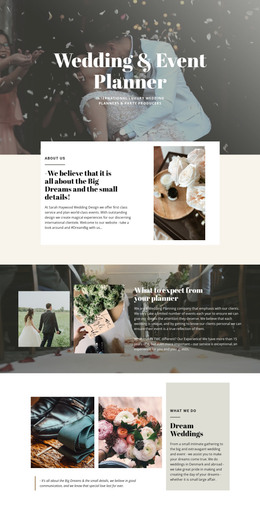


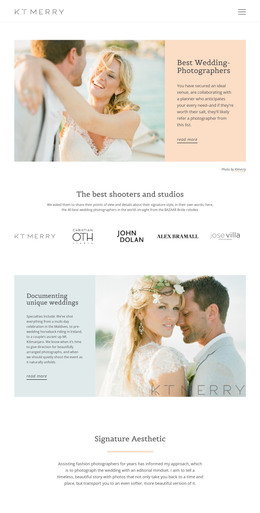
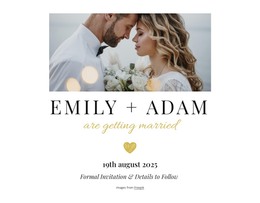
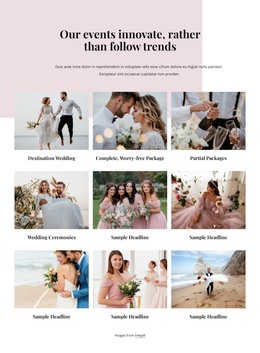

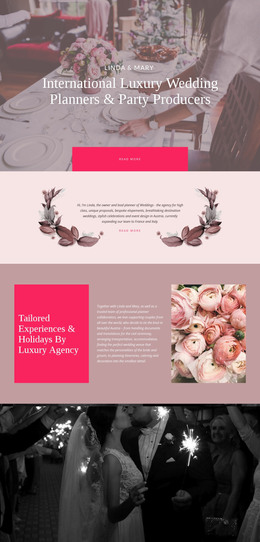

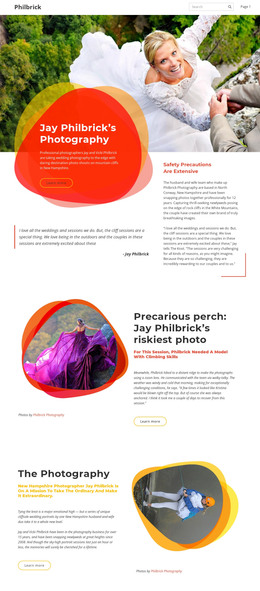








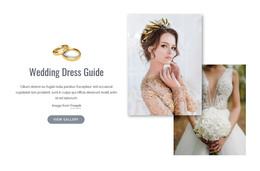
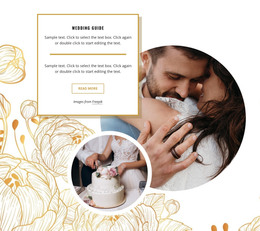
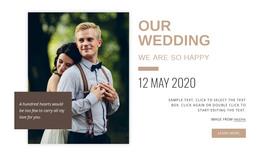
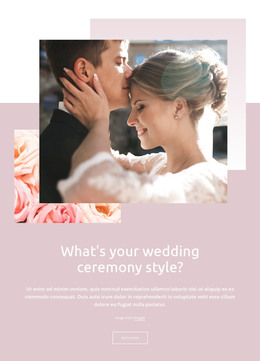
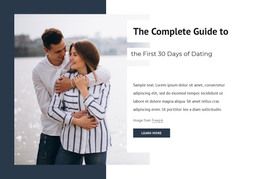



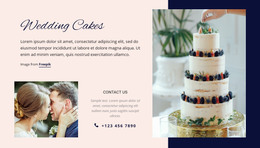
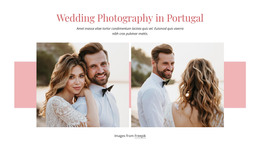


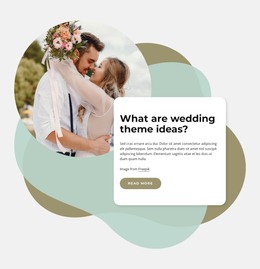



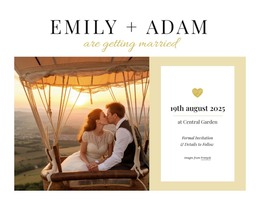
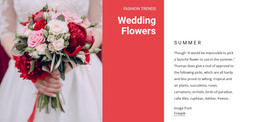

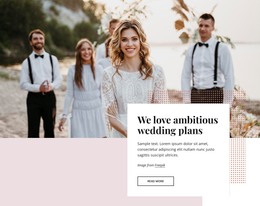

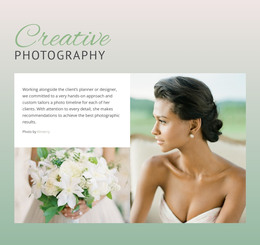

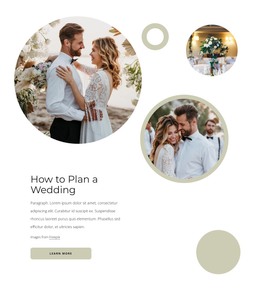

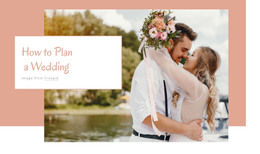
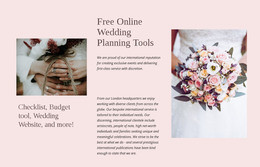
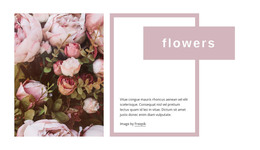

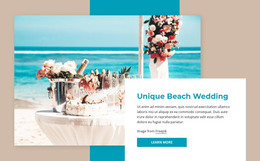
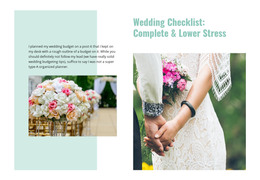
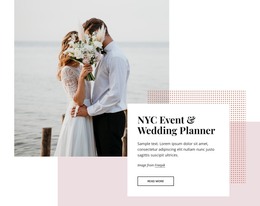

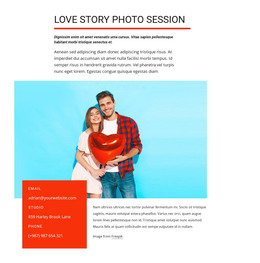

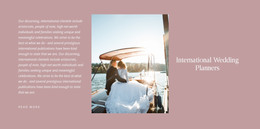

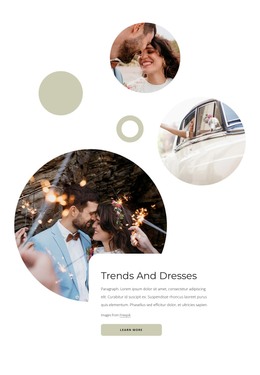
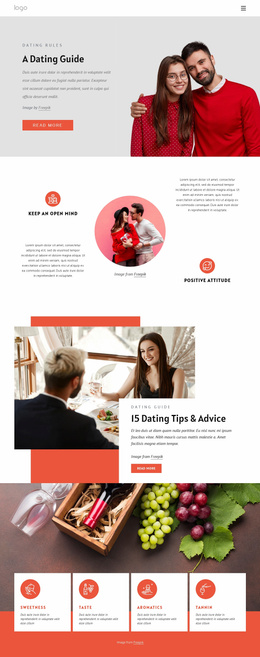

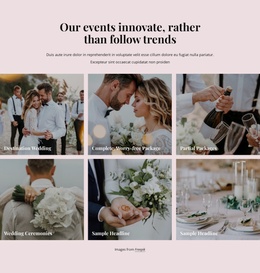
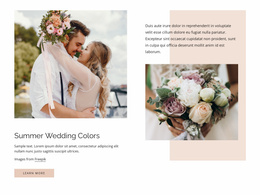
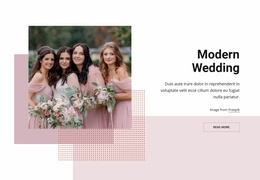
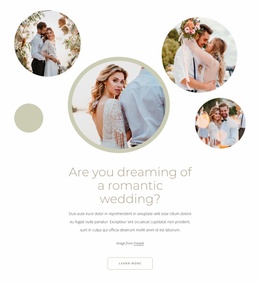

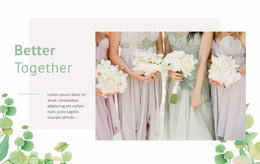
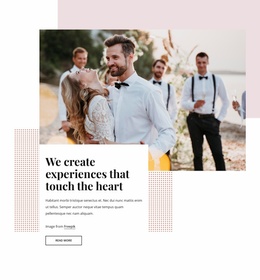
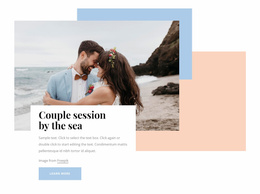
Customizable Wedding WordPress Themes
Wedding WordPress themes give couples, planners, venues, and photographers a unified way to present the celebration while keeping site content manageable after the initial design is ready. Ceremony updates, gallery additions, guest information, and story pages can stay inside WordPress, while Nicepage provides visual control over the theme and supported page layouts.
Who Can Use Responsive Wedding WordPress Themes?
Wedding WordPress themes fit projects where design and later content changes belong to different stages:
- Couples who need editable ceremony and reception information
- Planners who maintain schedules and guest-facing pages
- Venues that combine event information with WordPress content
- Photographers who need visual pages alongside Posts or galleries
The workflow starts with a design concept in Nicepage rather than a blank WordPress theme. Adjust the layout, typography, photographs, Header, Footer, and other shared visual choices, then prepare the WordPress Theme, Plugin, and Pages for installation. Nicepage documents how to export and install the WordPress Theme, Plugin, and Pages so that the customized design can be moved into the CMS.
Advanced Features for a Wedding WordPress Website
- Nicepage WordPress Plugin: continue visual work after installation instead of treating the exported theme as the end of the design process.
- Site Style: manage shared Colors, Fonts, Header, Footer, Blog, and Post Page Templates so ceremony pages and editorial content follow the same wedding identity.
- WordPress Page editing: open supported Pages with Nicepage and change text, images, sections, and other page elements through the visual editor.
- Blog and Post Templates: connect wedding stories, planning updates, venue articles, or post-event content with the theme's broader design.
- Responsive layout controls: refine important wedding content for phones and tablets rather than relying only on a desktop composition.
After installation, Nicepage also supports editing the WordPress Theme directly in WordPress through the Plugin. Site Style can be used there for Colors, Fonts, Header, Footer, Blog, and Post Page Templates. That matters for wedding projects because shared visual changes can be handled as part of a single theme system rather than repeated manually across every piece of content.
Unique WordPress Administration Advice for Wedding Sites
Pro Tip: Separate content that changes often from the shared design system. Keep ceremony notices, stories, and WordPress-managed content in the CMS, while Site Style controls repeated visual elements such as typography, colors, Header, Footer, and content templates. This makes later wedding updates more practical and reduces the chance that routine text changes will fragment the visual identity.
The Nicepage WordPress Plugin should enhance the CMS workflow rather than replace WordPress content management. Pages, Posts, menus, widgets, Blog content, and other CMS-managed material remain part of WordPress, while Nicepage supplies the visual layer for the supported designs. The supplied product source describes this combination as ongoing content management in WordPress, with visual customization in Nicepage.
Free Wedding WordPress Questions
Will Nicepage WordPress updates remove my wedding layout adjustments?
No. The supplied Nicepage FAQ states that visual adjustments, block changes, and custom styling rules are preserved during Plugin or Theme updates, so existing production layouts remain intact.
Can I export a Nicepage project from the WordPress Plugin?
No. The Nicepage WordPress Plugin does not support project export. Project-level export workflows should therefore be handled through the supported Nicepage application workflow rather than expected to occur within WordPress.
Can a wedding WordPress site include styled Blog and Post pages?
Yes. Site Style includes Blog and Post Page Templates, which let a wedding project carry its visual system into editorial content such as planning stories, venue information, couple updates, or post-event articles.
Can I edit the exported wedding WordPress Theme inside WordPress?
The supplied Nicepage documentation supports direct Theme editing in WordPress through the Nicepage WordPress Plugin after installation. Site Style provides controls for shared theme areas including Colors, Fonts, Header, Footer, Blog, and Post Page Templates.
Responsive Control From Wedding Design to WordPress
A wedding CMS should not require every visual change to go through a developer. Select a suitable design direction in Nicepage, shape the theme around the couple and celebration, export and install the WordPress Theme, Plugin, and Pages, then continue supported visual edits from the WordPress environment. Start for free and keep routine content work inside the CMS while Nicepage handles the design layer that gives the site its identity.





















































