Smarter homes built around you WordPress Theme



Edit Template Offline
2. Create new page and search for id 6541933
Edit Template Online
Create Awesome Websites


Free Nicepage Builder
Keywords
Page content and recurring service subjects support WordPress use
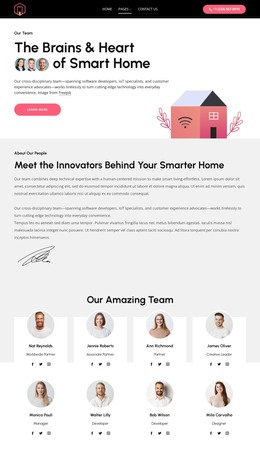
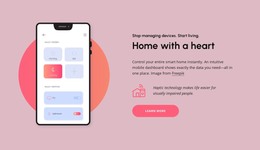
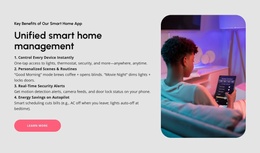
The design contains several content areas that can be interpreted naturally in a WordPress-oriented environment without assuming that specific posts or blog structures already exist. The opening hero and the “Home with a heart” section give permanent page content to the mobile-control proposition. The four benefit cards provide a concise overview, while the network section separates enhanced security and monitoring, everyday automation, and smart entertainment into recurring solution subjects.
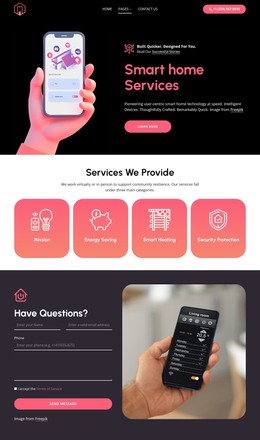
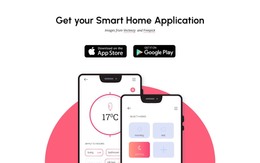
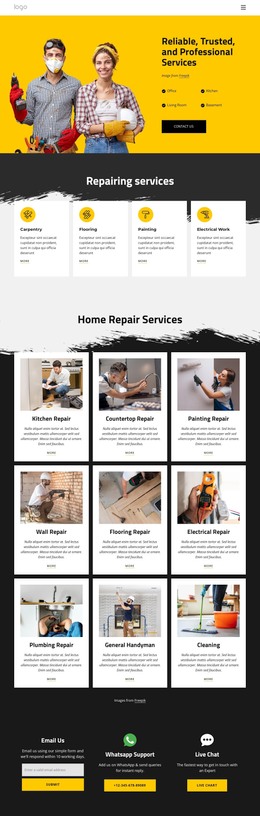
The installation panel offers a different kind of content relationship. Its six named services—smart lighting, media room, home theater, doorbell, thermostat, and door lock installation—could be maintained as a coordinated group of service information while preserving the same visual direction. The application performance section and download block add product-focused content, with store badges and app screens giving visitors a clear place to find the related application. These areas could remain part of permanent page content as the site evolves.
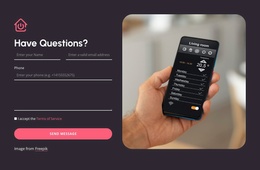
Navigation, contact, and shared footer regions complete the theme interpretation. The header includes page links, a phone action, and mobile navigation, while the inquiry section combines a form and Send Message action with device imagery. Phone, email, Quick links, Our solutions, and Help & support provide additional recurring site information. Together, these relationships make the design suitable for organizing WordPress-managed content around services, application promotion, and support without claiming that unverified posts or categories already exist.
Customize with Nicepage
Open this ready-made template in the WordPress Website Builder and customize it visually in the Nicepage editor. Replace demo content, edit page sections, and adapt the design to your project without rebuilding the template from scratch.
Manage and Edit This Theme in WordPress
Customize and Install the WordPress Theme
Start with this ready-made theme instead of building the WordPress design from scratch. Customize its layout, content, typography, images, sections, and other design elements visually in Nicepage editor, then export and install the WordPress Theme, Plugin, and Pages on your WordPress site. The Nicepage WordPress Plugin lets you continue working with the site after installation.
Edit the Theme Directly in WordPress
After installation, you can edit the WordPress Theme directly in WordPress with the Nicepage WordPress Plugin. Use Site Style to customize site Colors, Fonts, Header, Footer, Blog, and Post Page Templates while working within your WordPress website.
Edit WordPress Pages Visually
Use the Nicepage WordPress Plugin to edit page content directly from the WordPress admin area. Open a WordPress Page with Nicepage and visually change its text, images, sections, and other page elements while continuing to manage the Page through WordPress.
WordPress Content and Theme Integration
Use the customized theme with WordPress Pages, Posts, Blog and Post Templates, menus, widgets, and other CMS-managed content. Shared theme elements such as Colors, Fonts, Header, Footer, Blog, and Post Page Templates can be managed as part of the overall site design, while WordPress provides the CMS environment for managing site content.
This workflow combines a ready-made WordPress Theme with visual customization, direct theme editing in WordPress, and continued content management through the Nicepage WordPress Plugin.