Revolutionary smart home app WordPress Theme



Edit Template Offline
2. Create new page and search for id 6539482
Edit Template Online
Create Awesome Websites


Free Nicepage Builder
Keywords
Permanent App Content and Repeatable Feature Areas Suit WordPress Publishing
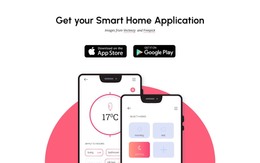
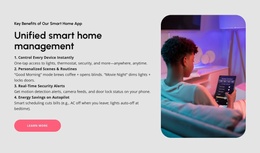
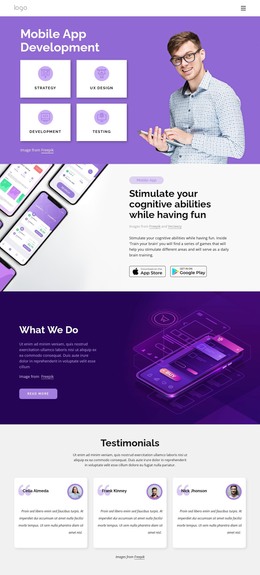
The design separates several kinds of page content that can be maintained as part of a WordPress-oriented site. The application introduction and download block provide relatively permanent product information, while the management, remote-control, personalized automation, security, and entertainment sections give the project distinct areas for expanding explanations over time. Their visual relationship is already coordinated, so new content can remain connected to the same product identity rather than appearing as an unrelated collection of blocks.
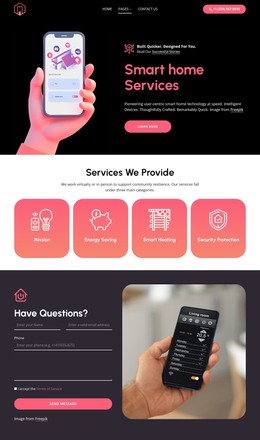
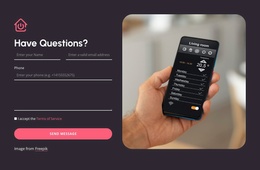
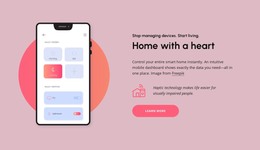
The phone screenshots are especially useful for page-oriented product content because they explain the application visually before the visitor reaches the feature descriptions. The four coral reliability cards add a compact evidence group, but their displayed 5x, 17x, 17x, and 100% figures should be independently confirmed before publication as factual claims. The Apple App Store and Google Play buttons then provide a clear permanent action area for the product.
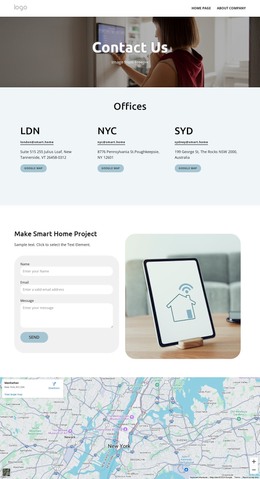
The footer’s office information, quick links, solution links, and support links suggest shared site regions that can frame additional application pages. A WordPress project could extend this design with related content while retaining the established palette, typography, imagery, and navigation character. The Nicepage WordPress Plugin is relevant when editing supported page content in WordPress, but the verified template should be understood as a designed content foundation rather than evidence that WordPress Posts, categories, or blog structures already exist.
Customize with Nicepage
Open this ready-made template in the WordPress Website Builder and customize it visually in the Nicepage editor. Replace demo content, edit page sections, and adapt the design to your project without rebuilding the template from scratch.
Manage and Edit This Theme in WordPress
Customize and Install the WordPress Theme
Start with this ready-made theme instead of building the WordPress design from scratch. Customize its layout, content, typography, images, sections, and other design elements visually in Nicepage editor, then export and install the WordPress Theme, Plugin, and Pages on your WordPress site. The Nicepage WordPress Plugin lets you continue working with the site after installation.
Edit the Theme Directly in WordPress
After installation, you can edit the WordPress Theme directly in WordPress with the Nicepage WordPress Plugin. Use Site Style to customize site Colors, Fonts, Header, Footer, Blog, and Post Page Templates while working within your WordPress website.
Edit WordPress Pages Visually
Use the Nicepage WordPress Plugin to edit page content directly from the WordPress admin area. Open a WordPress Page with Nicepage and visually change its text, images, sections, and other page elements while continuing to manage the Page through WordPress.
WordPress Content and Theme Integration
Use the customized theme with WordPress Pages, Posts, Blog and Post Templates, menus, widgets, and other CMS-managed content. Shared theme elements such as Colors, Fonts, Header, Footer, Blog, and Post Page Templates can be managed as part of the overall site design, while WordPress provides the CMS environment for managing site content.
This workflow combines a ready-made WordPress Theme with visual customization, direct theme editing in WordPress, and continued content management through the Nicepage WordPress Plugin.