
1000 Architecture & Building WordPress Themes















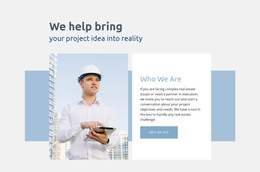
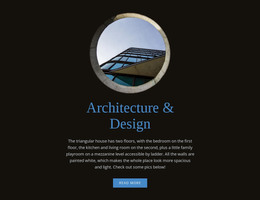
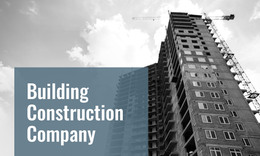
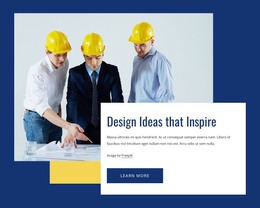
































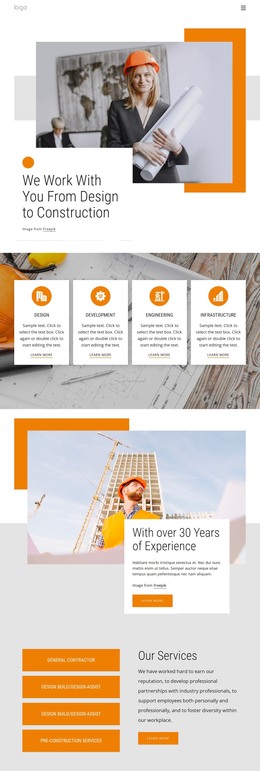




Customizable Architecture & Building WordPress Themes
Architecture & building WordPress themes are valuable when the site will continue to change after launch. New project case studies, studio news, awards, service updates, and editorial posts all need to fit the same WordPress theme without requiring a redesign each time. Nicepage combines theme-level styling with WordPress editing so that the CMS can remain the day-to-day publishing environment for the architecture team.
Make WordPress the Ongoing Publishing Layer
The theme should define the recurring parts of the site: Header, Footer, typography, colors, Blog presentation, Post Page Templates, and other shared styles. Editors can then focus on content rather than deciding how every new article should look. Architecture practices that operate across the development or construction sectors can use construction-industry design references to plan categories and recurring content types before those sections expand.
Nicepage supports a WordPress workflow in which a project can be prepared in the Desktop Application and exported as a WordPress theme. A concept created in Nicepage Online can be exported as a Project and opened in the Desktop App before exporting the WordPress theme. In WordPress, the Nicepage Plugin supports page and content editing, while Site Style provides access to theme-level presentation settings. The documentation on Site Style supports theme editing in WordPress covers colors, fonts, Header, Footer, Blog, and Post Page Templates.
Editors, Roles, and Theme Maintenance
A growing architecture site often has several people making updates. Project managers may need to change case-study text and images; marketing may publish studio news; a designer may own broader layout and style decisions. Nicepage User Roles can separate those responsibilities by assigning Design Editor or Content Editor permissions. The WordPress User Roles documentation is useful when the site is handed to clients or shared across a larger team.
This is more useful than treating every project as a custom page. Establish reusable Post and Blog presentation, decide which content is editorial versus portfolio-specific, and keep site-wide changes in Site Style. A more graphic practice can still explore geometric design directions for typography, shapes, and layout rhythm without changing the underlying WordPress publishing model.
Before the theme is finalized, website mockup references can help the team approve project hierarchy and content density before those decisions become part of the WordPress implementation.
Keep WordPress Updates Predictable
The practical test is what happens after launch. Add a new project, publish a news post, change a global font, and ask a limited editor to update content. If those tasks can be completed without reconstructing page layouts, the theme is doing its job as a CMS theme rather than as a one-time portfolio export.
Architecture WordPress Theme Questions
Can an architecture team edit the Nicepage theme directly in WordPress?
Yes. Nicepage Site Style in WordPress supports theme-level editing for areas such as colors, fonts, Header, Footer, Blog, and Post Page Templates, while the Nicepage Plugin supports page and content work inside the CMS.
Can clients update project content without full design access?
Yes. Nicepage User Roles can provide limited permissions such as Content Editor or Design Editor access. This lets a client or team member handle approved content updates without receiving unrestricted control over every design setting.
Do I need a separate Premium plan for the Nicepage WordPress Plugin?
No. A Nicepage Premium Plan covers the Desktop Application, WordPress Plugin, Joomla Extension, and Online Builder, so the WordPress workflow does not require a separate Premium plan for each of those Nicepage products.
Can I export a Nicepage Project from the WordPress Plugin?
No. The Nicepage WordPress Plugin does not support Project export. Project export is handled through other Nicepage workflows rather than from the WordPress Plugin itself.
Prepare the Theme for Real CMS Use
Before handoff, configure Site Style, recurring Blog and Post presentation, editor roles, and the content workflow for new projects or news. Then test those tasks inside WordPress with the permissions the real team will use. That keeps the architecture theme centered on ongoing CMS maintenance rather than on a one-time design export.





















































