Full-service software development company WordPress Theme



Edit Template Offline
2. Create new page and search for id 897701
Edit Template Online
Create Awesome Websites


Free Nicepage Builder
Keywords
Page-Oriented Services and Capability Content Share One Theme
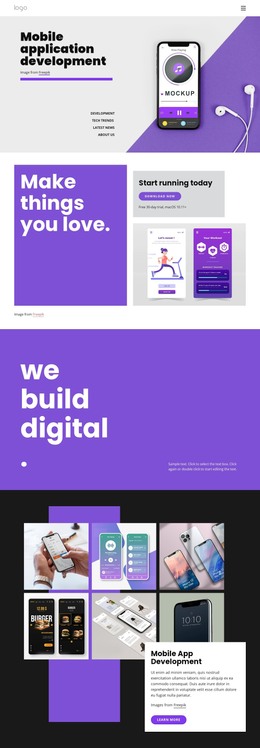
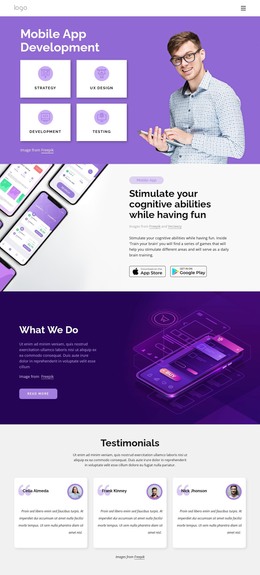
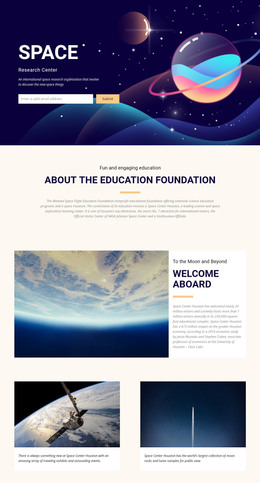
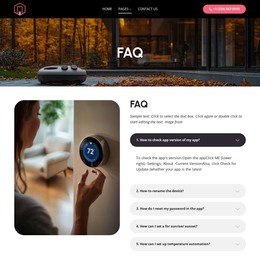
The page separates its main information into clear, reusable content areas. The Company Services section presents Prototyping, Development, and Innovations as three related cards, while the later What We Do section adds App Development, Mobility Services, Consulting, and SEO Services. This arrangement suits a WordPress-oriented project because permanent service information can remain organized by subject while retaining the same visual treatment across the design.
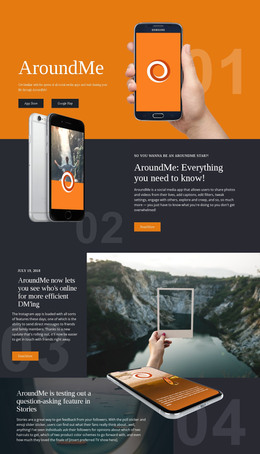
The six capability items provide another content pattern, combining icons, labels, lists, and actions around topics such as business management, global payments, security, payout, collaboration, and a developer dashboard. The repeated logo section can support a separate brand or client presentation, while the four displayed metric items add a compact positioning area. These elements are structural evidence of the template’s content coverage; the sample numbers and displayed names should be replaced with verified project information.
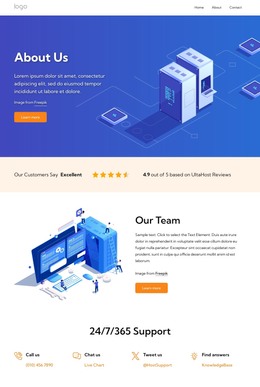
The closing contact region is especially clear as page content. It includes office, phone, fax, and email channels, Facebook, Twitter, Instagram, and LinkedIn links, plus a form with email, name, and message inputs. Along with the illustrated hero and Custom software solutions block, these areas create a coherent theme presentation for an IT services site. The design can therefore frame page-based and regularly maintained content without requiring unsupported claims about existing posts, categories, or other CMS elements.
Customize with Nicepage
Open this ready-made template in the WordPress Website Builder and customize it visually in the Nicepage editor. Replace demo content, edit page sections, and adapt the design to your project without rebuilding the template from scratch.
Manage and Edit This Theme in WordPress
Customize and Install the WordPress Theme
Start with this ready-made theme instead of building the WordPress design from scratch. Customize its layout, content, typography, images, sections, and other design elements visually in Nicepage editor, then export and install the WordPress Theme, Plugin, and Pages on your WordPress site. The Nicepage WordPress Plugin lets you continue working with the site after installation.
Edit the Theme Directly in WordPress
After installation, you can edit the WordPress Theme directly in WordPress with the Nicepage WordPress Plugin. Use Site Style to customize site Colors, Fonts, Header, Footer, Blog, and Post Page Templates while working within your WordPress website.
Edit WordPress Pages Visually
Use the Nicepage WordPress Plugin to edit page content directly from the WordPress admin area. Open a WordPress Page with Nicepage and visually change its text, images, sections, and other page elements while continuing to manage the Page through WordPress.
WordPress Content and Theme Integration
Use the customized theme with WordPress Pages, Posts, Blog and Post Templates, menus, widgets, and other CMS-managed content. Shared theme elements such as Colors, Fonts, Header, Footer, Blog, and Post Page Templates can be managed as part of the overall site design, while WordPress provides the CMS environment for managing site content.
This workflow combines a ready-made WordPress Theme with visual customization, direct theme editing in WordPress, and continued content management through the Nicepage WordPress Plugin.