

Python WordPress Themes
Python teams often need to publish framework tutorials, software updates, and development case studies regularly. WordPress themes provide a CMS-based presentation, while Nicepage supports theme installation and visual editing of project pages.
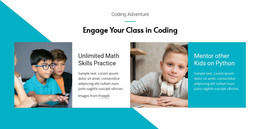

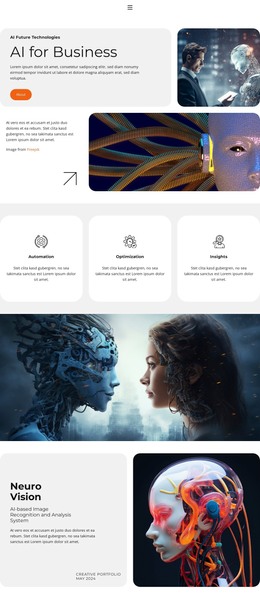
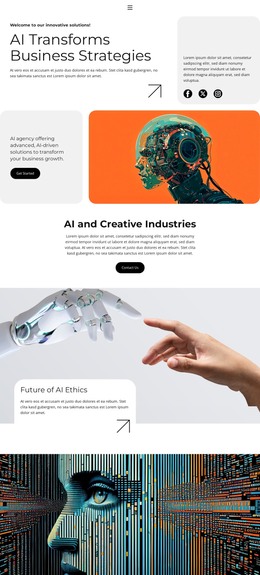
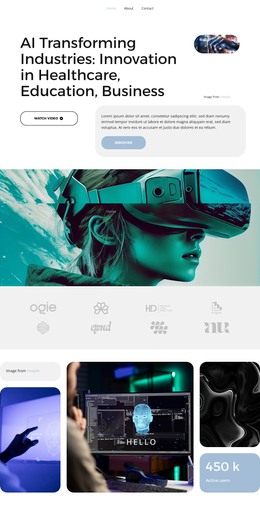


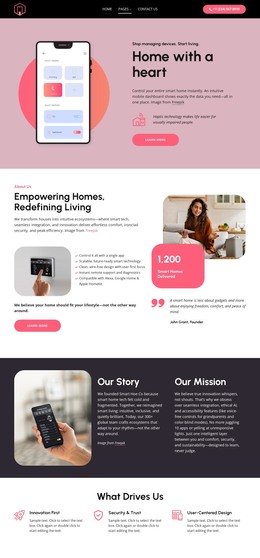
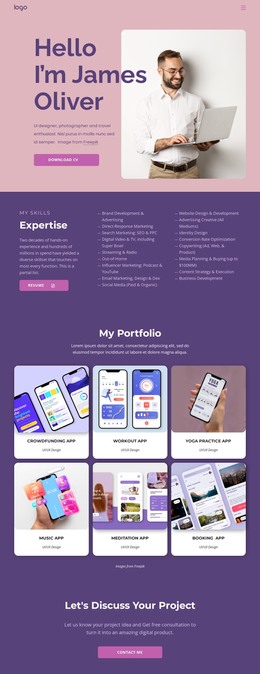
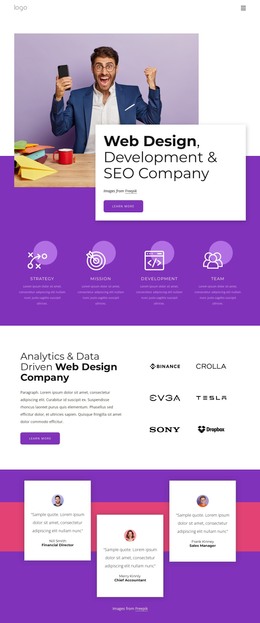
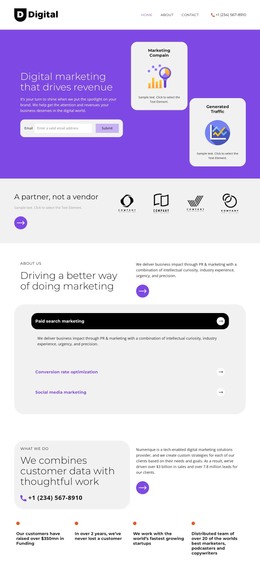



More WordPress Themes from Technology Category

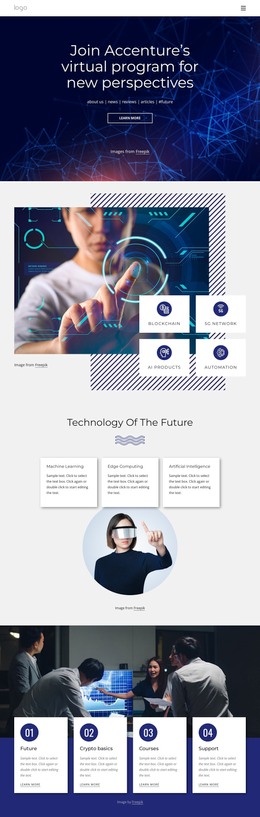
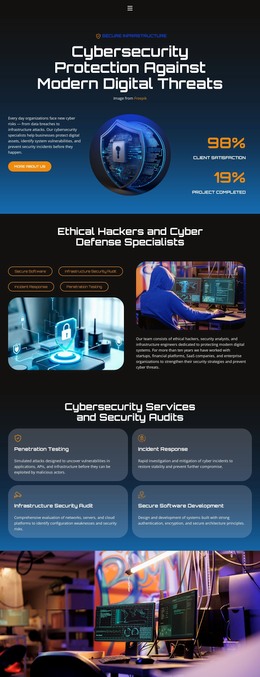
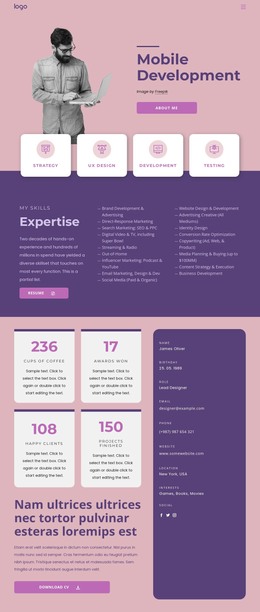
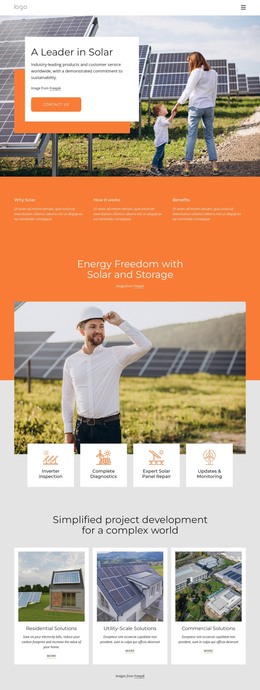

Other Technology WordPress Themes
Python WordPress Themes for Technical Blogs and Agencies
A Python education site may publish a beginner lesson on Monday, revise an older tutorial on Wednesday, and add a framework comparison later in the month. That rhythm calls for article organization, archives, and a repeatable publishing process. Python WordPress themes serve the visual side of such a site; WordPress itself is a PHP-based CMS, not a Python application framework.
Build a Repeatable Article-Publishing Workflow
Start with a small set of subject categories, such as beginner exercises and deployment notes. Publish each tutorial as a post, then check how it appears in the relevant category archive and on its own article page. Stable course or service information can remain on separate pages. Readers should reach older lessons through the CMS navigation, not an ever-growing list on the homepage.
Consider a blog covering deployment practices. Individual post layouts should accommodate explanatory text, code screenshots, and links to supporting resources. A category archive can then group related articles, while a consistent header helps readers move between the blog and the agency's services.
Review Post and Archive Layouts
When comparing themes, inspect a full-length article, not only the homepage. Check long headings, nested subheadings, numbered instructions, screenshots, and narrow code examples. If a theme displays author details, breadcrumbs, or related posts, verify their appearance in the actual preview rather than assuming those elements exist. Technical articles should remain readable even after substantial content is added.
Install and Maintain a Nicepage WordPress Theme
Nicepage supports designing and exporting themes for self-hosted WordPress. Follow the WordPress Theme Installation workflow for export and installation, including associated content. The Nicepage Editor plugin supports visual editing of compatible Nicepage-created pages.
The WordPress dashboard remains the place for ordinary CMS publishing and organization. Treat theme design changes separately from routine article updates, especially when several authors contribute to the site.
Before adopting a theme, publish a test article with the longest content type you expect to maintain. If its headings, screenshots, and archive entry work well, the theme is a more credible candidate for a growing technical publication. Python applications still need their own compatible hosting, and any connection to WordPress must be implemented separately.