
530 Interior WordPress Themes






















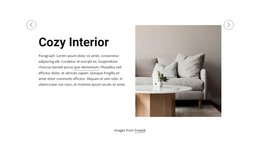
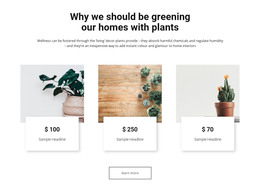
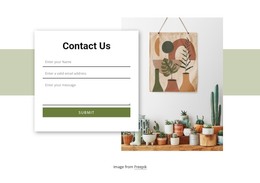
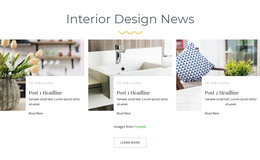







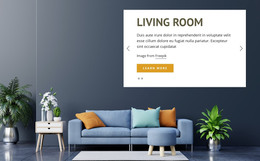

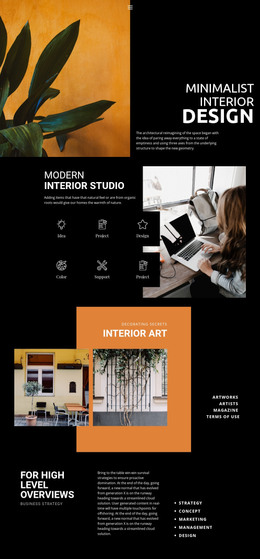

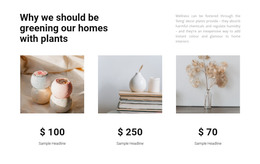
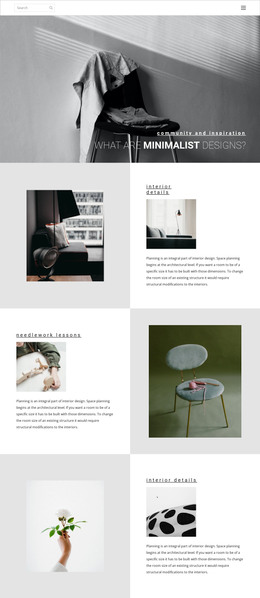



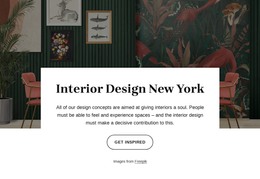

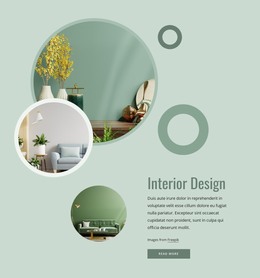

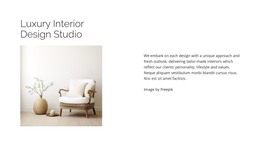
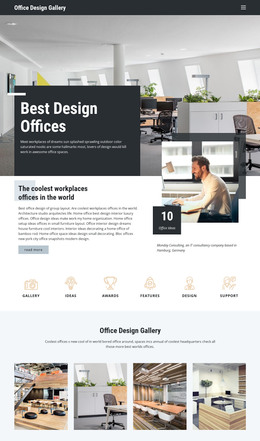







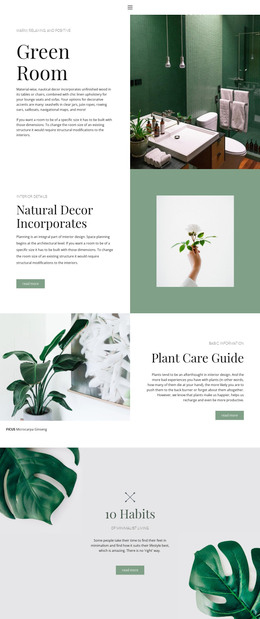

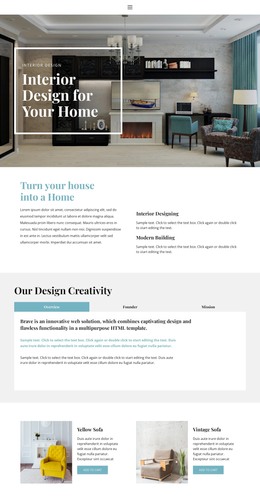
Interior WordPress Themes for Portfolio-Driven Design Studios
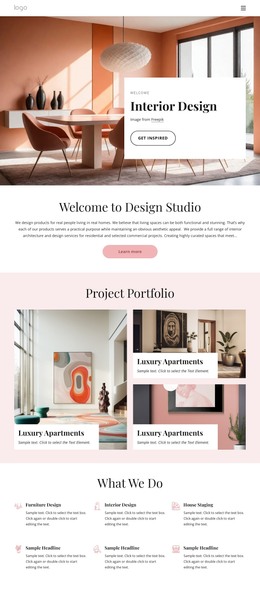
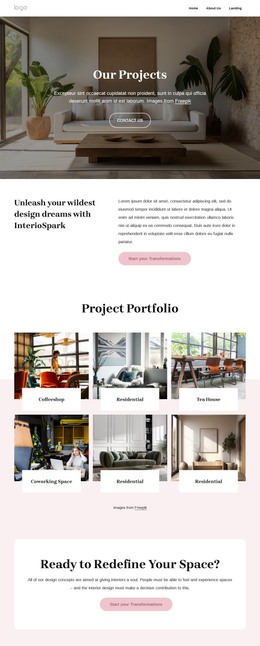
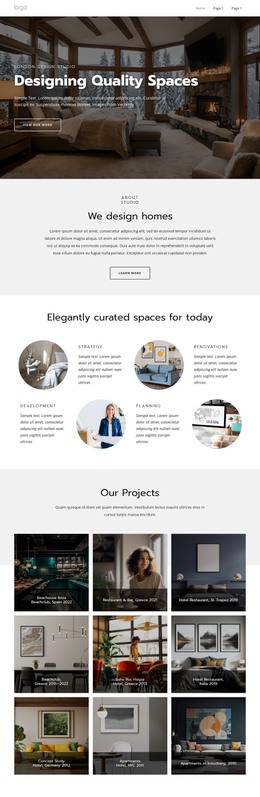
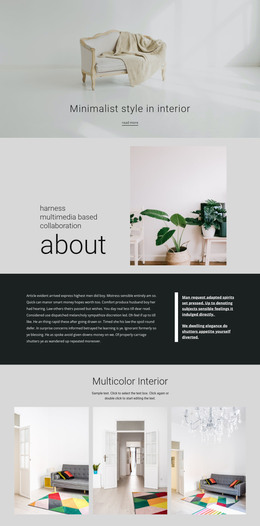
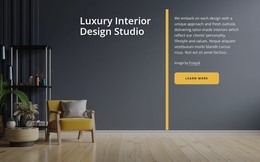
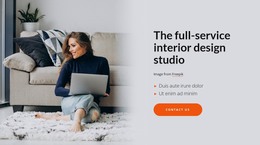
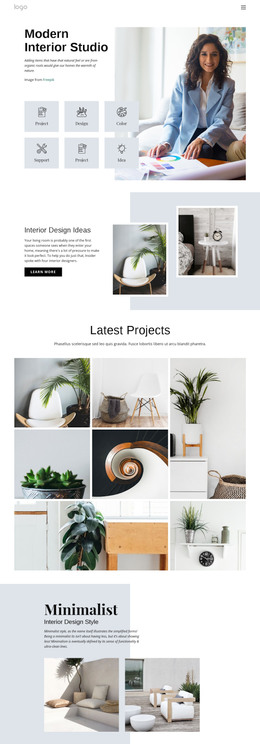
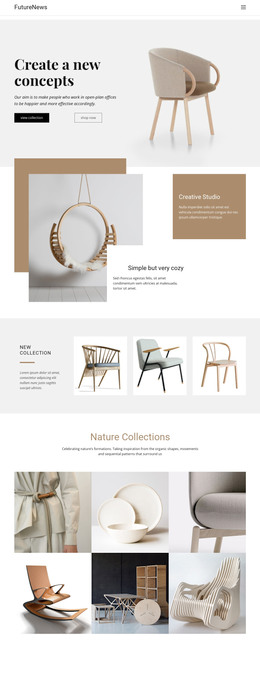
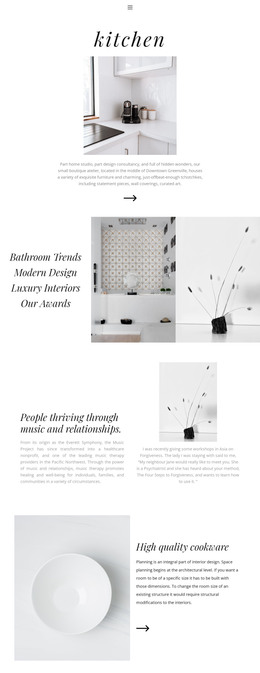
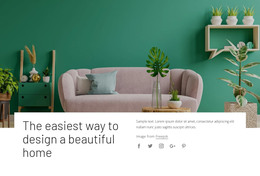
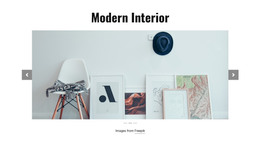
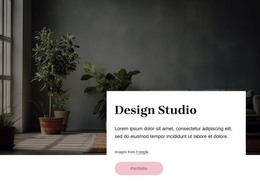
Interior WordPress themes are a practical choice for studios that want a portfolio-led site inside a CMS. When comparing themes, look first at the demo quality, included portfolio layouts, page templates, responsive behavior, builder workflow, and compatibility requirements. The goal is to choose a theme that already aligns with how the studio presents projects, rather than forcing a decorative demo into a completely different content model.
What to Look for in an Interior WordPress Theme
A strong theme for interior designers should make it easy to evaluate the real site structure before installation. Useful signals include several demo pages, clear project or case-study layouts, service and studio pages, flexible headers and footers, responsive menus, and image-led portfolio presentation. If the business sells furniture, décor, consultations, or other products online, check WooCommerce compatibility before choosing the theme. If the team depends on a specific page builder, such as Elementor, verify compatibility as well, rather than assuming every interior theme uses the same editing stack.
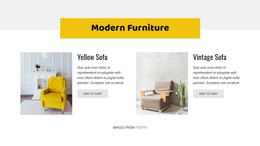
For furniture-focused practices, a furniture-oriented design direction can help judge whether product pages and finished-room portfolios can coexist without losing the studio's visual identity.
Theme package questions worth checking
- Does the demo show residential, commercial, hospitality, or other relevant project types?
- Are portfolio archive and single-project layouts included or easy to build?
- Can service, About, contact, and blog pages follow the same visual system?
- Are mobile layouts usable without rebuilding the desktop design from scratch?
- Does the theme fit the studio's preferred builder, plugins, and content workflow?
- Is WooCommerce relevant and supported if products or paid services will be sold?
Portfolio and CMS Needs for Interior Studios
WordPress becomes more useful when the theme is designed for ongoing content rather than a one-time launch. New projects, studio news, service updates, team profiles, and long-form case studies can be added in the CMS, while the theme maintains consistent navigation and styling.
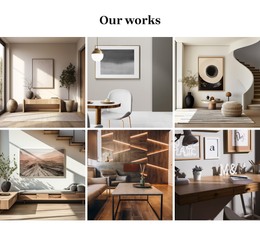
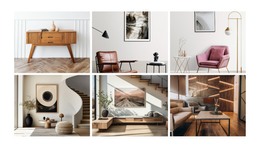
Portfolio layouts should accommodate both full-room photography and detail images. A project archive may need categories for residential, workplace, retail, hospitality, or renovation work; individual case studies may need location, scope, material notes, and a longer sequence of images. This is more important to the buying decision than a generic list of builder features.
For visual editing with Nicepage, users can build designs, add images, and edit content through the WordPress Plugin. User Roles such as Design Editor or Content Editor can also help when a client or junior team member needs narrower access. A bathroom-focused reference is one example of how a portfolio can require a different image balance while still inheriting the same theme styling.
Nicepage Theme and Plugin Workflow
The Nicepage workflow is useful after the theme direction is clear. For projects prepared in the Desktop Application, the documented Desktop Application and WordPress Plugin workflow covers exporting and uploading the Nicepage Theme, Plugin, and Pages to WordPress. Header and Footer blocks can be prepared as part of the theme before deployment.
If WordPress already has an active theme and Nicepage is being used for page content, follow the documented process to install the Nicepage WordPress Plugin. This keeps the distinction clear: the theme controls the broader site presentation, while CMS page content can continue to evolve after launch.
Interior WordPress Theme FAQ
What should I compare first in interior WordPress theme demos?
Compare the portfolio structure, single-project pages, service pages, navigation, mobile behavior, and image handling. A visually appealing hero is not enough if the underlying page types do not align with the studio's content.
Should I check WooCommerce before choosing an interior theme?
Yes, if the studio plans to sell furniture, décor, consultations, digital products, or other items through WordPress. Check the theme's current WooCommerce compatibility rather than assuming it is included.
Can I add SEO tags and custom styling to an interior design WordPress site?
Yes. Nicepage supports custom meta tags, SEO descriptions, Schema structures, and custom CSS. On WordPress, it is also compatible with SEO plugins such as Yoast and RankMath.
Will plugin or theme updates remove my interior layout adjustments?
No. Visual adjustments, block changes, and custom styling rules are preserved during plugin or theme updates.
Can I edit an exported Nicepage theme directly inside WordPress?
No. Nicepage WordPress themes are exported from the Desktop Application or Online Builder; the theme itself is not edited directly inside WordPress. The WordPress Plugin supports page content work within the CMS.
Choose the Theme Before Optimizing the Workflow
Start by comparing demos and page structures against the studio's real portfolio, services, content frequency, builder preference, and commerce needs. Once the theme fits those requirements, use the Nicepage theme and plugin workflow where it adds value. This keeps the page commercially aligned with what people expect from an interior WordPress theme category, rather than turning theme selection into an export tutorial.





















































