Smart home app faq WordPress Theme


Edit Template Offline
2. Create new page and search for id 6542040
Edit Template Online
Create Awesome Websites


Free Nicepage Builder
Keywords
FAQ answers and solution groups create clear WordPress content areas
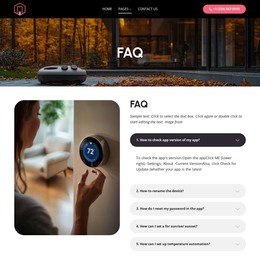
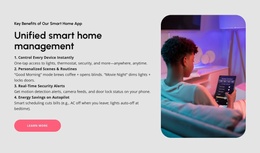
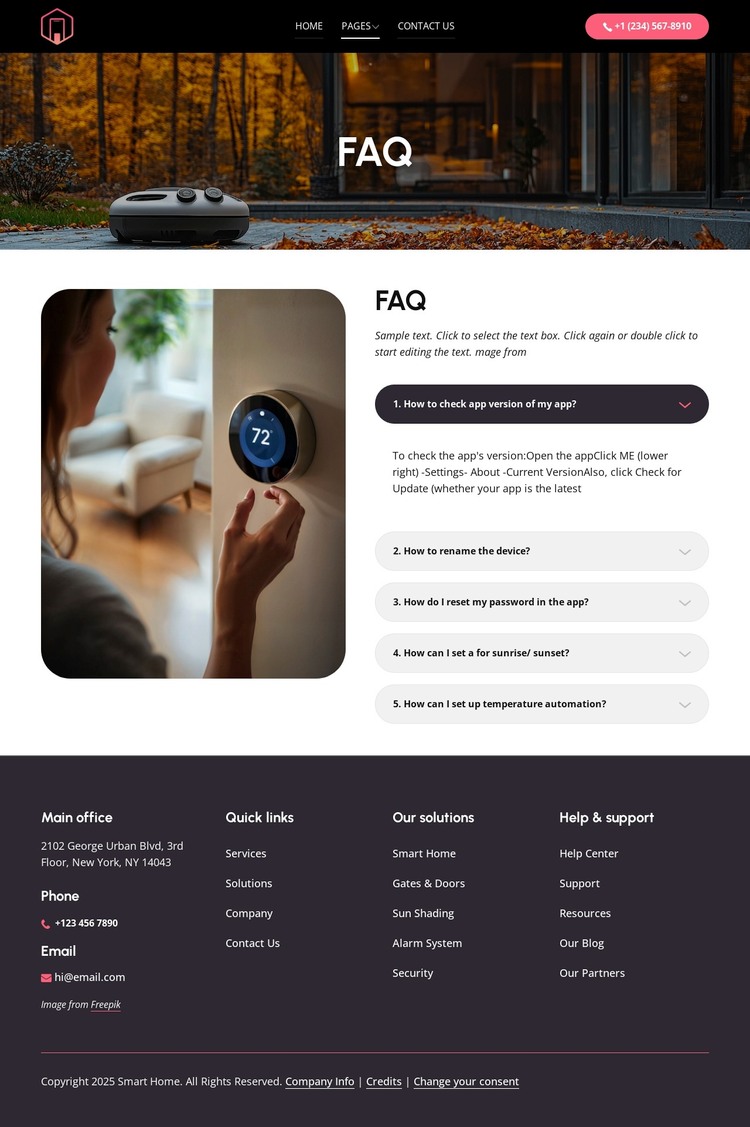
The five expandable questions provide a strong page-oriented content area for a WordPress-managed smart home site. They cover concrete support subjects—checking the app version, renaming a device, resetting a password, and configuring sunrise, sunset, or temperature automation—so the page can serve users looking for specific guidance rather than presenting only promotional copy. The photographic hero and introductory text establish the context before visitors reach that focused support content.
The footer adds a second layer of organization that can surround permanent pages or regularly updated material. Office information, phone and email details, quick links, and help and support links create shared site resources, while Smart Home, Gates & Doors, Sun Shading, Alarm System, and Security identify solution-oriented content areas. The Contact Us action provides a route beyond self-service answers when a visitor needs assistance. In a WordPress interpretation, the important relationship is between stable support content and reusable navigation or contact regions; the design does not itself prove that posts, categories, or blog structures already exist. If the project later publishes new guidance or announcements, those items can be placed within the same visual direction without changing the core FAQ arrangement. The result is a theme-oriented foundation that connects page content, recurring site areas, and practical user support rather than merely applying a CMS label to the design.
Customize with Nicepage
Open this ready-made template in the WordPress Website Builder and customize it visually in the Nicepage editor. Replace demo content, edit page sections, and adapt the design to your project without rebuilding the template from scratch.
Manage and Edit This Theme in WordPress
Customize and Install the WordPress Theme
Start with this ready-made theme instead of building the WordPress design from scratch. Customize its layout, content, typography, images, sections, and other design elements visually in Nicepage editor, then export and install the WordPress Theme, Plugin, and Pages on your WordPress site. The Nicepage WordPress Plugin lets you continue working with the site after installation.
Edit the Theme Directly in WordPress
After installation, you can edit the WordPress Theme directly in WordPress with the Nicepage WordPress Plugin. Use Site Style to customize site Colors, Fonts, Header, Footer, Blog, and Post Page Templates while working within your WordPress website.
Edit WordPress Pages Visually
Use the Nicepage WordPress Plugin to edit page content directly from the WordPress admin area. Open a WordPress Page with Nicepage and visually change its text, images, sections, and other page elements while continuing to manage the Page through WordPress.
WordPress Content and Theme Integration
Use the customized theme with WordPress Pages, Posts, Blog and Post Templates, menus, widgets, and other CMS-managed content. Shared theme elements such as Colors, Fonts, Header, Footer, Blog, and Post Page Templates can be managed as part of the overall site design, while WordPress provides the CMS environment for managing site content.
This workflow combines a ready-made WordPress Theme with visual customization, direct theme editing in WordPress, and continued content management through the Nicepage WordPress Plugin.