Web hosting services WordPress Theme



Edit Template Offline
2. Create new page and search for id 6375292
Edit Template Online
Create Awesome Websites


Free Nicepage Builder
Keywords
Hosting Plans and Technical Content Fit Page-Oriented Management
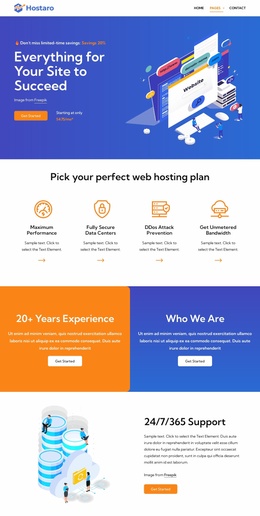
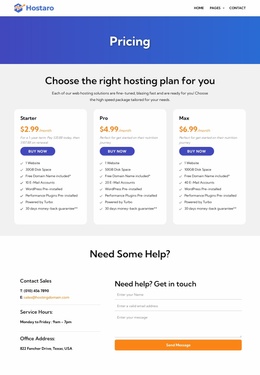
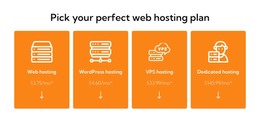
The page separates its permanent hosting information into clear content areas that can work naturally as page-oriented material in a WordPress-managed site. The four category cards introduce web, WordPress, VPS, and dedicated hosting, while the three named plans provide a more detailed comparison point for visitors evaluating a specific offer. These areas have different editorial roles, so they can be maintained as distinct sections rather than compressed into one undifferentiated sales message.
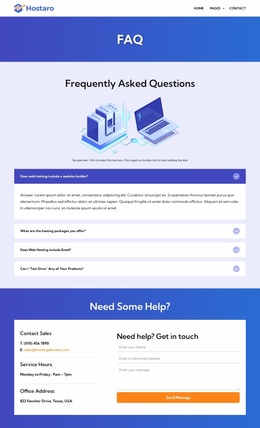
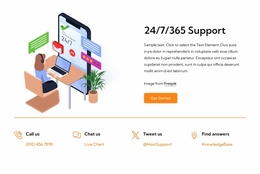
The benefit callouts, support presentation, migration promotion, and operating-system list extend that content structure. General service benefits such as a free domain, unlimited bandwidth, 99% uptime, and free SSL certificate can support the main hosting explanation, while the Debian, Ubuntu, CentOS, Red Hat, AlmaLinux, and Fedora labels give technical visitors a focused reference area. The FAQ rows and testimonial cards add supporting content around the decision without changing the page’s visual direction.
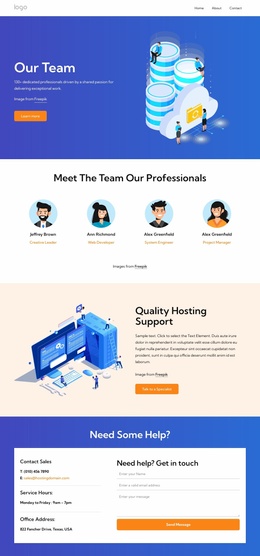
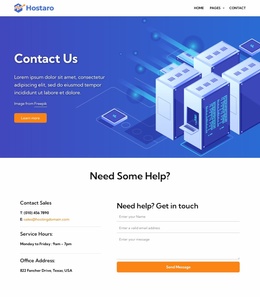
The contact shortcuts, trial-bonus email capture, and closing sales form create practical interaction zones around the page-oriented content. Visitors can review categories and plans, look for answers, and then send a message when they need assistance. In a WordPress project, the existing navigation, shared visual treatment, recurring cards, and contact structure can provide a consistent theme context for permanent hosting pages and later editorial additions. This interpretation does not assume that posts or blog structures already exist; it focuses on how the verified sections organize manageable site content.
Customize with Nicepage
Open this ready-made template in the WordPress Website Builder and customize it visually in the Nicepage editor. Replace demo content, edit page sections, and adapt the design to your project without rebuilding the template from scratch.
Manage and Edit This Theme in WordPress
Customize and Install the WordPress Theme
Start with this ready-made theme instead of building the WordPress design from scratch. Customize its layout, content, typography, images, sections, and other design elements visually in Nicepage editor, then export and install the WordPress Theme, Plugin, and Pages on your WordPress site. The Nicepage WordPress Plugin lets you continue working with the site after installation.
Edit the Theme Directly in WordPress
After installation, you can edit the WordPress Theme directly in WordPress with the Nicepage WordPress Plugin. Use Site Style to customize site Colors, Fonts, Header, Footer, Blog, and Post Page Templates while working within your WordPress website.
Edit WordPress Pages Visually
Use the Nicepage WordPress Plugin to edit page content directly from the WordPress admin area. Open a WordPress Page with Nicepage and visually change its text, images, sections, and other page elements while continuing to manage the Page through WordPress.
WordPress Content and Theme Integration
Use the customized theme with WordPress Pages, Posts, Blog and Post Templates, menus, widgets, and other CMS-managed content. Shared theme elements such as Colors, Fonts, Header, Footer, Blog, and Post Page Templates can be managed as part of the overall site design, while WordPress provides the CMS environment for managing site content.
This workflow combines a ready-made WordPress Theme with visual customization, direct theme editing in WordPress, and continued content management through the Nicepage WordPress Plugin.