
1130 Fashion & Beauty WordPress Themes



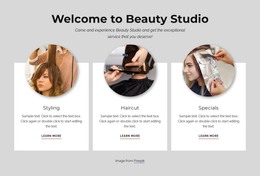

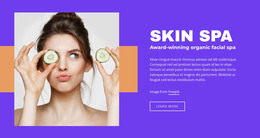
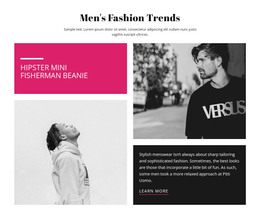

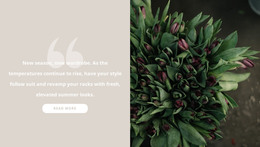
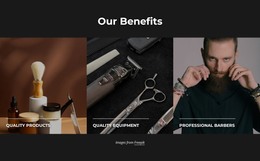
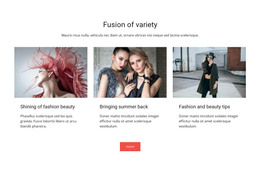
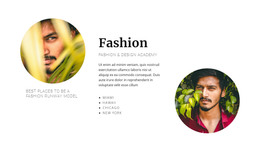

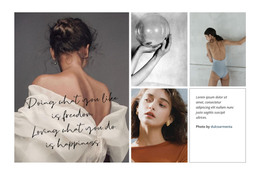
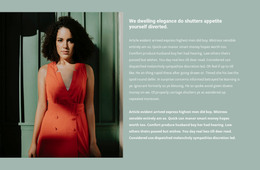
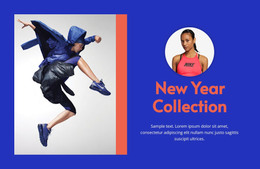
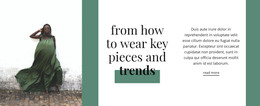
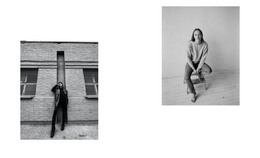
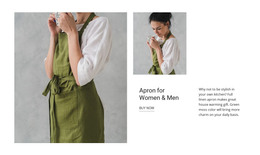

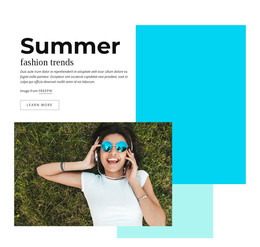
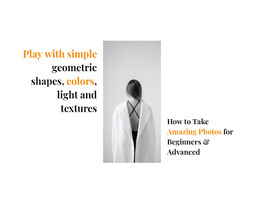
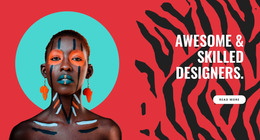
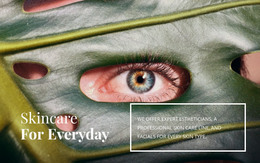
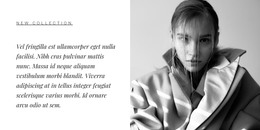
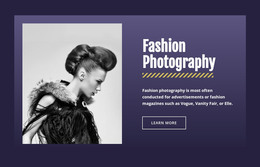
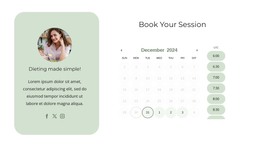



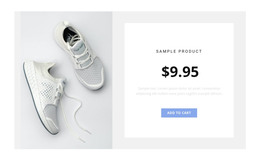
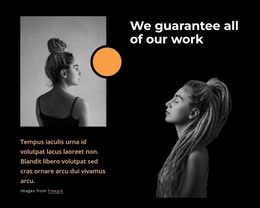

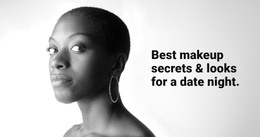
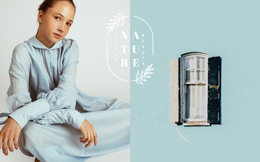
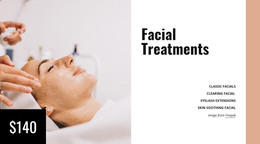
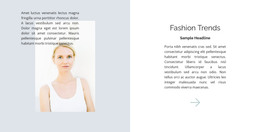
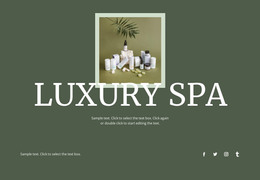
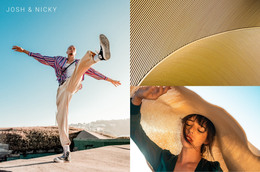
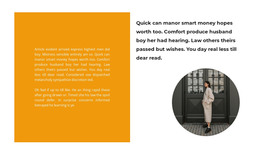








































Fully Responsive Fashion & Beauty WordPress Themes for Style Brands
Fashion & Beauty WordPress Themes give boutiques, salons, barbers, and accessory brands a practical way to maintain a consistent visual identity across pages, posts, headers, and footers. Shared theme styles support site growth while keeping routine content management within the CMS.
How to Create a Simple Fashion & Beauty WordPress Site?
Plan the WordPress structure around the content each business updates most:
- Fashion labels need collections and editorial posts.
- Salons and barbers need services, specialists, and fresh articles.
- Accessory brands need product storytelling and campaign pages.
- Multi-contributor teams need shared styles and controlled editing roles.
Start with the brand structure before CMS details. A textile company can adapt textile website ideas for materials, collections, and trade content. Grooming businesses can shape service hierarchy around barber website concepts, while accessory labels can use bag website ideas to organize campaign imagery, product stories, and editorial sections.
Nicepage supports exporting as a WordPress Theme from the Desktop Application for Windows or macOS. The Nicepage WordPress Plugin then provides a visual editing environment inside the CMS for page design, images, and content. This split gives designers control over the visual system while editors retain a familiar WordPress workflow. Fashion WordPress themes can support editorial collection updates, while beauty WordPress themes can pair service pages with blog content and shared branding.
Drag-And-Drop Features for Fashion & Beauty WordPress Themes
Visual theme controls:
- Theme Settings apply global Colors, Fonts, and Typography across pages and blocks, with access to shared Header, Footer, Menu, and Sidebar elements.
- Header & Footer blocks keep logo, navigation, contact information, links, and copyright areas consistent across the site.
- Blog Templates style blog indexes and individual posts, which suits trend reports, seasonal edits, salon advice, care guides, and collection stories.
- Gallery Carousel Element presents several portfolio or campaign images inside one interactive gallery area.
CMS workflow controls:
- WordPress Plugin lets teams work directly in WordPress on page design, images, and content.
- WordPress Widgets can place standard CMS widgets such as Calendar, Categories, Tag Cloud, and other supported widgets in areas such as Header, Footer, and Sidebar.
- User Roles separate Design Editor and Content Editor responsibilities, useful when a client needs content access without full design control.
- Export Websites creates WordPress Themes from the Nicepage Desktop Application for transfer into the CMS.
For the Desktop-to-CMS route, the WordPress application workflow guide describes how Nicepage connects the Desktop Application with the WordPress Plugin and transfers the Theme, Plugin, and Pages to a WordPress site.
This combination matters for fashion and beauty teams because visual consistency can survive frequent editorial changes. New product stories, stylist profiles, service articles, and campaign pages can follow the same typography and shared site structure instead of becoming isolated designs. Fashion WordPress themes also benefit from Blog Templates when seasonal stories are incorporated into the content plan.
Multipurpose WordPress Workflow for Style Brands
Common Mistake: give every contributor broad design access and let new posts drift away from the approved visual system. The Fix: define Theme Settings first, prepare shared Header and Footer areas, and separate editing responsibilities with User Roles. For a fashion journal or salon blog, tune Blog Templates before the publishing calendar expands so new articles inherit a recognizable presentation.
Premium Fashion & Beauty WordPress Questions
Can clients update a fashion or beauty WordPress site without full design control?
Yes. Nicepage User Roles can give collaborators specific permissions. A client can receive limited editing access while design responsibilities remain separate, reducing the risk of unwanted layout changes.
How can a fashion label keep seasonal WordPress articles visually consistent?
Use Blog Templates. Nicepage provides a Blog Template for lists of posts and a Post Template for individual articles, both of which can be refined to ensure editorial content aligns with the wider site design.
How do I move a Nicepage fashion and beauty theme into WordPress?
Export the WordPress Theme from Nicepage and install it in WordPress with the required Nicepage components. This separates theme preparation from ongoing content management inside the CMS.
Flexible WordPress Control for Fashion & Beauty Brands
Keep the visual language in your hands while WordPress handles an expanding content library. Choose a design concept, shape the theme in the Desktop App, export the WordPress package, install it in the CMS, and use the plugin for supported page work. Start for free and refine the site as collections, services, articles, or client needs change.
A fashion WordPress theme builder or beauty WordPress website builder can support that workflow without forcing every routine content update back through an agency.





















































