Smart home contacts WordPress Theme


Edit Template Offline
2. Create new page and search for id 6328912
Edit Template Online
Create Awesome Websites


Free Nicepage Builder
Keywords
Office Pages and Project Content Share One Contact Framework
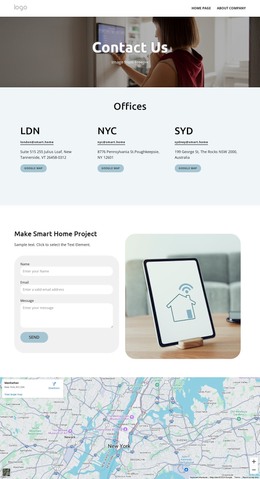
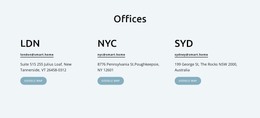
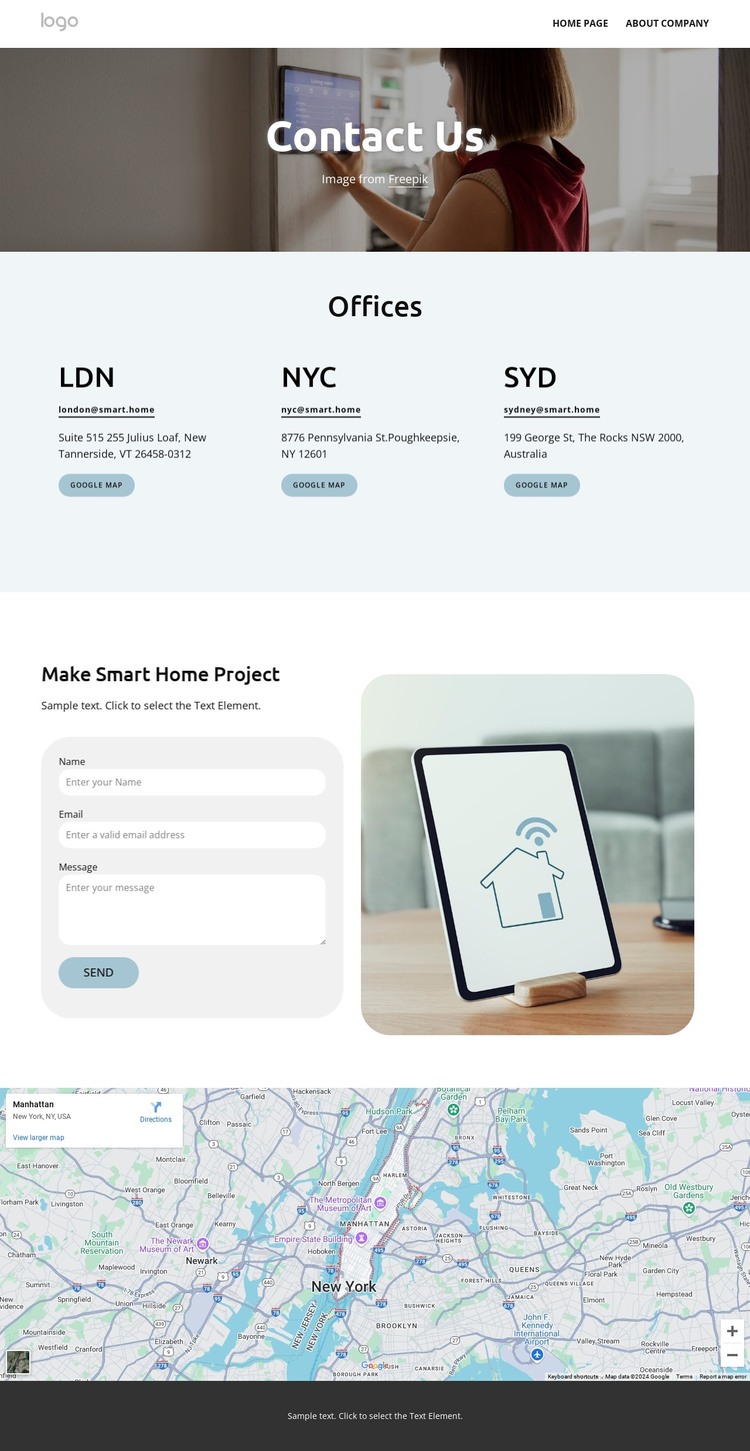
The design separates permanent contact information into clear page-oriented areas. The LDN, NYC, and SYD cards each present a location label with email, address, and map-related actions, making the office directory more than a single undifferentiated contact paragraph. In a WordPress-managed project, these areas can be interpreted as organized page content while the shared header and footer maintain the same visual setting around them.
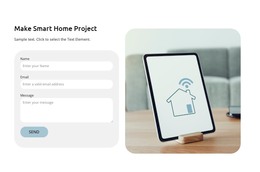
The project inquiry area gives the design a second content role. Its Make Smart Home Project heading introduces a focused subject, and the form requests a name, email address, and message beside a smart home device image. This combination can support a page that explains the type of request being invited while preserving a direct response point. The footer extends that content environment with phone and email channels, company information, quick links, and the Talk to an expert action.
The map below the inquiry block adds a separate location-oriented element, and the top navigation provides a stable way to connect this contact page with other site content. The important WordPress interpretation is therefore based on the template's content relationships: shared site regions surround page-specific office, project, and map information. The analysis does not verify posts, blog layouts, categories, or other dynamic structures, so those should not be treated as existing components. Instead, this theme provides a coordinated content page that can sit within a larger managed website.
Customize with Nicepage
Open this ready-made template in the WordPress Website Builder and customize it visually in the Nicepage editor. Replace demo content, edit page sections, and adapt the design to your project without rebuilding the template from scratch.
Manage and Edit This Theme in WordPress
Customize and Install the WordPress Theme
Start with this ready-made theme instead of building the WordPress design from scratch. Customize its layout, content, typography, images, sections, and other design elements visually in Nicepage editor, then export and install the WordPress Theme, Plugin, and Pages on your WordPress site. The Nicepage WordPress Plugin lets you continue working with the site after installation.
Edit the Theme Directly in WordPress
After installation, you can edit the WordPress Theme directly in WordPress with the Nicepage WordPress Plugin. Use Site Style to customize site Colors, Fonts, Header, Footer, Blog, and Post Page Templates while working within your WordPress website.
Edit WordPress Pages Visually
Use the Nicepage WordPress Plugin to edit page content directly from the WordPress admin area. Open a WordPress Page with Nicepage and visually change its text, images, sections, and other page elements while continuing to manage the Page through WordPress.
WordPress Content and Theme Integration
Use the customized theme with WordPress Pages, Posts, Blog and Post Templates, menus, widgets, and other CMS-managed content. Shared theme elements such as Colors, Fonts, Header, Footer, Blog, and Post Page Templates can be managed as part of the overall site design, while WordPress provides the CMS environment for managing site content.
This workflow combines a ready-made WordPress Theme with visual customization, direct theme editing in WordPress, and continued content management through the Nicepage WordPress Plugin.