Techno tabs WordPress Theme


Product Attributes Become Stable WordPress Page Content
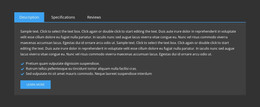
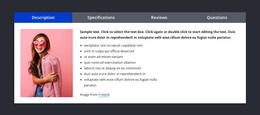
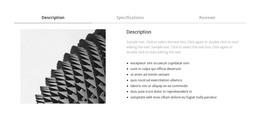
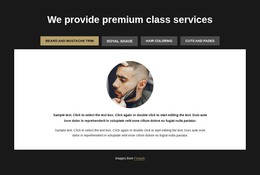
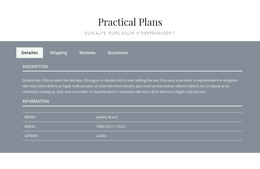
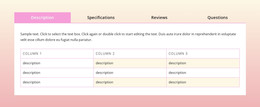
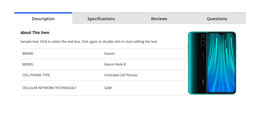
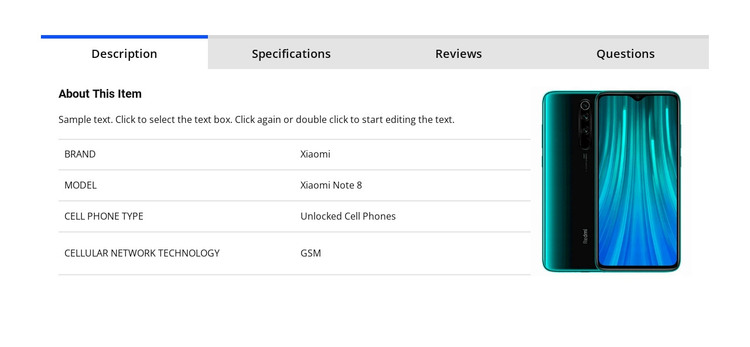
The block reads naturally as durable product information: a four-tab area that groups Description, Specifications, Reviews, and Questions around one item. In the active Description view, the Xiaomi phone image provides visual identification while the adjacent content explains the item and presents a lightly ruled table. The table’s structured attributes include the Xiaomi brand, Xiaomi Note 8 model, unlocked cell-phone type, and GSM technology.
For a WordPress-oriented project, this makes the section suitable for a stable product or catalog page area rather than time-sensitive editorial content. The Reviews tab gives visitors a review prompt and write-product-review action, and the Questions tab creates another content path related to the same item. The block can therefore remain visually consistent while the surrounding site manages other page content, product context, or publishing needs through WordPress.
The content model is also clear enough to preserve during page editing. The horizontal tabs keep related information within one section, while the two-column panel separates visual identification from structured attributes. White space, compact typography, uppercase labels, and the blue active state provide a consistent presentation for the content. Used in a WordPress-managed page, this block contributes a publishable product-detail region; it does not by itself represent a complete WordPress Theme or define the wider site architecture.
Customize with Nicepage
Open this ready-made template in the WordPress Website Builder and customize it visually in the Nicepage editor. Replace demo content, edit page sections, and adapt the design to your project without rebuilding the template from scratch.
Edit Template Offline
2. Create a new page or select existing
3. Click Add new block, search for id 93568 and click enter
Edit Template Online
Create Awesome Websites


Free Nicepage Builder
Keywords
Manage and Edit This Theme in WordPress
Customize and Install the WordPress Theme
Start with this ready-made theme instead of building the WordPress design from scratch. Customize its layout, content, typography, images, sections, and other design elements visually in Nicepage editor, then export and install the WordPress Theme, Plugin, and Pages on your WordPress site. The Nicepage WordPress Plugin lets you continue working with the site after installation.
Edit the Theme Directly in WordPress
After installation, you can edit the WordPress Theme directly in WordPress with the Nicepage WordPress Plugin. Use Site Style to customize site Colors, Fonts, Header, Footer, Blog, and Post Page Templates while working within your WordPress website.
Edit WordPress Pages Visually
Use the Nicepage WordPress Plugin to edit page content directly from the WordPress admin area. Open a WordPress Page with Nicepage and visually change its text, images, sections, and other page elements while continuing to manage the Page through WordPress.
WordPress Content and Theme Integration
Use the customized theme with WordPress Pages, Posts, Blog and Post Templates, menus, widgets, and other CMS-managed content. Shared theme elements such as Colors, Fonts, Header, Footer, Blog, and Post Page Templates can be managed as part of the overall site design, while WordPress provides the CMS environment for managing site content.
This workflow combines a ready-made WordPress Theme with visual customization, direct theme editing in WordPress, and continued content management through the Nicepage WordPress Plugin.