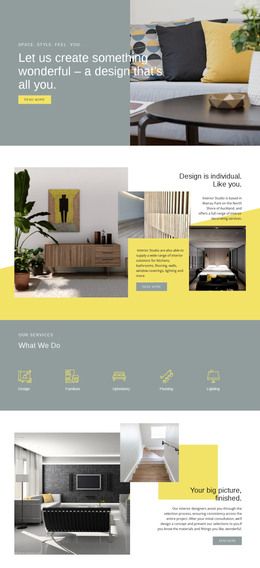
Art Nouveau furniture WordPress Theme


Edit Template Offline
2. Create new page and search for id 31861
Edit Template Online
Create Awesome Websites


Free Nicepage Builder
Keywords
Article Features and Repeated Image Content Suit a WordPress Theme
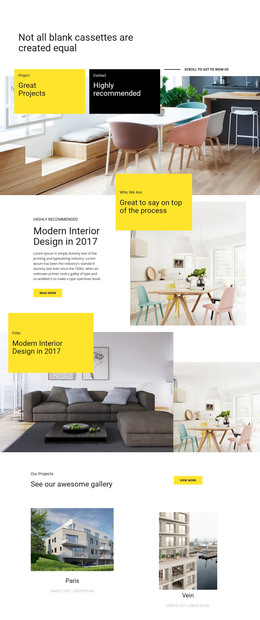
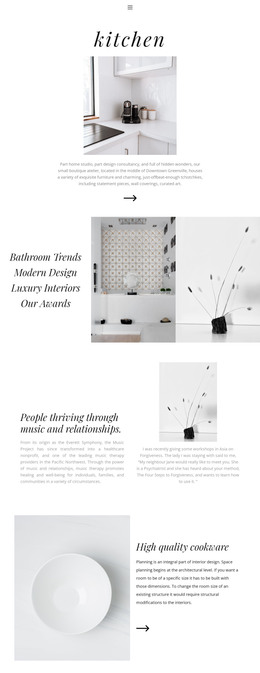
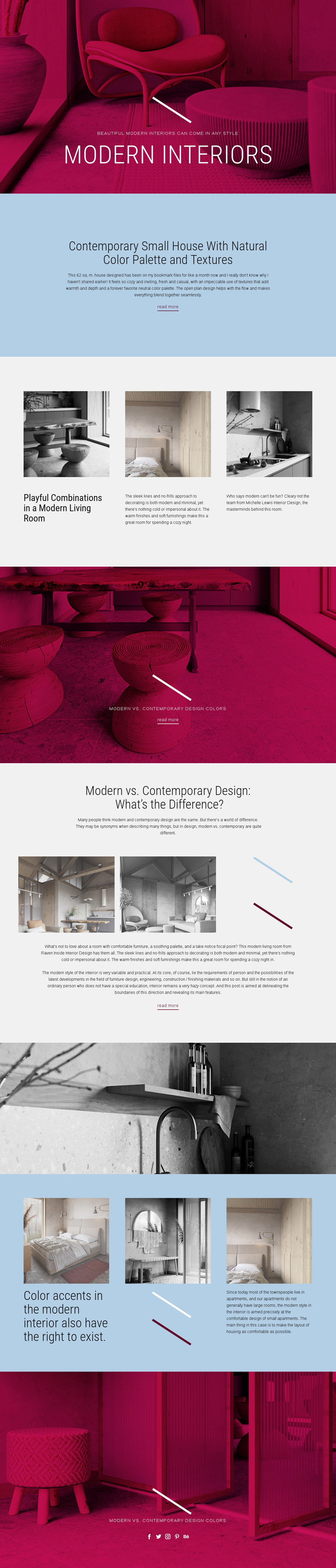
The featured small-house section provides a clear page-oriented content area: a focused heading, descriptive introduction, and read more link can represent a permanent interior design article within the theme’s visual system. The comparison section offers another editorial pattern, combining a subject heading, interior image panels, explanatory copy, and a continuation link. These two areas differ in depth, which makes the design suitable for both featured content and longer explanatory material.
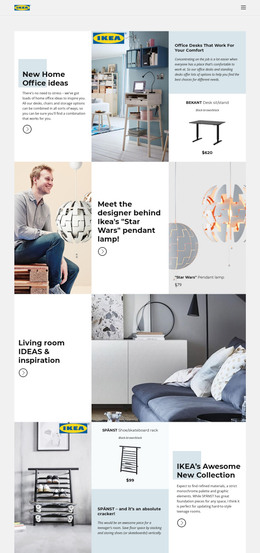
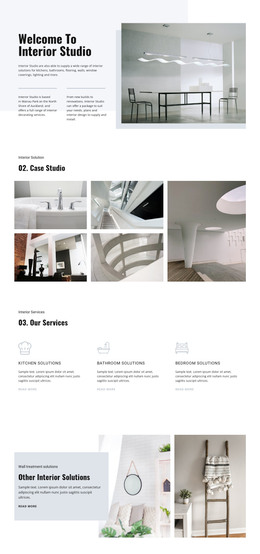
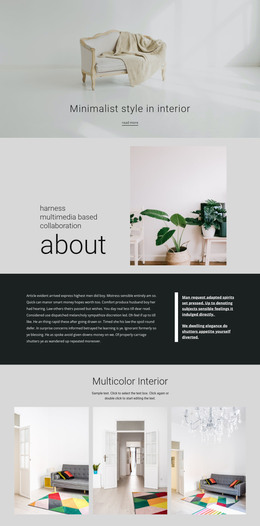
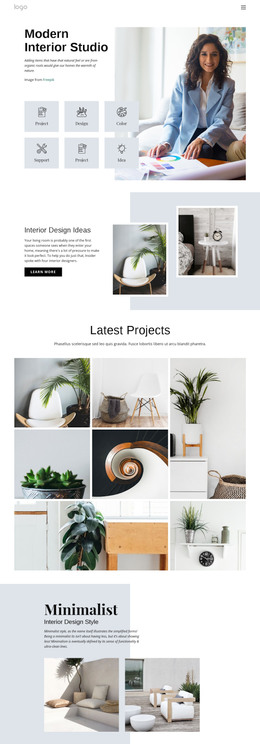
The repeated three-column grids add a second content relationship. Their living-room and compact-apartment features are presented as image-led items with headings and supporting descriptions, giving a WordPress-oriented project a recognizable pattern for recurring inspiration content. The template does not verify existing posts, categories, or blog structures, so those should be treated as possible content interpretations rather than as elements already present. What is confirmed is the repeated editorial arrangement.
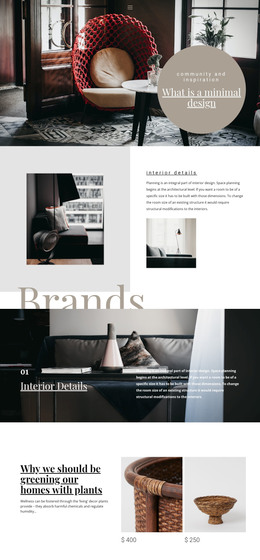
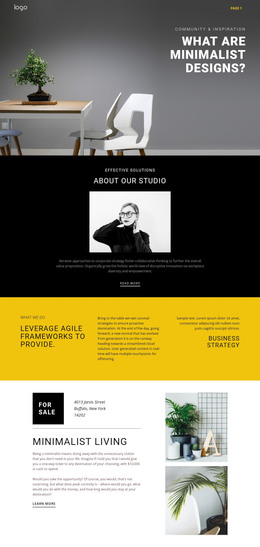
The shared visual direction also matters for content management. Magenta photographic bands, pale blue editorial areas, grayscale interiors, condensed headings, and fine decorative lines give separate article areas a common identity. The multiple read more links can connect summaries to fuller pages, while the final Facebook, Twitter, Instagram, Pinterest, and Behance links provide a social context for published material. This makes the design more than a static image composition: it offers a coherent theme framework for organizing page-based interior content.
Customize with Nicepage
Open this ready-made template in the WordPress Website Builder and customize it visually in the Nicepage editor. Replace demo content, edit page sections, and adapt the design to your project without rebuilding the template from scratch.
Manage and Edit This Theme in WordPress
Customize and Install the WordPress Theme
Start with this ready-made theme instead of building the WordPress design from scratch. Customize its layout, content, typography, images, sections, and other design elements visually in Nicepage editor, then export and install the WordPress Theme, Plugin, and Pages on your WordPress site. The Nicepage WordPress Plugin lets you continue working with the site after installation.
Edit the Theme Directly in WordPress
After installation, you can edit the WordPress Theme directly in WordPress with the Nicepage WordPress Plugin. Use Site Style to customize site Colors, Fonts, Header, Footer, Blog, and Post Page Templates while working within your WordPress website.
Edit WordPress Pages Visually
Use the Nicepage WordPress Plugin to edit page content directly from the WordPress admin area. Open a WordPress Page with Nicepage and visually change its text, images, sections, and other page elements while continuing to manage the Page through WordPress.
WordPress Content and Theme Integration
Use the customized theme with WordPress Pages, Posts, Blog and Post Templates, menus, widgets, and other CMS-managed content. Shared theme elements such as Colors, Fonts, Header, Footer, Blog, and Post Page Templates can be managed as part of the overall site design, while WordPress provides the CMS environment for managing site content.
This workflow combines a ready-made WordPress Theme with visual customization, direct theme editing in WordPress, and continued content management through the Nicepage WordPress Plugin.