Interior design portfolio WordPress Theme


Edit Template Offline
2. Create new page and search for id 4086464
Edit Template Online
Create Awesome Websites


Free Nicepage Builder
Keywords
Gallery Highlights and Repeated Projects Support Managed Portfolio Content
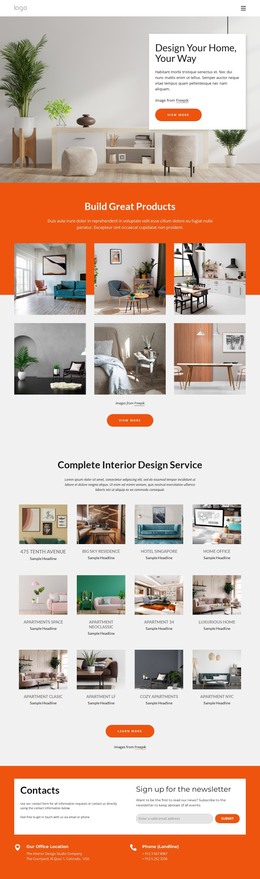
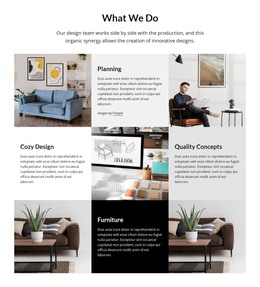
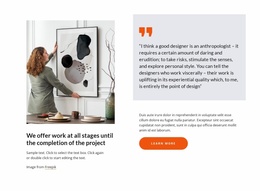
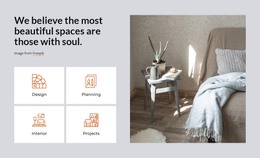
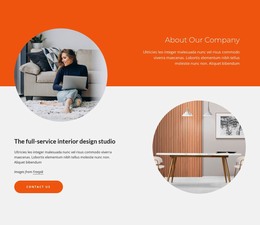
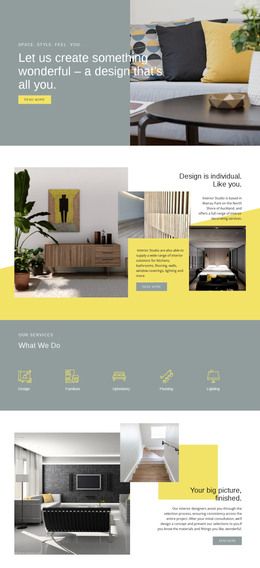
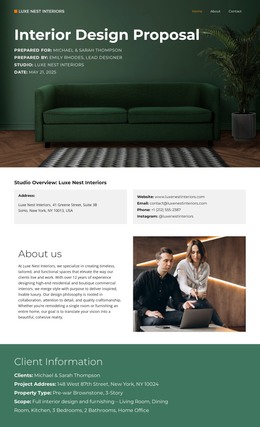
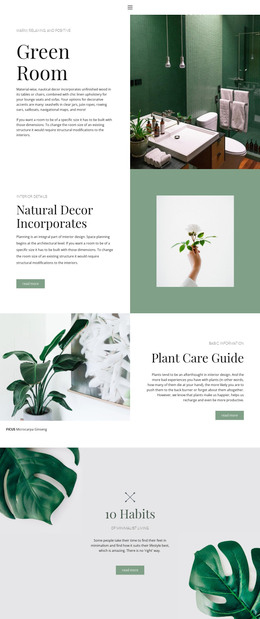
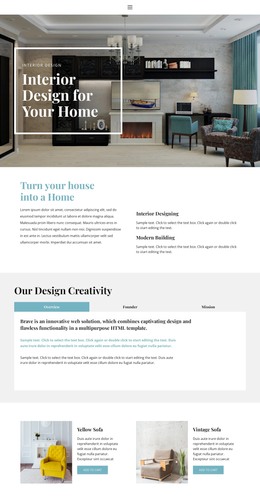
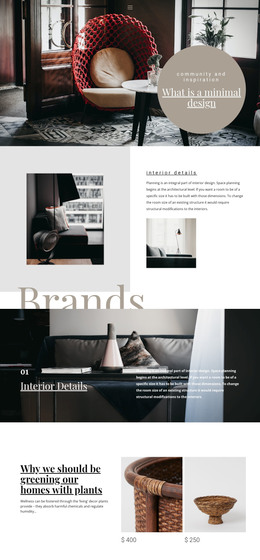
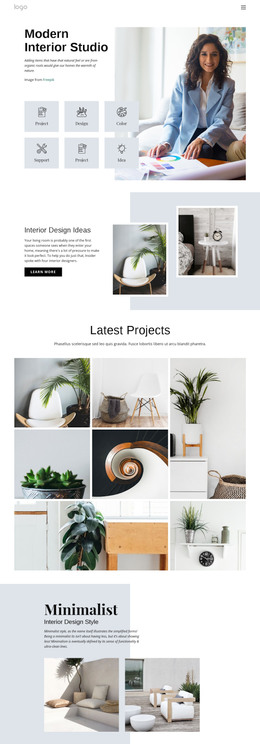
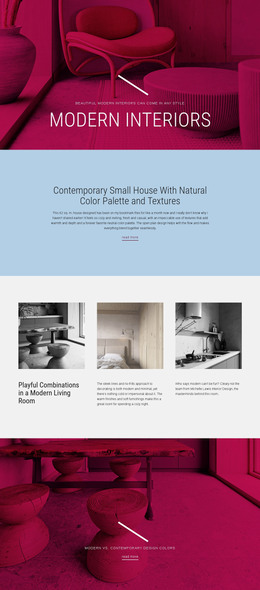
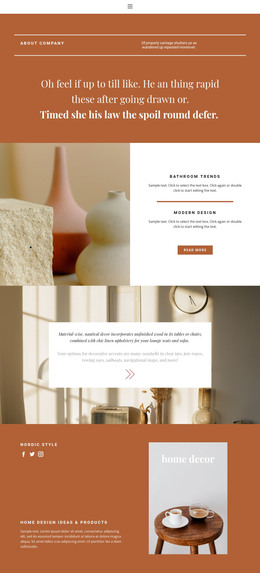
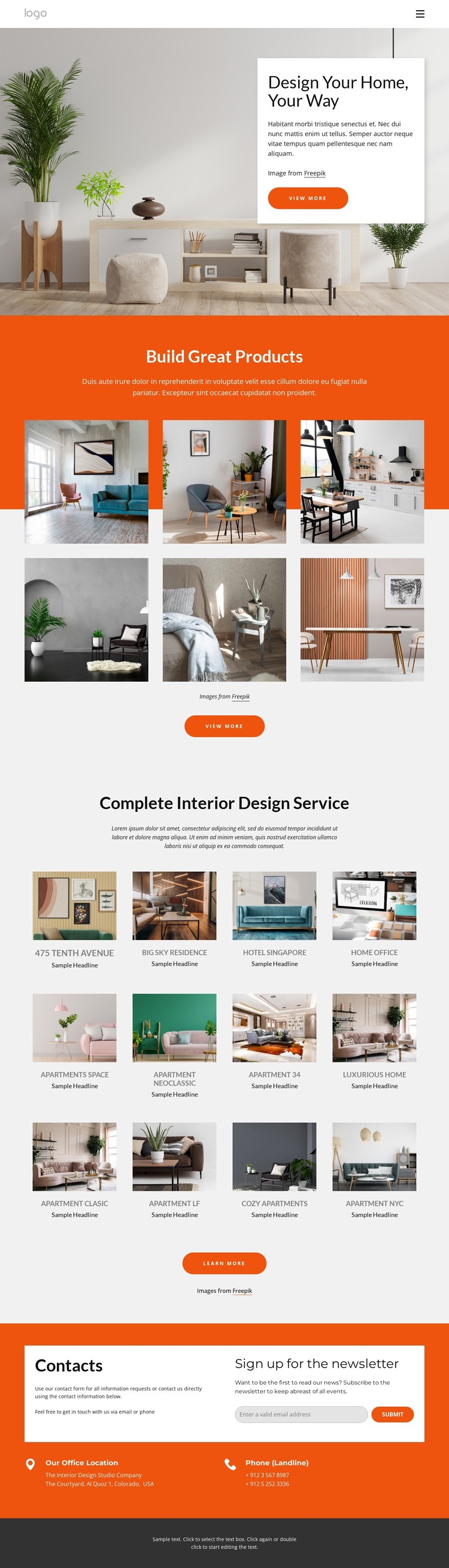
The six-image gallery and twelve repeated project items provide two different content patterns for a WordPress-oriented site. The gallery can serve as a selected visual introduction to the studio’s work, while the repeated collection offers a broader set of project entries beneath the complete interior design service heading. Their shared image-led treatment keeps the portfolio visually connected, but their different scales leave room for permanent project information and additional content that may be published over time.
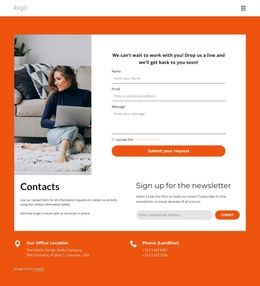
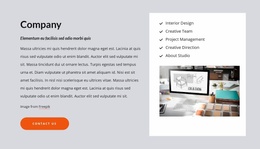
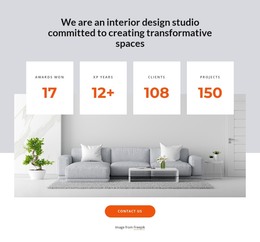
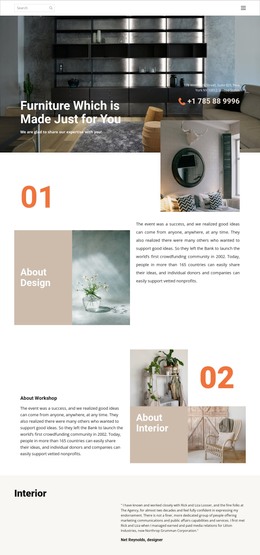
The page also contains clear site-oriented regions beyond the project imagery. Navigation links separate projects, team, company information, and contact, while the orange closing area combines office and phone details with a newsletter subscription form. These areas can help distinguish enduring page content from recurring portfolio or editorial material in a WordPress project. The analysis does not verify WordPress Posts, categories, or blog structures in the template, so those should not be treated as existing components. Instead, the value lies in the design’s content relationships: visual project evidence, repeated cards, shared navigation, contact information, and a subscription response point already work together as one coherent theme direction. That combination can accommodate managed content without losing the warm photography, centered hierarchy, or strong orange-and-charcoal contrast.
Customize with Nicepage
Open this ready-made template in the WordPress Website Builder and customize it visually in the Nicepage editor. Replace demo content, edit page sections, and adapt the design to your project without rebuilding the template from scratch.
Manage and Edit This Theme in WordPress
Customize and Install the WordPress Theme
Start with this ready-made theme instead of building the WordPress design from scratch. Customize its layout, content, typography, images, sections, and other design elements visually in Nicepage editor, then export and install the WordPress Theme, Plugin, and Pages on your WordPress site. The Nicepage WordPress Plugin lets you continue working with the site after installation.
Edit the Theme Directly in WordPress
After installation, you can edit the WordPress Theme directly in WordPress with the Nicepage WordPress Plugin. Use Site Style to customize site Colors, Fonts, Header, Footer, Blog, and Post Page Templates while working within your WordPress website.
Edit WordPress Pages Visually
Use the Nicepage WordPress Plugin to edit page content directly from the WordPress admin area. Open a WordPress Page with Nicepage and visually change its text, images, sections, and other page elements while continuing to manage the Page through WordPress.
WordPress Content and Theme Integration
Use the customized theme with WordPress Pages, Posts, Blog and Post Templates, menus, widgets, and other CMS-managed content. Shared theme elements such as Colors, Fonts, Header, Footer, Blog, and Post Page Templates can be managed as part of the overall site design, while WordPress provides the CMS environment for managing site content.
This workflow combines a ready-made WordPress Theme with visual customization, direct theme editing in WordPress, and continued content management through the Nicepage WordPress Plugin.