Best Design Offices WordPress Theme


Edit Template Offline
2. Create new page and search for id 18138
Edit Template Online
Create Awesome Websites


Free Nicepage Builder
Keywords
Gallery Content and Office Advice Fit a Page-Oriented Theme
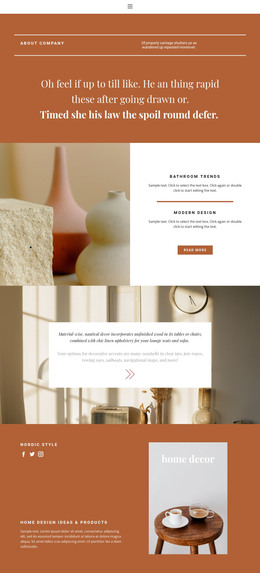
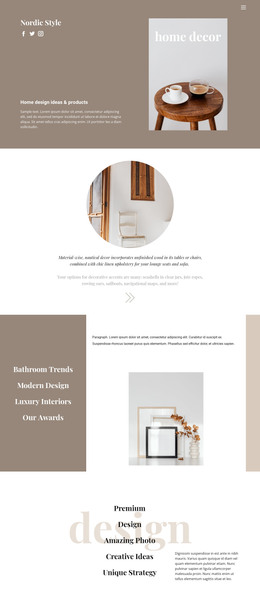
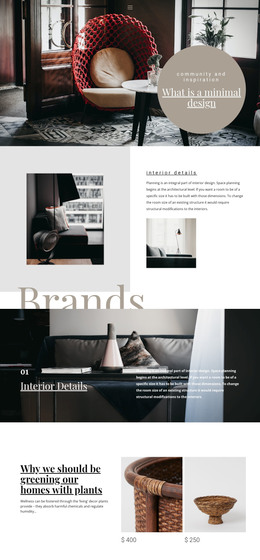
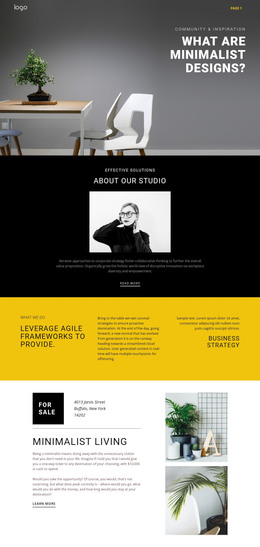
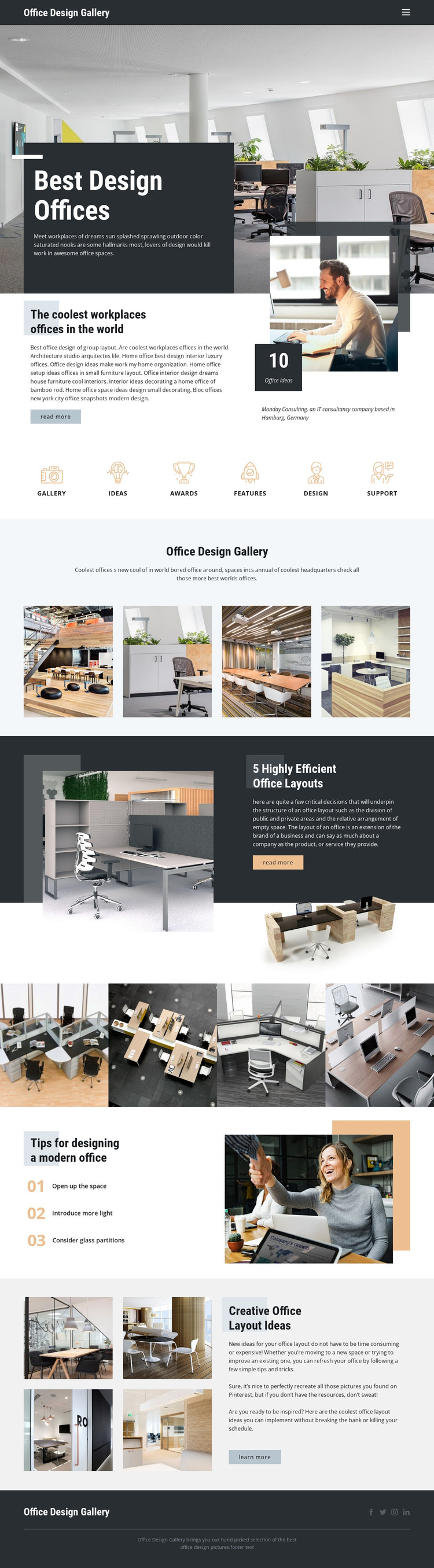
The design separates permanent subject matter into clear page-oriented areas. The hero and featured overview can introduce the office-design topic, while the 10 Office Ideas metric and Read more action give the opening content a defined editorial focus. The six shortcut items provide another layer of organization around Gallery, Ideas, Awards, Features, Design, and Support. Together, these areas create a useful relationship between navigation and content discovery without claiming that WordPress pages, posts, or categories are already present in the template.
The repeated photography is especially important to the theme interpretation. Two four-image strips can represent distinct office collections, and the final four-image arrangement supports the creative office layout section. Alongside those visual areas, the efficient-layout feature and the three numbered recommendations supply text-led content that could remain as stable page information or be expanded with additional editorial material in a WordPress project. The shared dark header and footer help keep such content within one visual system, while the Facebook, Twitter, Instagram, and LinkedIn icons define a consistent social region. WordPress adaptation is therefore supported by the design's content relationships: navigation points to subject areas, image collections illustrate them, and concise advice explains them. The theme provides a visual and informational foundation, but specific CMS-managed content structures should be created only when the project requires them.
Customize with Nicepage
Open this ready-made template in the WordPress Website Builder and customize it visually in the Nicepage editor. Replace demo content, edit page sections, and adapt the design to your project without rebuilding the template from scratch.
Manage and Edit This Theme in WordPress
Customize and Install the WordPress Theme
Start with this ready-made theme instead of building the WordPress design from scratch. Customize its layout, content, typography, images, sections, and other design elements visually in Nicepage editor, then export and install the WordPress Theme, Plugin, and Pages on your WordPress site. The Nicepage WordPress Plugin lets you continue working with the site after installation.
Edit the Theme Directly in WordPress
After installation, you can edit the WordPress Theme directly in WordPress with the Nicepage WordPress Plugin. Use Site Style to customize site Colors, Fonts, Header, Footer, Blog, and Post Page Templates while working within your WordPress website.
Edit WordPress Pages Visually
Use the Nicepage WordPress Plugin to edit page content directly from the WordPress admin area. Open a WordPress Page with Nicepage and visually change its text, images, sections, and other page elements while continuing to manage the Page through WordPress.
WordPress Content and Theme Integration
Use the customized theme with WordPress Pages, Posts, Blog and Post Templates, menus, widgets, and other CMS-managed content. Shared theme elements such as Colors, Fonts, Header, Footer, Blog, and Post Page Templates can be managed as part of the overall site design, while WordPress provides the CMS environment for managing site content.
This workflow combines a ready-made WordPress Theme with visual customization, direct theme editing in WordPress, and continued content management through the Nicepage WordPress Plugin.