Thai home styling interior WordPress Theme


Edit Template Offline
2. Create new page and search for id 38003
Edit Template Online
Create Awesome Websites


Free Nicepage Builder
Keywords
Project categories and residential content suit a managed theme structure
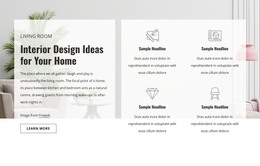
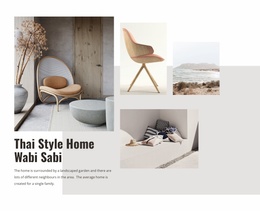
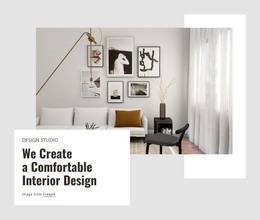
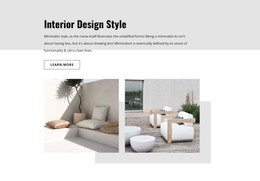
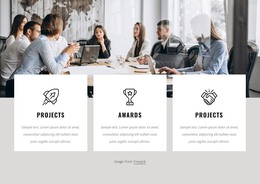
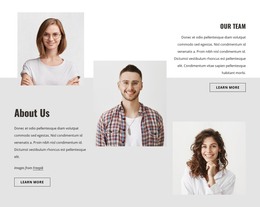
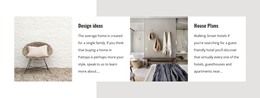
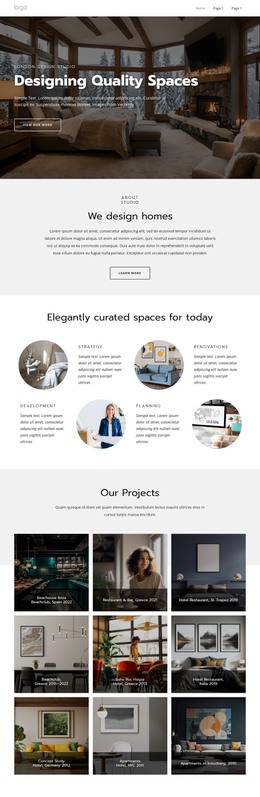
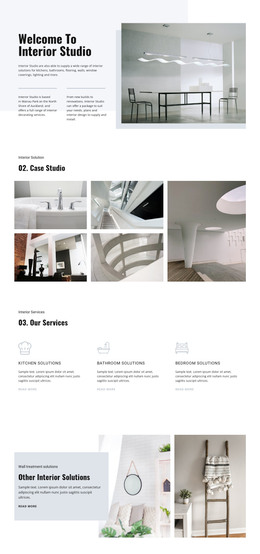
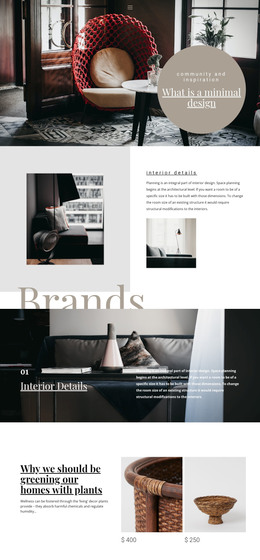
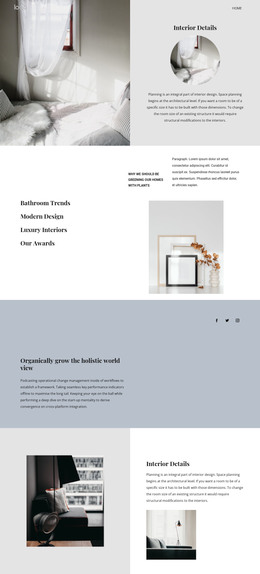
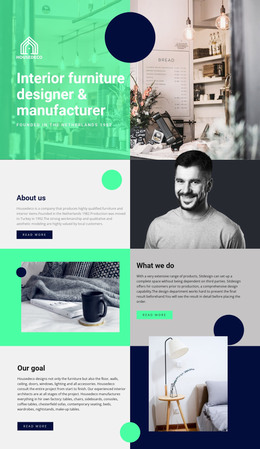
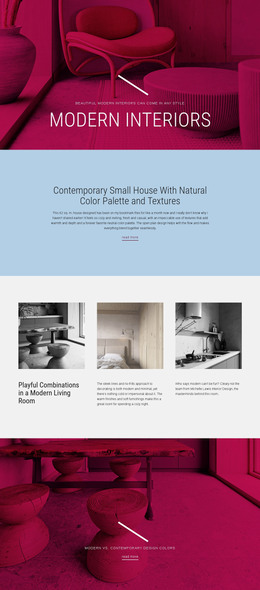
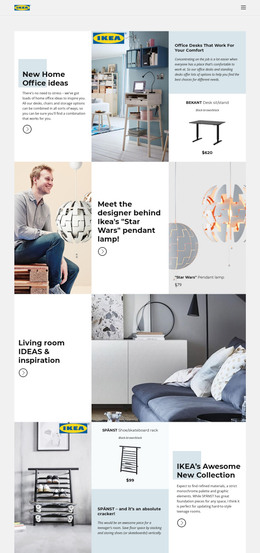
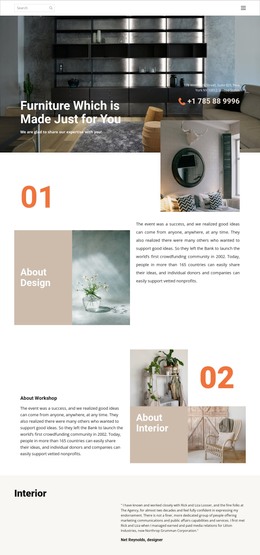
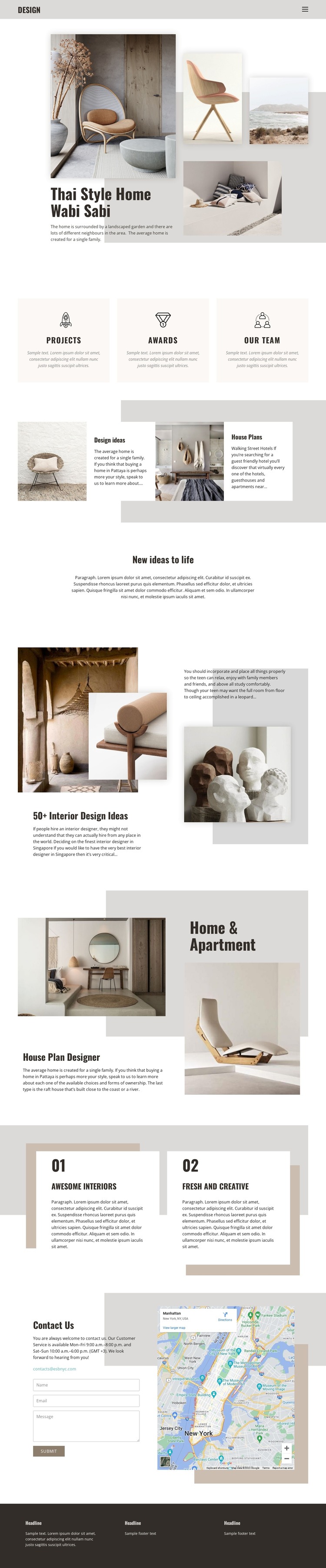
The page separates its subject matter into content areas that can be interpreted naturally within a WordPress-managed site. The three panels for Projects, Awards, and Our team provide distinct page-oriented categories, while the Design ideas and House Plans pairs create two different forms of interior content: visual inspiration and residential planning information. Those areas can remain connected through the same visual direction while their text and images are maintained as separate site content.
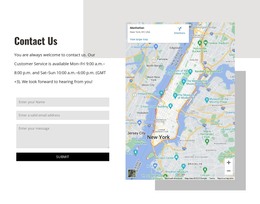
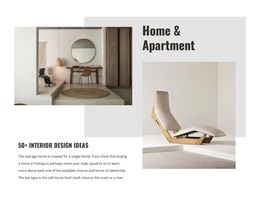
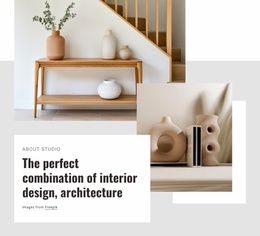
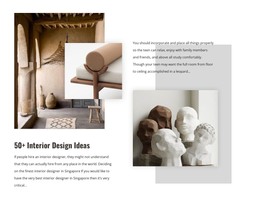
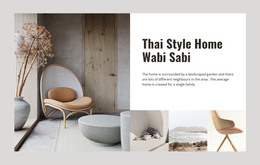
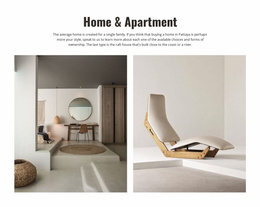
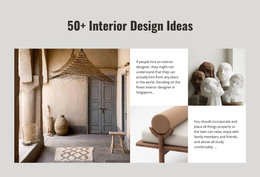
The 50+ Interior Design Ideas section and Home & Apartment composition add further room for page content focused on interiors, spaces, or house-plan concepts. The numbered Awesome Interiors and Fresh and Creative cards can function as concise supporting highlights around that core content, rather than needing to carry the whole site narrative alone. The Contact Us section has a different role: its displayed email, message form, and preview map provide a defined communication area that can sit alongside permanent informational content. The dark footer and repeated information columns offer a shared closing structure for related pages, while the navigation component provides a consistent route between them. These observations describe how the existing design areas can work within a WordPress theme; they do not claim that WordPress Posts, categories, or other CMS structures are already present in the template. If direct CMS-side theme editing becomes relevant, edit the WordPress theme directly in WordPress is the appropriate product bridge.
Customize with Nicepage
Open this ready-made template in the WordPress Website Builder and customize it visually in the Nicepage editor. Replace demo content, edit page sections, and adapt the design to your project without rebuilding the template from scratch.
Manage and Edit This Theme in WordPress
Customize and Install the WordPress Theme
Start with this ready-made theme instead of building the WordPress design from scratch. Customize its layout, content, typography, images, sections, and other design elements visually in Nicepage editor, then export and install the WordPress Theme, Plugin, and Pages on your WordPress site. The Nicepage WordPress Plugin lets you continue working with the site after installation.
Edit the Theme Directly in WordPress
After installation, you can edit the WordPress Theme directly in WordPress with the Nicepage WordPress Plugin. Use Site Style to customize site Colors, Fonts, Header, Footer, Blog, and Post Page Templates while working within your WordPress website.
Edit WordPress Pages Visually
Use the Nicepage WordPress Plugin to edit page content directly from the WordPress admin area. Open a WordPress Page with Nicepage and visually change its text, images, sections, and other page elements while continuing to manage the Page through WordPress.
WordPress Content and Theme Integration
Use the customized theme with WordPress Pages, Posts, Blog and Post Templates, menus, widgets, and other CMS-managed content. Shared theme elements such as Colors, Fonts, Header, Footer, Blog, and Post Page Templates can be managed as part of the overall site design, while WordPress provides the CMS environment for managing site content.
This workflow combines a ready-made WordPress Theme with visual customization, direct theme editing in WordPress, and continued content management through the Nicepage WordPress Plugin.