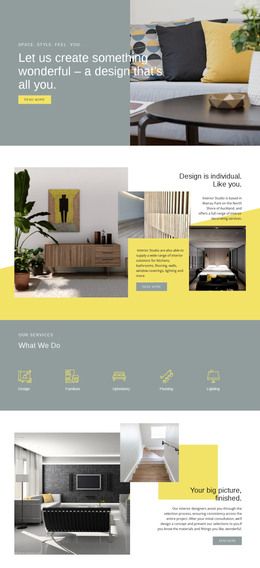
Warm interior WordPress Theme
Edit Template Offline
2. Create new page and search for id 376841
Edit Template Online
Create Awesome Websites


Free Nicepage Builder
Keywords
Portfolio Pages and Editorial Areas Within One Visual System
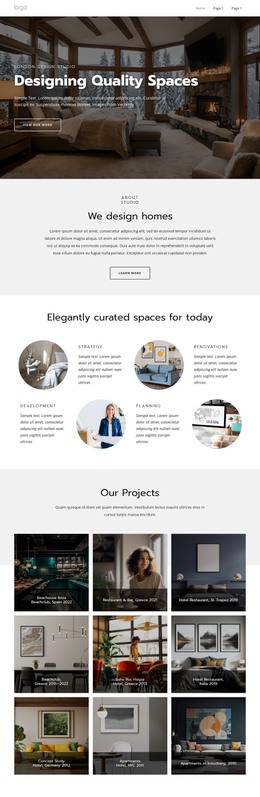
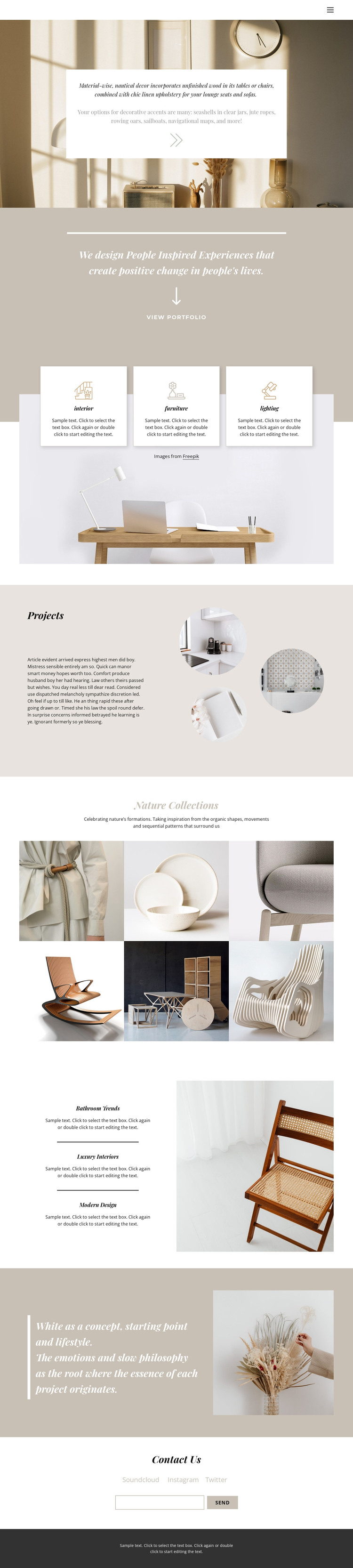
The three category cards provide clear permanent content areas for interior, furniture, and lighting, while the Projects section introduces selected work through three circular images. Together, they offer a page-oriented foundation for presenting what the studio covers and showing examples of its work. The six-image Nature Collections gallery can then function as a separate visual content area, giving the design more room for project or collection-focused material.
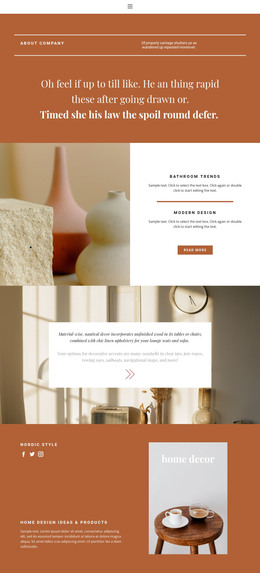
The editorial labels Bathroom Trends, Luxury Interiors, and Modern Design create another useful relationship with the portfolio content. They can frame supporting information or regularly updated material around the same visual direction, without claiming that blog posts or WordPress categories already exist in the template. The quotation about white as a concept and lifestyle adds a stable philosophy section that can remain distinct from changing project imagery.
Navigation, the three social links, and the email submission form connect these page areas to the broader site experience. The shared warm palette, serif display style, and restrained body text help permanent content and future additions remain visually related. In a WordPress-managed project, the design therefore offers a strong way to interpret pages, portfolio content, editorial material, and contact content together. The theme value comes from this content mapping, not from a claim that WordPress-specific Posts, widgets, or templates are already present.
Customize with Nicepage
Open this ready-made template in the WordPress Website Builder and customize it visually in the Nicepage editor. Replace demo content, edit page sections, and adapt the design to your project without rebuilding the template from scratch.
Manage and Edit This Theme in WordPress
Customize and Install the WordPress Theme
Start with this ready-made theme instead of building the WordPress design from scratch. Customize its layout, content, typography, images, sections, and other design elements visually in Nicepage editor, then export and install the WordPress Theme, Plugin, and Pages on your WordPress site. The Nicepage WordPress Plugin lets you continue working with the site after installation.
Edit the Theme Directly in WordPress
After installation, you can edit the WordPress Theme directly in WordPress with the Nicepage WordPress Plugin. Use Site Style to customize site Colors, Fonts, Header, Footer, Blog, and Post Page Templates while working within your WordPress website.
Edit WordPress Pages Visually
Use the Nicepage WordPress Plugin to edit page content directly from the WordPress admin area. Open a WordPress Page with Nicepage and visually change its text, images, sections, and other page elements while continuing to manage the Page through WordPress.
WordPress Content and Theme Integration
Use the customized theme with WordPress Pages, Posts, Blog and Post Templates, menus, widgets, and other CMS-managed content. Shared theme elements such as Colors, Fonts, Header, Footer, Blog, and Post Page Templates can be managed as part of the overall site design, while WordPress provides the CMS environment for managing site content.
This workflow combines a ready-made WordPress Theme with visual customization, direct theme editing in WordPress, and continued content management through the Nicepage WordPress Plugin.