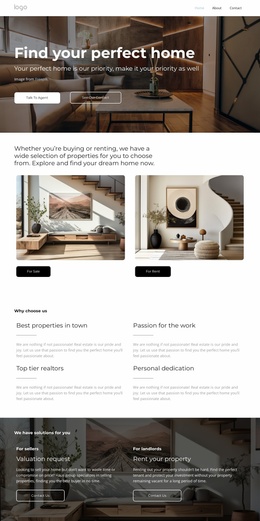
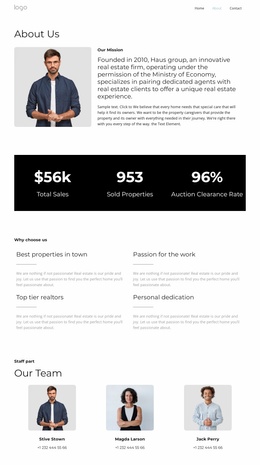
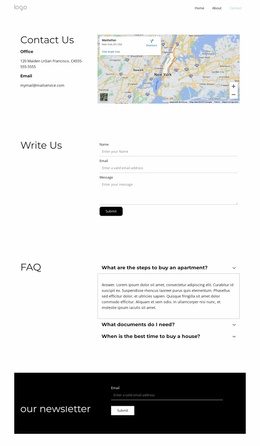
Top tier realtors WordPress Theme


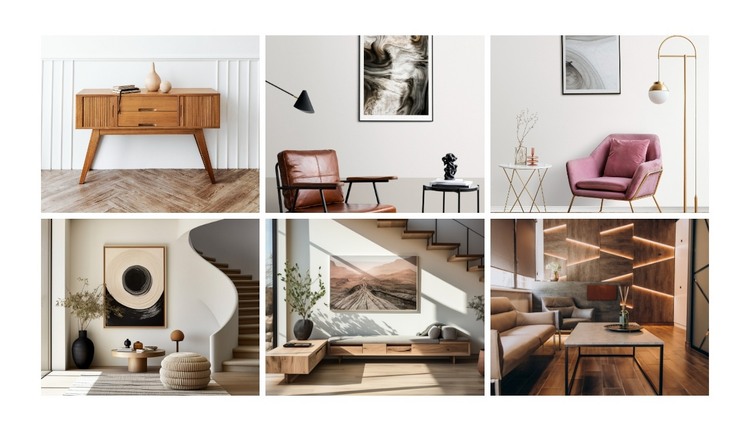
Six Photographs Create Stable Gallery Content for a Managed Page
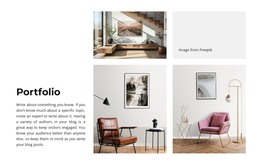
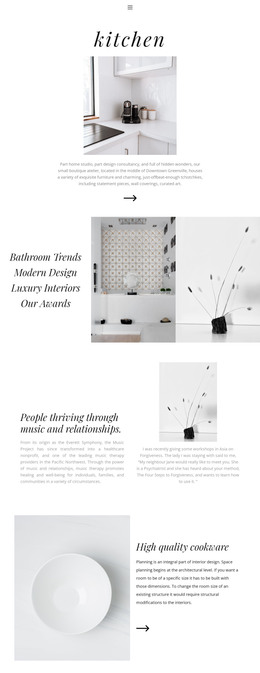
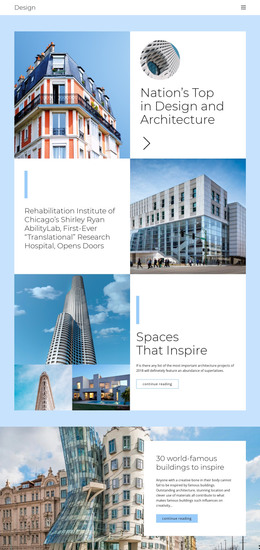
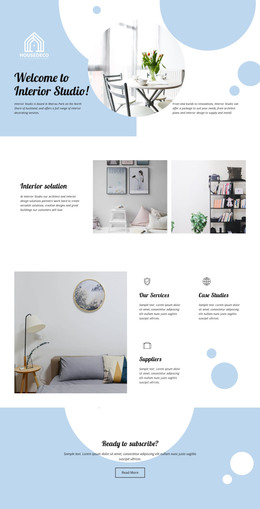
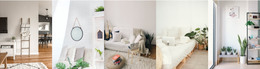
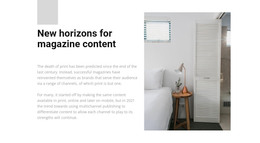
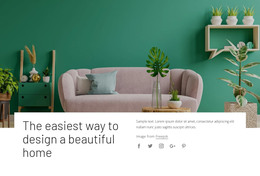
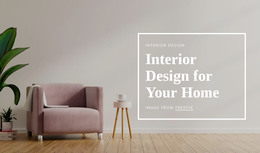
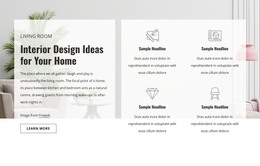
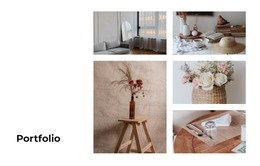
The six photographs form a durable visual content area that can fit naturally within a WordPress-managed page. They present furnished interior spaces, artwork, lighting, and décor as one related collection, while the two-row, three-column grid gives the section a predictable shape. This makes the block suitable for a services, portfolio, or project page where visual work needs to remain distinct from surrounding explanatory content.
Each image uses the same rectangular tile treatment, and narrow white gutters separate the photographs without weakening their relationship as a group. The bright neutral presentation leaves the imagery responsible for most of the visual communication. Since the block has no heading or paragraph, a page editor or neighboring section can provide the contextual title while this gallery remains focused on showing the work itself.
Hover zoom offers a lightweight way to emphasize the image currently being explored. Lightbox viewing then supports a closer look at the selected photograph, which is useful when interior details, furnishings, lighting, or décor need more attention than the grid size allows. In a WordPress-oriented project, the section can remain a reusable page-content region while the wider site handles navigation, publishing, and other content areas. The block contributes a defined gallery pattern, not a complete theme or site structure.
Customize with Nicepage
Open this ready-made template in the WordPress Website Builder and customize it visually in the Nicepage editor. Replace demo content, edit page sections, and adapt the design to your project without rebuilding the template from scratch.
Edit Template Offline
2. Create a new page or select existing
3. Click Add new block, search for id 6066879 and click enter
Edit Template Online
Create Awesome Websites


Free Nicepage Builder
Keywords
Manage and Edit This Theme in WordPress
Customize and Install the WordPress Theme
Start with this ready-made theme instead of building the WordPress design from scratch. Customize its layout, content, typography, images, sections, and other design elements visually in Nicepage editor, then export and install the WordPress Theme, Plugin, and Pages on your WordPress site. The Nicepage WordPress Plugin lets you continue working with the site after installation.
Edit the Theme Directly in WordPress
After installation, you can edit the WordPress Theme directly in WordPress with the Nicepage WordPress Plugin. Use Site Style to customize site Colors, Fonts, Header, Footer, Blog, and Post Page Templates while working within your WordPress website.
Edit WordPress Pages Visually
Use the Nicepage WordPress Plugin to edit page content directly from the WordPress admin area. Open a WordPress Page with Nicepage and visually change its text, images, sections, and other page elements while continuing to manage the Page through WordPress.
WordPress Content and Theme Integration
Use the customized theme with WordPress Pages, Posts, Blog and Post Templates, menus, widgets, and other CMS-managed content. Shared theme elements such as Colors, Fonts, Header, Footer, Blog, and Post Page Templates can be managed as part of the overall site design, while WordPress provides the CMS environment for managing site content.
This workflow combines a ready-made WordPress Theme with visual customization, direct theme editing in WordPress, and continued content management through the Nicepage WordPress Plugin.