Interior design and architecture studio WordPress Theme



Edit Template Offline
2. Create new page and search for id 4245242
Edit Template Online
Create Awesome Websites


Free Nicepage Builder
Keywords
Project imagery and recurring service content suit a WordPress-managed theme
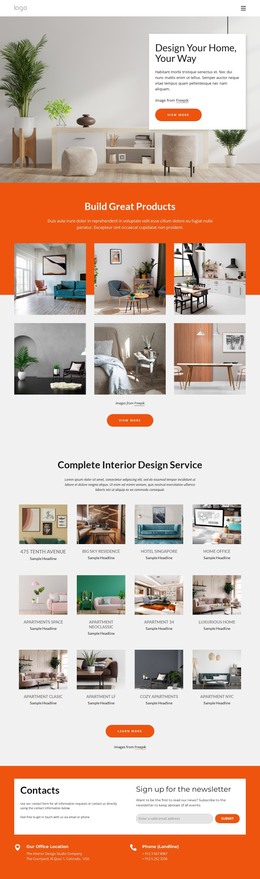
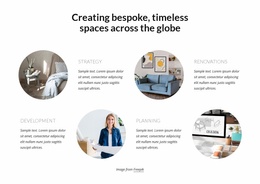
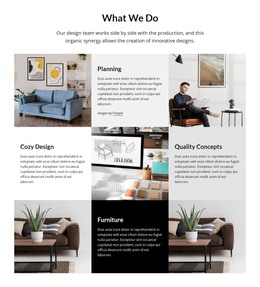
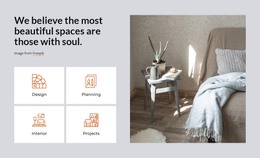
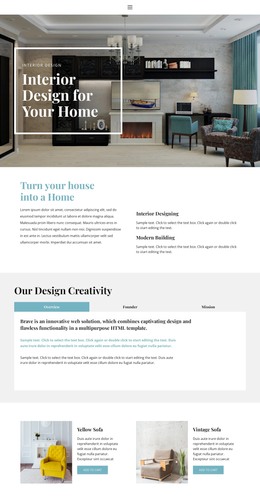
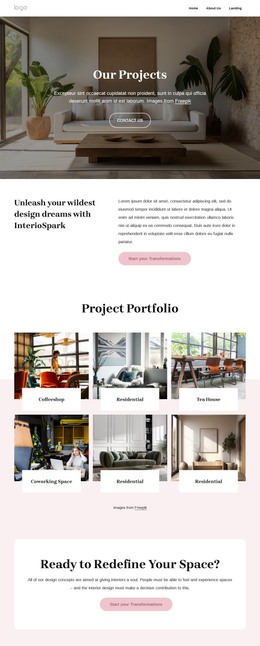
The page separates permanent service information from repeatable visual and communication areas. The four introductory cards identify Design, Planning, Interior, and Projects, creating page-oriented content that can remain central to the site’s presentation. The six-image gallery adds a project-focused visual area, while the space-planning section expands the service vocabulary with Consultations, Planning, Accessories, and Living Rooms. These relationships give the theme more than a single promotional statement: they connect broad service content with specific areas visitors may need to explore.
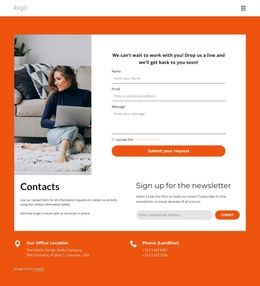
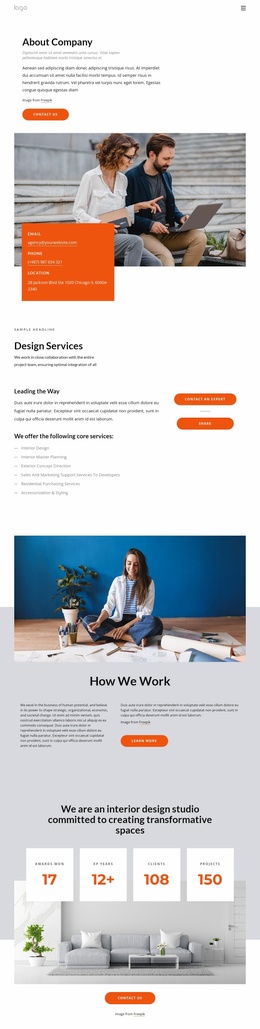
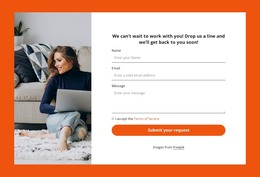
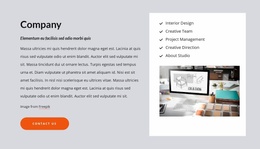
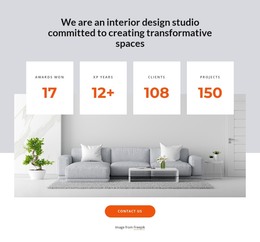
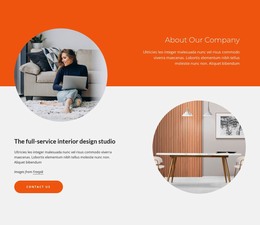
The company section provides another stable content region by presenting general contracting services alongside a portrait image, supporting copy, and a Contact Us button. Below it, the Building Services band creates a focused expert-contact message. The closing area combines office and phone details with a newsletter subscription panel, making the communication content distinct from the earlier service actions. Four circular metrics and the client-logo strip add repeatable proof-oriented regions, although their sample values and brand marks should not be treated as verified business claims.
For a WordPress project, this arrangement can support permanent pages and later content updates while preserving the same visual direction across service, project, company, and contact areas. The existing navigation also gives the theme a practical starting map through Home Page, Landing, Projects, Our Team, About Us, and Contact Us. New editorial content should be added only where the project confirms an appropriate content type.
Customize with Nicepage
Open this ready-made template in the WordPress Website Builder and customize it visually in the Nicepage editor. Replace demo content, edit page sections, and adapt the design to your project without rebuilding the template from scratch.
Manage and Edit This Theme in WordPress
Customize and Install the WordPress Theme
Start with this ready-made theme instead of building the WordPress design from scratch. Customize its layout, content, typography, images, sections, and other design elements visually in Nicepage editor, then export and install the WordPress Theme, Plugin, and Pages on your WordPress site. The Nicepage WordPress Plugin lets you continue working with the site after installation.
Edit the Theme Directly in WordPress
After installation, you can edit the WordPress Theme directly in WordPress with the Nicepage WordPress Plugin. Use Site Style to customize site Colors, Fonts, Header, Footer, Blog, and Post Page Templates while working within your WordPress website.
Edit WordPress Pages Visually
Use the Nicepage WordPress Plugin to edit page content directly from the WordPress admin area. Open a WordPress Page with Nicepage and visually change its text, images, sections, and other page elements while continuing to manage the Page through WordPress.
WordPress Content and Theme Integration
Use the customized theme with WordPress Pages, Posts, Blog and Post Templates, menus, widgets, and other CMS-managed content. Shared theme elements such as Colors, Fonts, Header, Footer, Blog, and Post Page Templates can be managed as part of the overall site design, while WordPress provides the CMS environment for managing site content.
This workflow combines a ready-made WordPress Theme with visual customization, direct theme editing in WordPress, and continued content management through the Nicepage WordPress Plugin.