Visualization of interiors WordPress Theme



Edit Template Offline
2. Create new page and search for id 843235
Edit Template Online
Create Awesome Websites


Free Nicepage Builder
Keywords
Project content and recurring cards support managed site sections
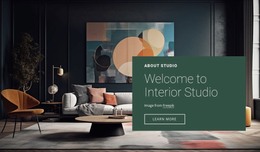
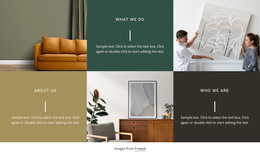
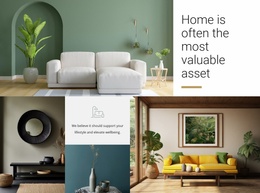
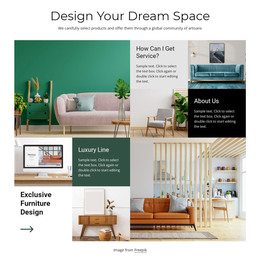
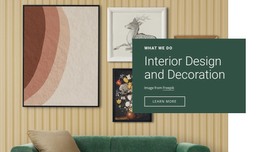
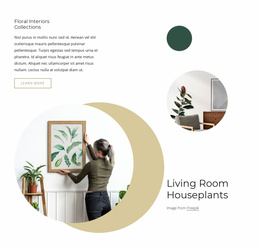
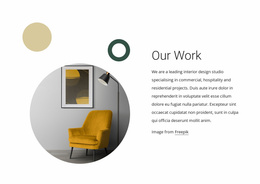
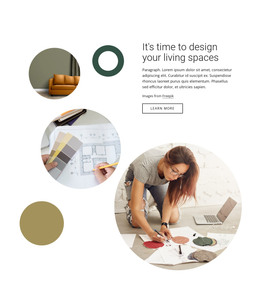
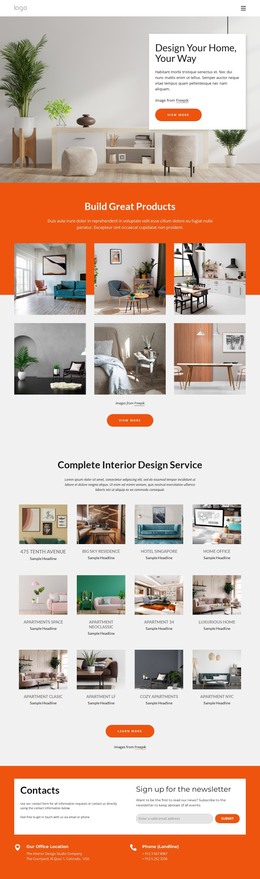
The page’s content areas divide naturally into permanent studio information and repeated project-oriented material. Interior Design and Decoration introduces the subject, while Our Work and the six alternating What we Do tiles can frame descriptions of the studio’s activities. The Floral Interiors Collections section adds an image-led area for a defined collection, and the later Design Your Dream Space grid contains separate themes such as How Can I Get Service?, Luxury Line, and Exclusive Furniture Design. These relationships make the design relevant to a site where page content may grow around projects, services, collections, and studio information.
The four capability cards provide another repeatable pattern for presenting Projects, Great design, Home Decor, and Innovations, while the identified hotels, luxury homes, and workplace interiors give the page several content directions without requiring unsupported blog or post claims. Navigation and the shared dark footer help connect the sections as part of one site design. At the end, the contact area pairs an interior photograph with a form that requests a name, email address, and message, creating a clear page-oriented inquiry area. In a WordPress project, these existing relationships can be interpreted through permanent pages and other CMS-managed content while keeping the same visual direction. The theme’s value comes from the way project imagery, repeated cards, service themes, and contact content already form a coherent content environment, not from assuming that WordPress Posts, categories, or templates are present in the analyzed page.
Customize with Nicepage
Open this ready-made template in the WordPress Website Builder and customize it visually in the Nicepage editor. Replace demo content, edit page sections, and adapt the design to your project without rebuilding the template from scratch.
Manage and Edit This Theme in WordPress
Customize and Install the WordPress Theme
Start with this ready-made theme instead of building the WordPress design from scratch. Customize its layout, content, typography, images, sections, and other design elements visually in Nicepage editor, then export and install the WordPress Theme, Plugin, and Pages on your WordPress site. The Nicepage WordPress Plugin lets you continue working with the site after installation.
Edit the Theme Directly in WordPress
After installation, you can edit the WordPress Theme directly in WordPress with the Nicepage WordPress Plugin. Use Site Style to customize site Colors, Fonts, Header, Footer, Blog, and Post Page Templates while working within your WordPress website.
Edit WordPress Pages Visually
Use the Nicepage WordPress Plugin to edit page content directly from the WordPress admin area. Open a WordPress Page with Nicepage and visually change its text, images, sections, and other page elements while continuing to manage the Page through WordPress.
WordPress Content and Theme Integration
Use the customized theme with WordPress Pages, Posts, Blog and Post Templates, menus, widgets, and other CMS-managed content. Shared theme elements such as Colors, Fonts, Header, Footer, Blog, and Post Page Templates can be managed as part of the overall site design, while WordPress provides the CMS environment for managing site content.
This workflow combines a ready-made WordPress Theme with visual customization, direct theme editing in WordPress, and continued content management through the Nicepage WordPress Plugin.