Interior designer and architects WordPress Theme


Stable Studio Content Around a Strong Visual Introduction
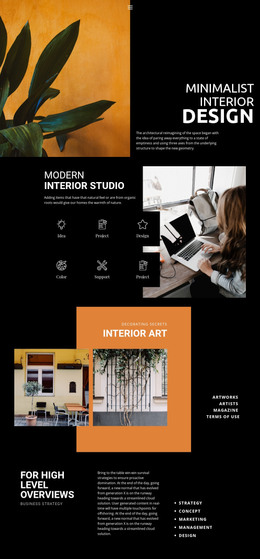
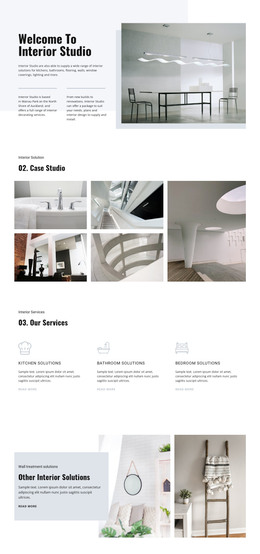
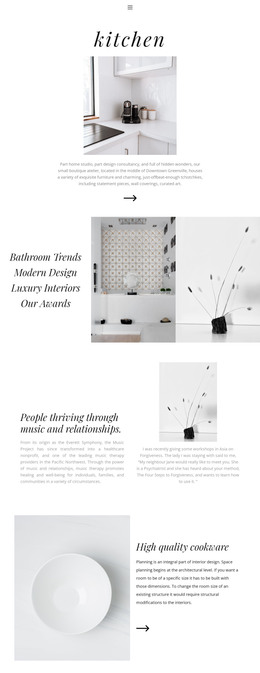
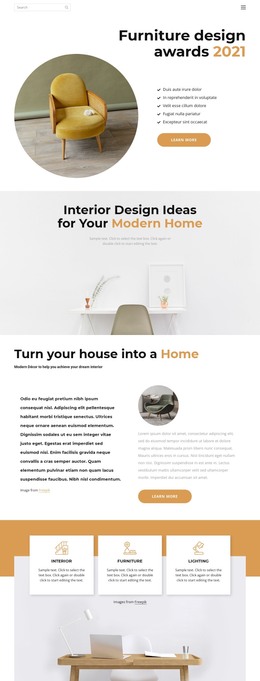
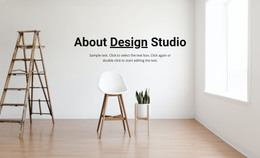
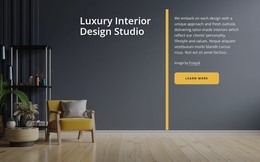
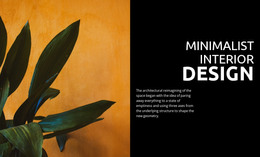
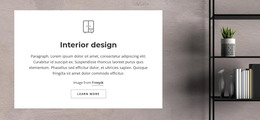
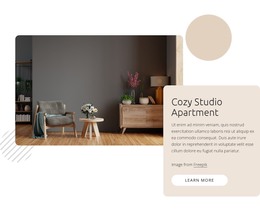
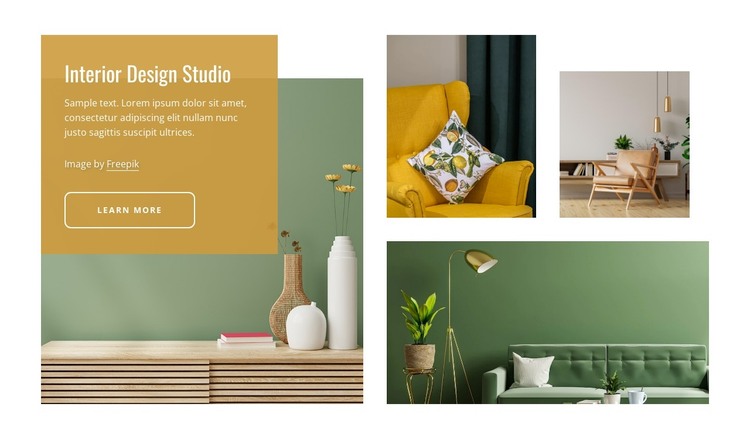
The heading and paragraph give this block a stable page-content role: they introduce an interior design studio without relying on time-sensitive entries or a repeated publishing feed. The translucent mustard panel places that message directly over the large left-side photograph, and the “learn more” button creates a clear route to related information that can be handled elsewhere in the surrounding WordPress-managed page.
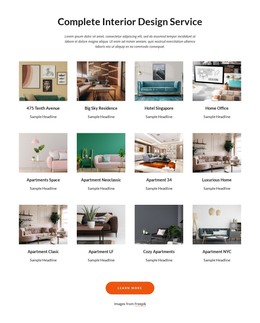
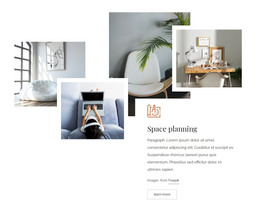
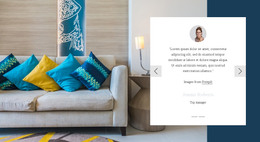
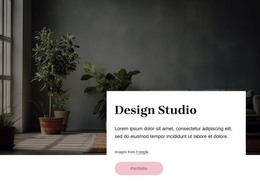
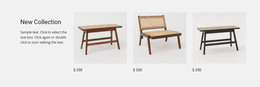
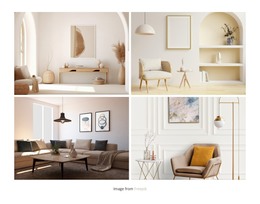
The three supporting photographs on the right work as a visual companion to the text panel. Their varied proportions create a collage that makes the section recognizable while keeping the content model compact: one heading, one paragraph, one action, and four interior images. This arrangement can remain consistent if the wider project uses the block as a permanent studio introduction, while other page content explains projects, services, or contact options in separate regions.
The section’s visual treatment can also sit within a broader WordPress theme without being mistaken for the theme itself. The mustard overlay, cream and sage accents, dark charcoal contrast, and outlined button offer concrete style cues that related page content may coordinate with. Nicepage supports a WordPress-managed page workflow, providing context for using designed page sections within a larger project while leaving the block’s own content and boundaries intact.
Customize with Nicepage
Open this ready-made template in the WordPress Website Builder and customize it visually in the Nicepage editor. Replace demo content, edit page sections, and adapt the design to your project without rebuilding the template from scratch.
Edit Template Offline
2. Create a new page or select existing
3. Click Add new block, search for id 108589 and click enter
Edit Template Online
Create Awesome Websites


Free Nicepage Builder
Keywords
Manage and Edit This Theme in WordPress
Customize and Install the WordPress Theme
Start with this ready-made theme instead of building the WordPress design from scratch. Customize its layout, content, typography, images, sections, and other design elements visually in Nicepage editor, then export and install the WordPress Theme, Plugin, and Pages on your WordPress site. The Nicepage WordPress Plugin lets you continue working with the site after installation.
Edit the Theme Directly in WordPress
After installation, you can edit the WordPress Theme directly in WordPress with the Nicepage WordPress Plugin. Use Site Style to customize site Colors, Fonts, Header, Footer, Blog, and Post Page Templates while working within your WordPress website.
Edit WordPress Pages Visually
Use the Nicepage WordPress Plugin to edit page content directly from the WordPress admin area. Open a WordPress Page with Nicepage and visually change its text, images, sections, and other page elements while continuing to manage the Page through WordPress.
WordPress Content and Theme Integration
Use the customized theme with WordPress Pages, Posts, Blog and Post Templates, menus, widgets, and other CMS-managed content. Shared theme elements such as Colors, Fonts, Header, Footer, Blog, and Post Page Templates can be managed as part of the overall site design, while WordPress provides the CMS environment for managing site content.
This workflow combines a ready-made WordPress Theme with visual customization, direct theme editing in WordPress, and continued content management through the Nicepage WordPress Plugin.