
Locations HTML Templates
Businesses with several stores, offices, or service points need every location to present the same essential details clearly. Structured HTML layouts keep addresses, schedules, contacts, and branch information predictable across desktop and mobile views.



















































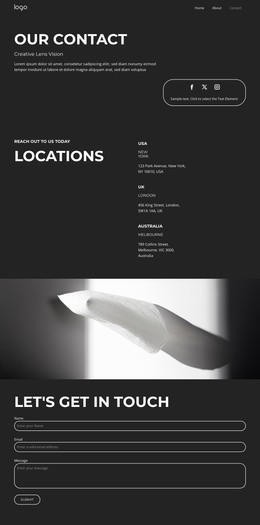
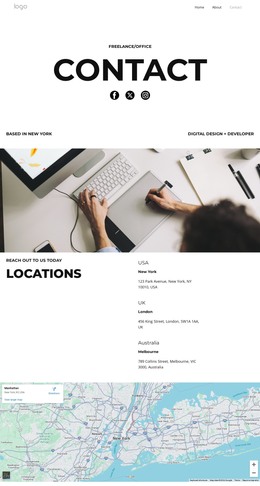













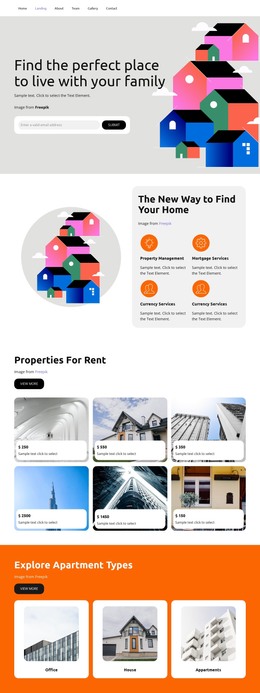

Other Interior HTML Templates
Responsive Locations HTML Templates for Multi-Branch Businesses
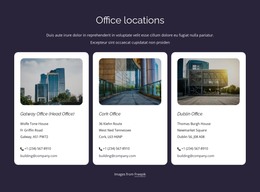
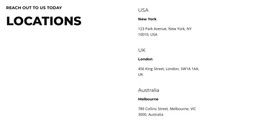
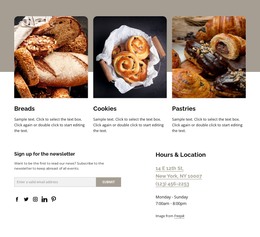
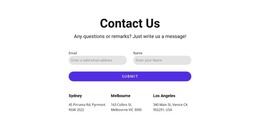
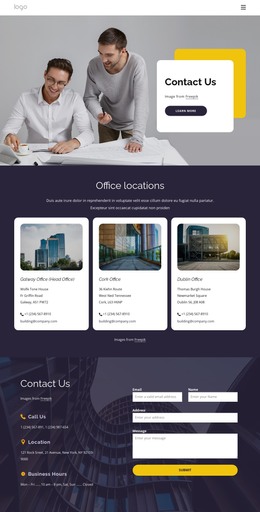
A location's HTML template is the part of a site where a retailer, clinic group, or service company publishes every branch it operates. One branch is easy to build by hand. Forty of them is another job, and a locations template solves it with one shared layout: the address, opening hours, and local contacts of each entry keep the same order, whichever branch a visitor opens.
What Each Card Has to Carry
Templates in this category differ mostly in how far the ready blocks go, so it helps to know what a location's project leans on.
The demo is worth a slow scroll, roughly in this order of importance:
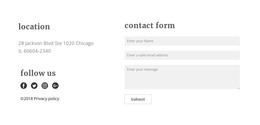
- Repeated cards that hold a branch name, its street addre,ss and its opening hours;
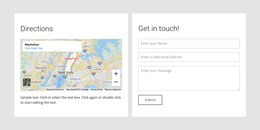
- Directions or map links for the branches customers walk into;
- Notes that change from one place to the next, such as services offered, parking or step-free access;
- Search, filters, or a map view once the network outgrows a single screen of cards.
A repeated card also keeps expansion simple, since a new branch follows the same pattern without redrawing the page. Nicepage Grid Repeater handles that repetition, and the Grid Repeater Element documentation covers the setup.
Clinics, Shops and Field Offices Need Different Details
What varies between your locations decides which of those blocks earn their space.
Three setups pull that choice in different directions:
- A clinic group where every branch offers a different mix of procedures, so filters matter more than proximity;
- A retail chain with late nights and holiday closures, where the schedule block carries the weight;
- Field offices that serve defined postal codes instead of walk-in visitors, where a plain list of covered territories works better than a map.
Test the Stacked View on Phones
A three-column desktop layout collapses into a single column on a phone, and a location can quietly lose its own details in the process. Each address and phone number must remain attached to its own entry after the cards are stacked, as must the schedule and the directions button. It is worth checking whether a large map stays usable once the layout narrows, whether a seven-day table swallows the card, and whether a long street name pushes the contact line out of sight.
The entry that breaks a location's layout is usually the newest branch, the one with no photo yet, a temporary address, and hours nobody has confirmed. Test the awkward one first, and the ordinary branches are far less likely to surface problems of their own.