
Faucet WordPress Themes
A faucet showroom needs a WordPress storefront where kitchen and bathroom collections lead naturally to product pages and buying options. The theme establishes a consistent shopping experience, while WooCommerce handles the product catalog and store operations.



More WordPress Themes from Interior Category
-

-
-
-
-
-
-
-
-
-
-
-
-
-
-
-
-
-
-
-
-
-
-
Free Website Builder SoftwareDownload
-
-
-
-
-
-
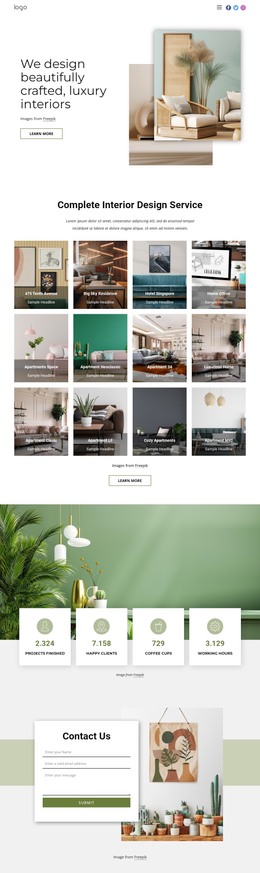
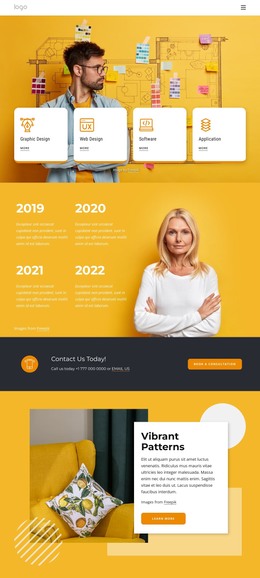
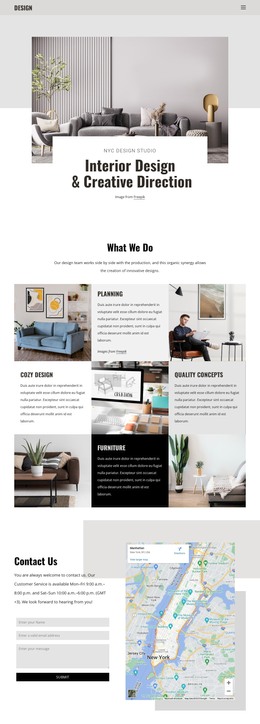
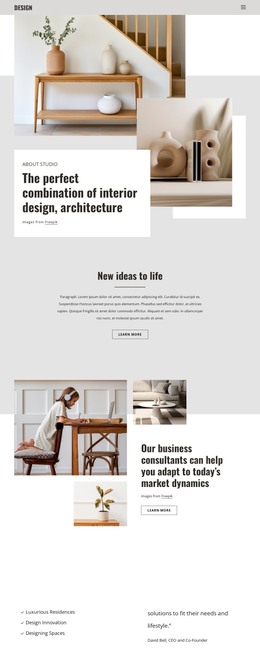











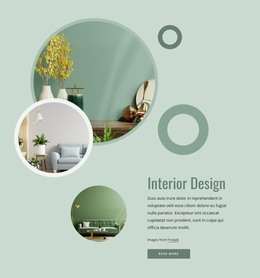
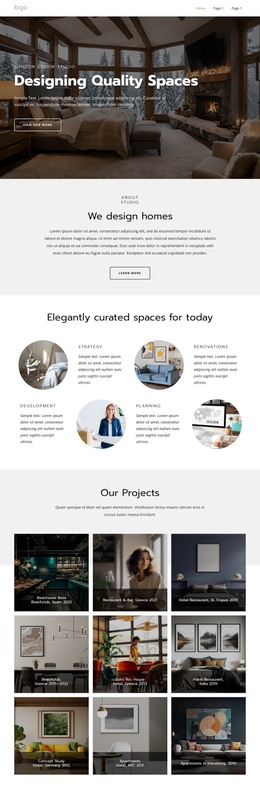


Other Interior WordPress Themes
Professional Faucet WordPress Themes
Most faucet stores on WordPress run on WooCommerce, which handles pricing, stock, and checkout. A faucet WordPress theme decides how that store looks, from category grids to product pages and the menus between them. Nicepage themes are designed in the desktop application, and their pages can later be edited inside WordPress through the plugin. A brand that sends buyers to dealers can skip the cart and use the theme for collections and contacts alone.
Start With the Product Views
The Product List and Product Details layouts deserve the closest look, since they shape how WooCommerce products appear in a category and on their own page. Picture your bestseller in the demo and check these points:
- Category pages should split kitchen from bathroom faucets and leave space for mounting-type filters, if your WooCommerce setup provides them.
- The product page should keep the finish choice, spout dimensions, and stock status close to the cart button.
- Each finish needs its own photo, because matte black and oil-rubbed bronze look almost identical as thumbnails.
A grid that looks airy with a handful of demo products can turn into a wall of near-identical chrome once your whole range is loaded.
From Kitchen Range to Checkout
In a typical order, a visitor opens the kitchen category, picks a pull-down model, and switches it to brushed nickel. Before buying, they check whether it needs one countertop hole or three. On a phone, the chosen finish should stay visible next to the price all the way to the cart.
Nicepage's Multi-Row Header can keep the logo and service phone number in one row. Another row can hold category links, search, and cart access. When your range is sold in series, a related products block can suggest the matching soap dispenser. Big photos of every model look impressive, but they get in the way when a shopper scrolls past them looking for spout height.
Where Each Change Gets Made
New models, prices, and stock levels go into WooCommerce, and the existing layouts display them without anyone touching the design. The Nicepage WordPress Plugin edits Nicepage pages inside WordPress, which suits showroom news or an installation services page. Its Site Style settings adjust colors and fonts. For bigger changes to the shop views, go back to the desktop application and export a fresh theme.
That makes the shop layout the first thing to get right. The product page should already have places for finishes and mounting details. The category menu should match how your range is divided, and the phone version should keep the cart within easy reach.