Rose gold fixtures WordPress Theme


Four Interior Scenes as Stable WordPress Page Content
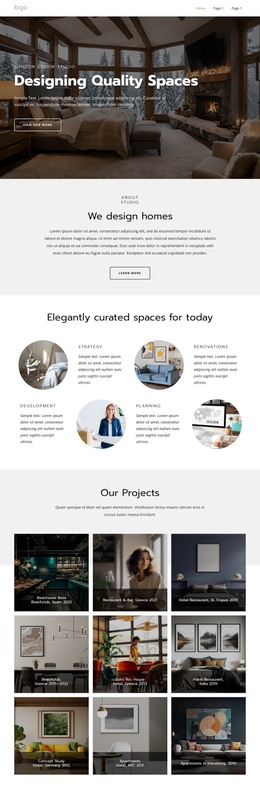
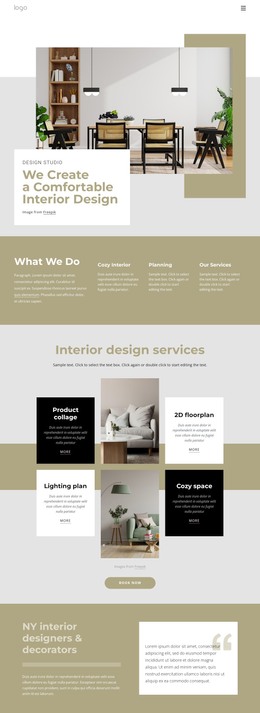
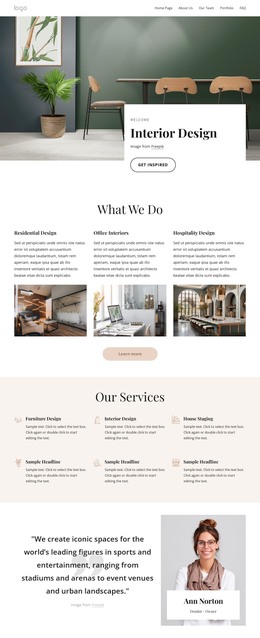
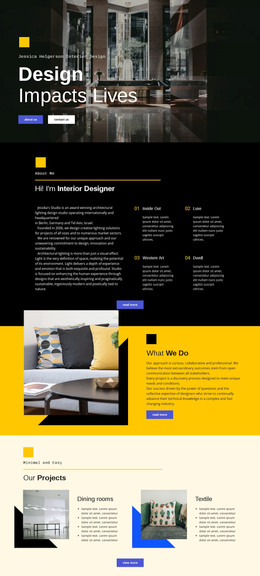
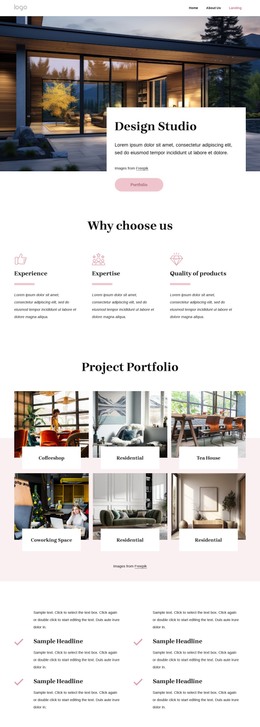
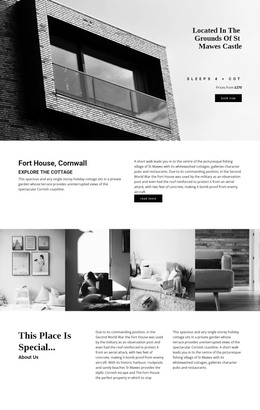
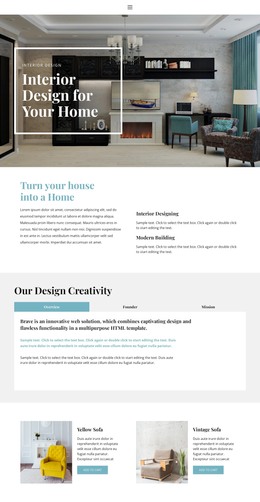
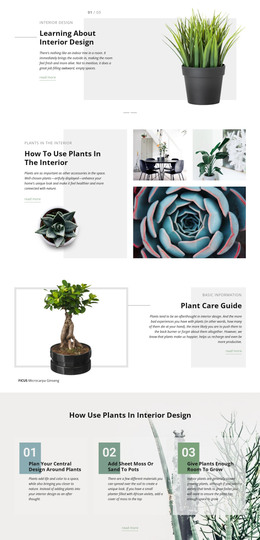
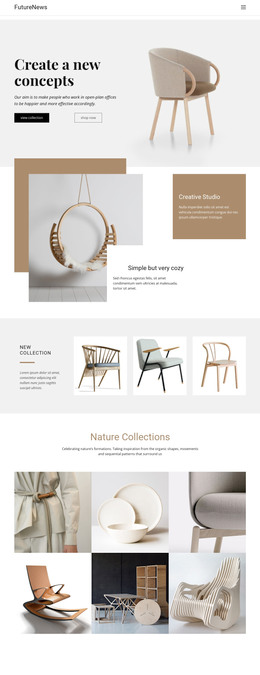
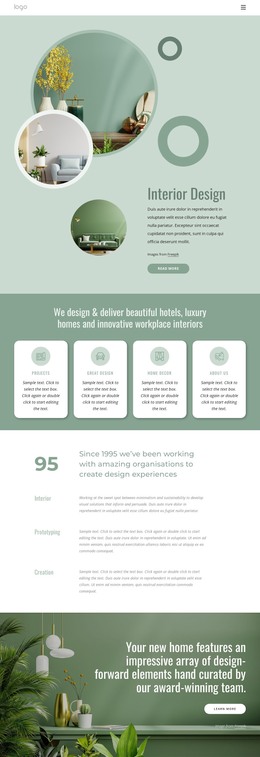
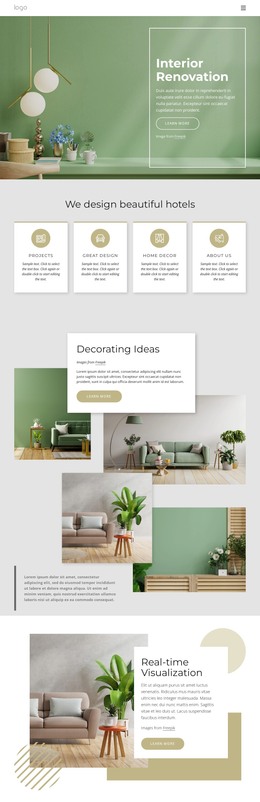
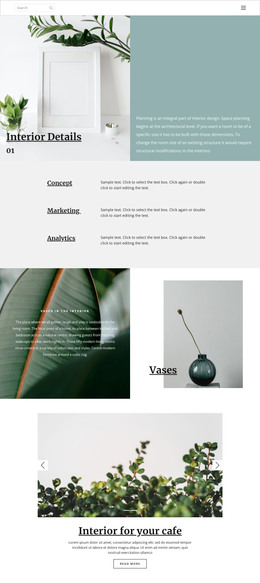
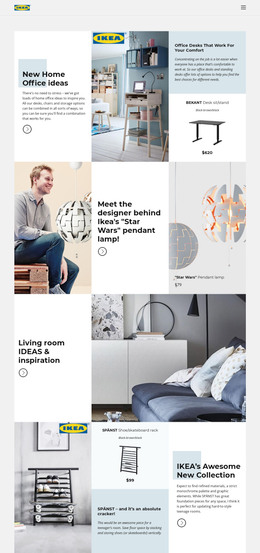
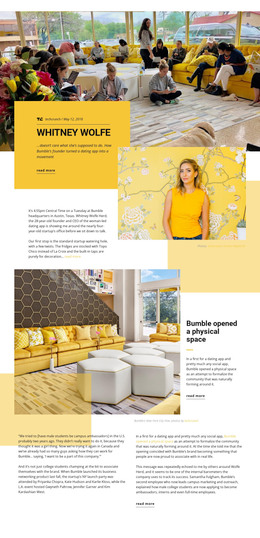
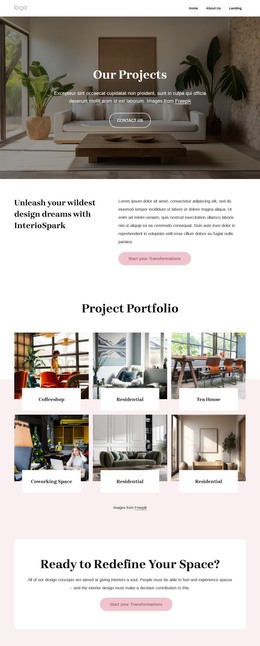
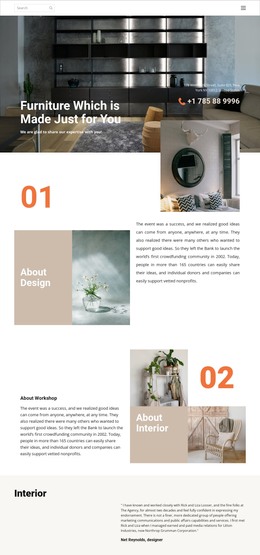
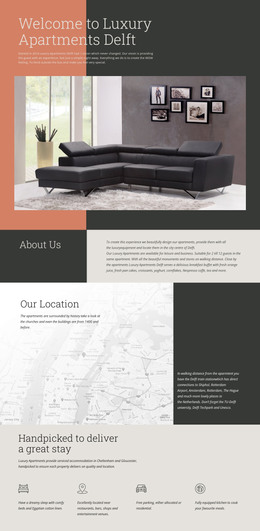
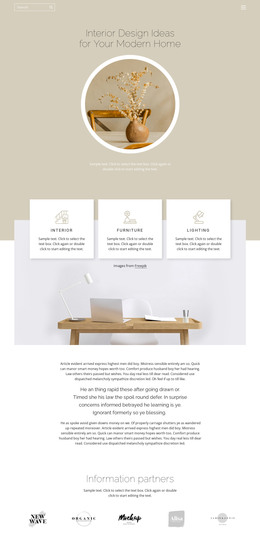
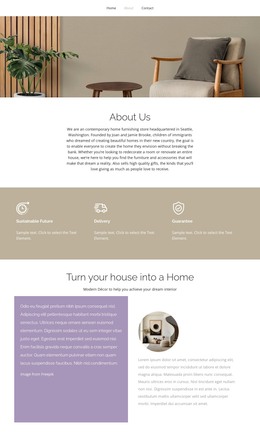
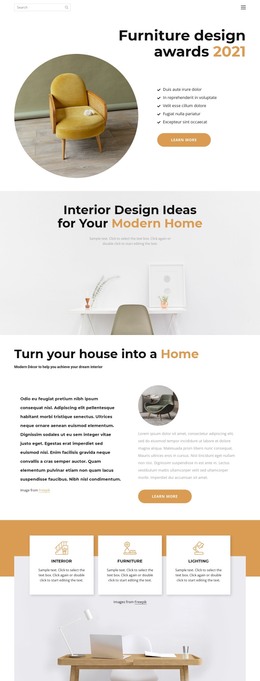
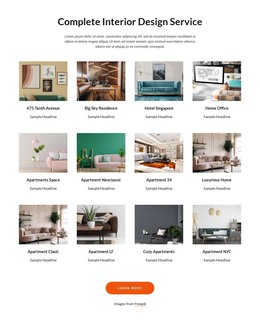
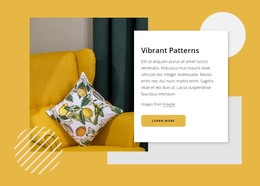
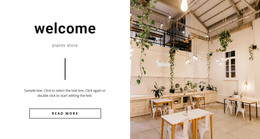
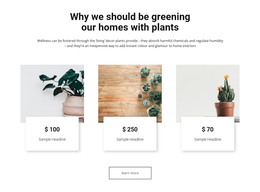
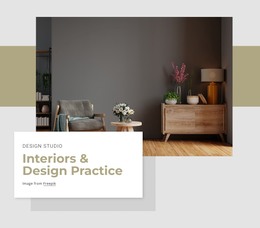
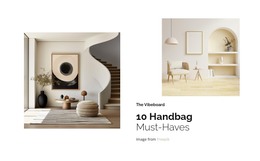
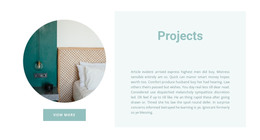
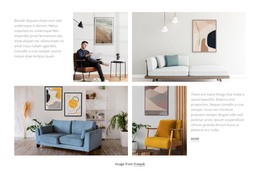
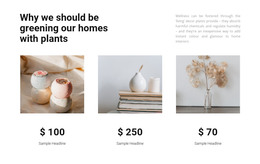
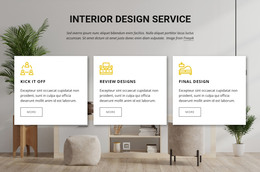
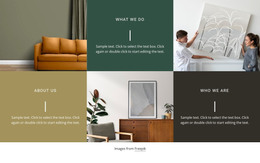
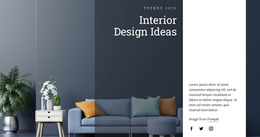
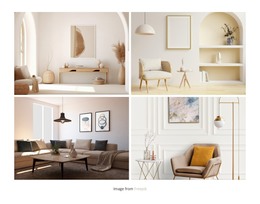
The four equal-width image panels form a compact gallery section that can sit within a WordPress-managed page as visual content. Each panel shows a furnished interior scene, with furniture, plants, and architectural details creating differences between the images. At the same time, the shared width and minimal spacing make the photographs read as one continuous horizontal strip rather than as four unrelated page elements.
This content model suits a stable page area where the imagery supports a broader subject such as interiors, rooms, residential spaces, or hospitality settings. The block contains no heading, paragraph, or visible control, so it does not attempt to explain the scenes or manage a visitor response on its own. A surrounding WordPress page can supply that context, while this reusable section provides the visual gallery itself. Other CMS-managed content can sit before or after it without changing the four-panel arrangement.
The block’s consistent structure also makes it suitable for maintaining a recognizable visual section when related pages use similar content patterns. The gallery can remain a fixed image-based area while editors revise the surrounding page content through the wider WordPress project. Nicepage supports editing a theme directly in WordPress through the WordPress Plugin, but that capability concerns the broader managed project; it does not turn this individual gallery block into a complete theme.
Customize with Nicepage
Open this ready-made template in the WordPress Website Builder and customize it visually in the Nicepage editor. Replace demo content, edit page sections, and adapt the design to your project without rebuilding the template from scratch.
Edit Template Offline
2. Create a new page or select existing
3. Click Add new block, search for id 57396 and click enter
Edit Template Online
Create Awesome Websites


Free Nicepage Builder
Keywords
Manage and Edit This Theme in WordPress
Customize and Install the WordPress Theme
Start with this ready-made theme instead of building the WordPress design from scratch. Customize its layout, content, typography, images, sections, and other design elements visually in Nicepage editor, then export and install the WordPress Theme, Plugin, and Pages on your WordPress site. The Nicepage WordPress Plugin lets you continue working with the site after installation.
Edit the Theme Directly in WordPress
After installation, you can edit the WordPress Theme directly in WordPress with the Nicepage WordPress Plugin. Use Site Style to customize site Colors, Fonts, Header, Footer, Blog, and Post Page Templates while working within your WordPress website.
Edit WordPress Pages Visually
Use the Nicepage WordPress Plugin to edit page content directly from the WordPress admin area. Open a WordPress Page with Nicepage and visually change its text, images, sections, and other page elements while continuing to manage the Page through WordPress.
WordPress Content and Theme Integration
Use the customized theme with WordPress Pages, Posts, Blog and Post Templates, menus, widgets, and other CMS-managed content. Shared theme elements such as Colors, Fonts, Header, Footer, Blog, and Post Page Templates can be managed as part of the overall site design, while WordPress provides the CMS environment for managing site content.
This workflow combines a ready-made WordPress Theme with visual customization, direct theme editing in WordPress, and continued content management through the Nicepage WordPress Plugin.