Award-winning interior design studio WordPress Theme



Edit Template Offline
2. Create new page and search for id 6055006
Edit Template Online
Create Awesome Websites


Free Nicepage Builder
Keywords
Studio capability and publishable content fit a WordPress theme structure
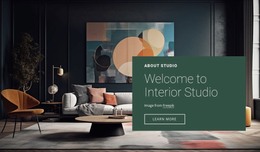
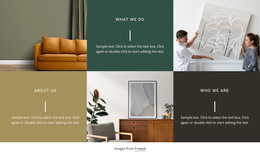
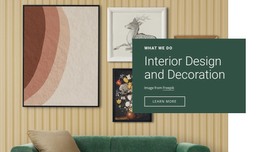
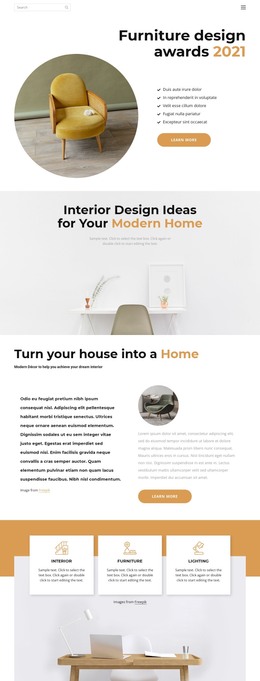
The page separates permanent studio information into clear areas that can be interpreted naturally within a WordPress-managed site. The opening welcome establishes the interior design subject, while the Real-time Visualization section isolates a named capability in an image-and-card composition. That distinction could support page-oriented content about the studio and its services without claiming that WordPress Posts, categories, or blog structures already exist in the template.
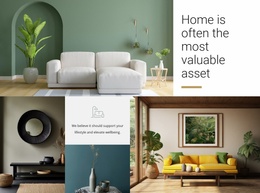
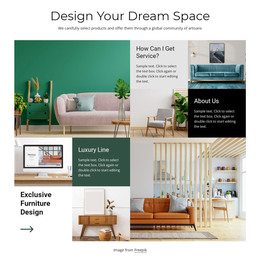
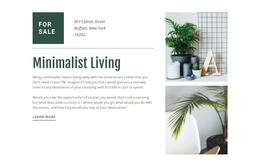
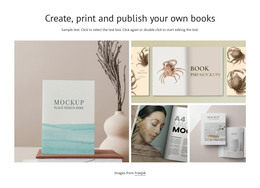
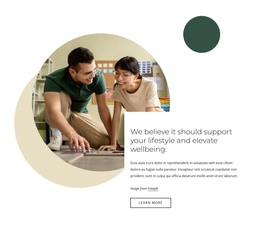
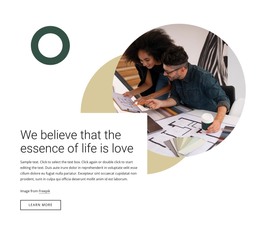
The residential collage and the two lifestyle sections provide further content relationships for a theme environment. One focuses on the home as a valuable asset; the others connect the visual work with love, lifestyle, and wellbeing. Together, they create stable editorial areas that could hold revised text and images while retaining the same visual direction. The full-width banner can carry a prominent studio statement, and the Information partners region groups four repeated publication marks into a recognizable reference block. The displayed names remain structural content, not independently verified endorsements.
The closing dark section is especially clear as permanent page content because it combines an inquiry introduction, a form requesting name, email, and message, terms acceptance, and a Submit your request action. A WordPress-oriented project could keep those page areas coordinated while adding other content later around the studio’s residential focus. The design therefore offers a content-ready theme foundation whose strongest value lies in the relationship between service explanation, lifestyle philosophy, visual presentation, and client contact.
Customize with Nicepage
Open this ready-made template in the WordPress Website Builder and customize it visually in the Nicepage editor. Replace demo content, edit page sections, and adapt the design to your project without rebuilding the template from scratch.
Manage and Edit This Theme in WordPress
Customize and Install the WordPress Theme
Start with this ready-made theme instead of building the WordPress design from scratch. Customize its layout, content, typography, images, sections, and other design elements visually in Nicepage editor, then export and install the WordPress Theme, Plugin, and Pages on your WordPress site. The Nicepage WordPress Plugin lets you continue working with the site after installation.
Edit the Theme Directly in WordPress
After installation, you can edit the WordPress Theme directly in WordPress with the Nicepage WordPress Plugin. Use Site Style to customize site Colors, Fonts, Header, Footer, Blog, and Post Page Templates while working within your WordPress website.
Edit WordPress Pages Visually
Use the Nicepage WordPress Plugin to edit page content directly from the WordPress admin area. Open a WordPress Page with Nicepage and visually change its text, images, sections, and other page elements while continuing to manage the Page through WordPress.
WordPress Content and Theme Integration
Use the customized theme with WordPress Pages, Posts, Blog and Post Templates, menus, widgets, and other CMS-managed content. Shared theme elements such as Colors, Fonts, Header, Footer, Blog, and Post Page Templates can be managed as part of the overall site design, while WordPress provides the CMS environment for managing site content.
This workflow combines a ready-made WordPress Theme with visual customization, direct theme editing in WordPress, and continued content management through the Nicepage WordPress Plugin.