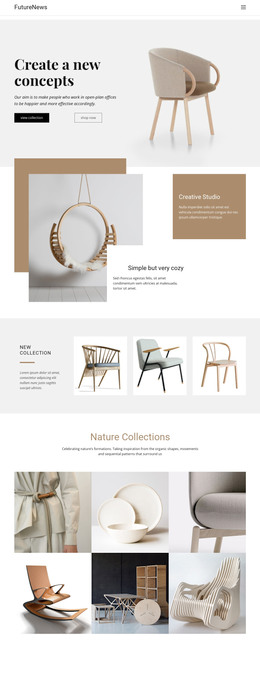
Showroom interior design WordPress Theme



Edit Template Offline
2. Create new page and search for id 1102022
Edit Template Online
Create Awesome Websites


Free Nicepage Builder
Keywords
Permanent Studio Pages With Visual Content Ready for WordPress
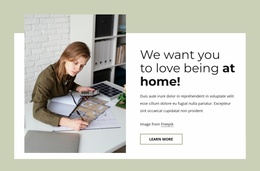
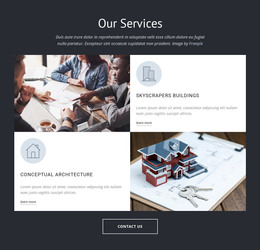
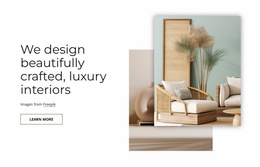
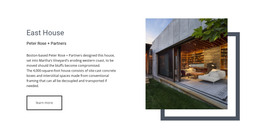
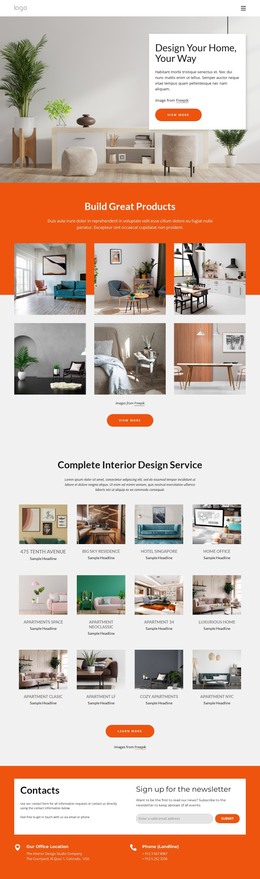
The page’s permanent content areas are clearly separated. The showroom hero and About Our Interior Studio panels can carry stable introductory and studio information, while Real-time Visualization gives the site a focused service area built around a room image and explanatory card. The three feature cards extend that content into hotels, luxury homes, and workplace interiors, creating repeated information that could be maintained as related service or project descriptions without changing the central visual direction.
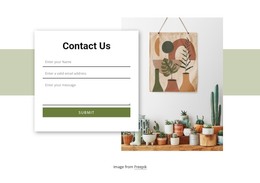
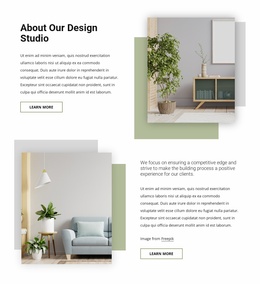
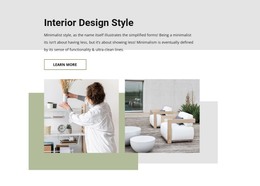
The Interior Studio profile and three-image About Design Studio showcase provide a different relationship with the content. Portrait and room imagery can support studio identity, while the gallery supplies a concentrated visual reference area. Four labeled metric tiles add a compact summary beside an interior photograph; because the displayed values are demo content, they should be replaced or independently verified before being treated as business claims. The contact area then provides permanent inquiry content through name, email, and message fields.
These regions can coexist with regularly updated WordPress content while retaining the same palette, typography, image treatment, and footer structure. The design does not itself prove that Posts, categories, or WordPress templates are already present, so those should be treated as possible project additions rather than existing components. If direct CMS editing is needed, Nicepage documents editing the WordPress theme directly, but the template-specific value comes from its organized studio content and visual relationships.
Customize with Nicepage
Open this ready-made template in the WordPress Website Builder and customize it visually in the Nicepage editor. Replace demo content, edit page sections, and adapt the design to your project without rebuilding the template from scratch.
Manage and Edit This Theme in WordPress
Customize and Install the WordPress Theme
Start with this ready-made theme instead of building the WordPress design from scratch. Customize its layout, content, typography, images, sections, and other design elements visually in Nicepage editor, then export and install the WordPress Theme, Plugin, and Pages on your WordPress site. The Nicepage WordPress Plugin lets you continue working with the site after installation.
Edit the Theme Directly in WordPress
After installation, you can edit the WordPress Theme directly in WordPress with the Nicepage WordPress Plugin. Use Site Style to customize site Colors, Fonts, Header, Footer, Blog, and Post Page Templates while working within your WordPress website.
Edit WordPress Pages Visually
Use the Nicepage WordPress Plugin to edit page content directly from the WordPress admin area. Open a WordPress Page with Nicepage and visually change its text, images, sections, and other page elements while continuing to manage the Page through WordPress.
WordPress Content and Theme Integration
Use the customized theme with WordPress Pages, Posts, Blog and Post Templates, menus, widgets, and other CMS-managed content. Shared theme elements such as Colors, Fonts, Header, Footer, Blog, and Post Page Templates can be managed as part of the overall site design, while WordPress provides the CMS environment for managing site content.
This workflow combines a ready-made WordPress Theme with visual customization, direct theme editing in WordPress, and continued content management through the Nicepage WordPress Plugin.