Whimsical design WordPress Theme


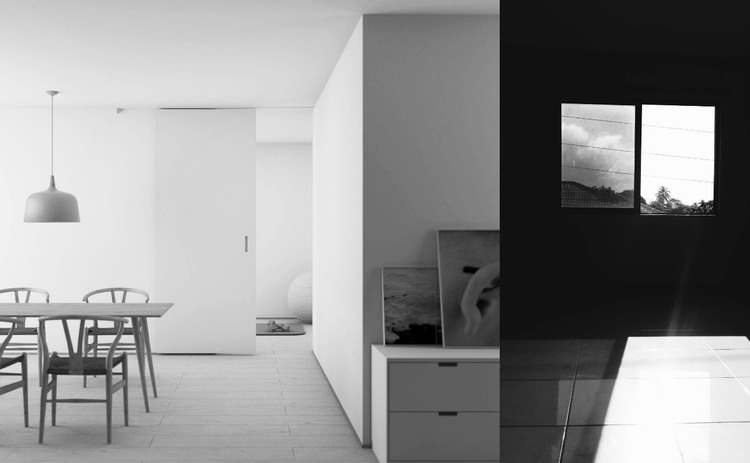
The Wide Image Leads a Stable WordPress Page Section
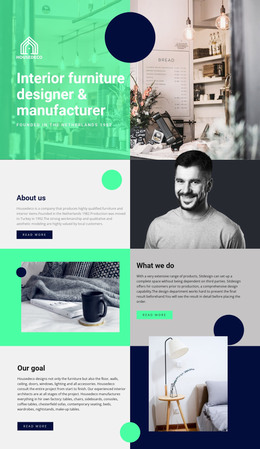
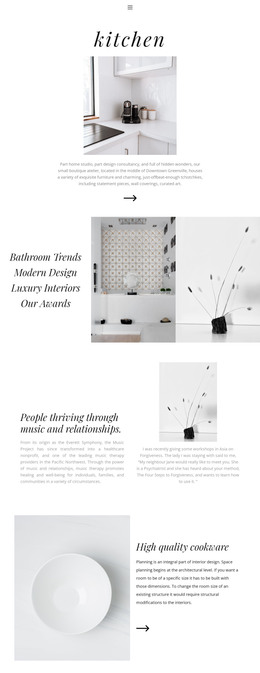
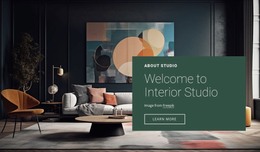
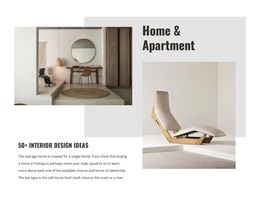
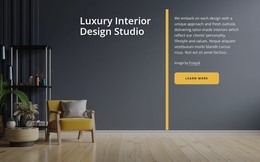
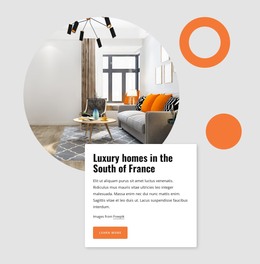
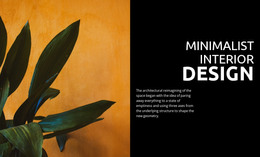
The block presents two interior scenes as one focused visual content area. A substantially wider photograph occupies the left side, while a narrower, darker image forms the right panel. This relationship gives the section a clear reading order and keeps the dining area and room with windows connected through monochrome treatment. Edge-to-edge images preserve the photographic emphasis, with no visible heading, captions, borders, overlays, or interactive controls competing for attention.
In a WordPress-managed page, this arrangement can serve as stable visual content for an interior-focused section. It may accompany permanent explanatory copy about a project, space, or design direction elsewhere on the page, while the block itself remains responsible for showing the paired imagery. The structure is suitable for publishable page content because its purpose is clear without depending on changing posts, categories, or editorial controls.
The unequal panel widths also make the section useful as a recognizable visual signature within a larger page. A WordPress project can place text-led content before or after it, while this block supplies atmosphere and a second viewpoint without becoming a complete theme or page. If captions or links are needed, they can be added to the surrounding content arrangement while preserving the existing two-image relationship and its restrained visual focus.
Customize with Nicepage
Open this ready-made template in the WordPress Website Builder and customize it visually in the Nicepage editor. Replace demo content, edit page sections, and adapt the design to your project without rebuilding the template from scratch.
Edit Template Offline
2. Create a new page or select existing
3. Click Add new block, search for id 41896 and click enter
Edit Template Online
Create Awesome Websites


Free Nicepage Builder
Keywords
Manage and Edit This Theme in WordPress
Customize and Install the WordPress Theme
Start with this ready-made theme instead of building the WordPress design from scratch. Customize its layout, content, typography, images, sections, and other design elements visually in Nicepage editor, then export and install the WordPress Theme, Plugin, and Pages on your WordPress site. The Nicepage WordPress Plugin lets you continue working with the site after installation.
Edit the Theme Directly in WordPress
After installation, you can edit the WordPress Theme directly in WordPress with the Nicepage WordPress Plugin. Use Site Style to customize site Colors, Fonts, Header, Footer, Blog, and Post Page Templates while working within your WordPress website.
Edit WordPress Pages Visually
Use the Nicepage WordPress Plugin to edit page content directly from the WordPress admin area. Open a WordPress Page with Nicepage and visually change its text, images, sections, and other page elements while continuing to manage the Page through WordPress.
WordPress Content and Theme Integration
Use the customized theme with WordPress Pages, Posts, Blog and Post Templates, menus, widgets, and other CMS-managed content. Shared theme elements such as Colors, Fonts, Header, Footer, Blog, and Post Page Templates can be managed as part of the overall site design, while WordPress provides the CMS environment for managing site content.
This workflow combines a ready-made WordPress Theme with visual customization, direct theme editing in WordPress, and continued content management through the Nicepage WordPress Plugin.