Modern living interior WordPress Theme



Edit Template Offline
2. Create new page and search for id 23291
Edit Template Online
Create Awesome Websites


Free Nicepage Builder
Keywords
Editorial collection content fits a page-led WordPress theme structure
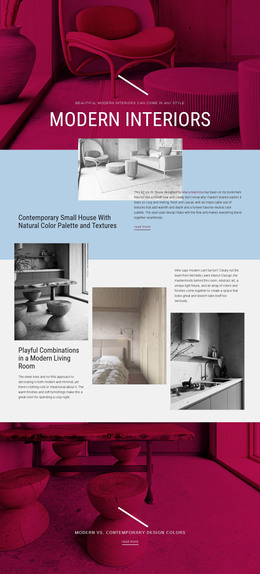
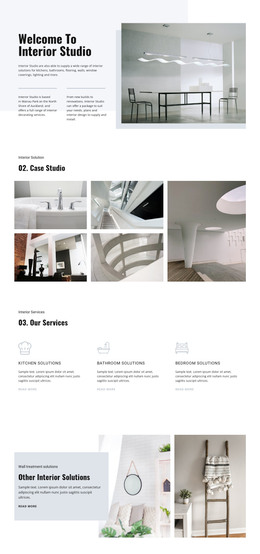
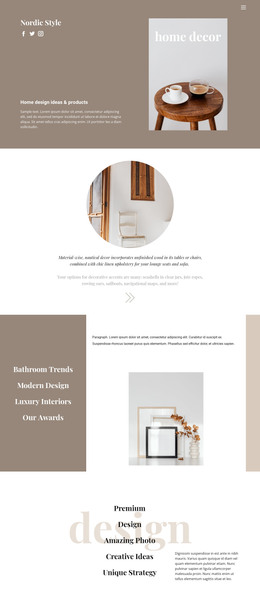
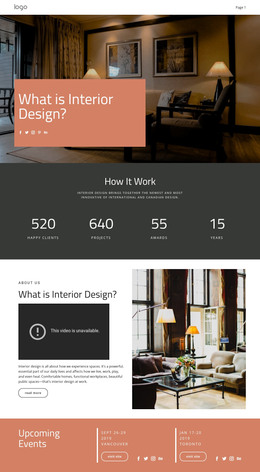
The permanent page content is clearly divided into areas that can work together inside a WordPress-managed theme. The hero provides the main introduction and two actions, while the “Simple but very cozy” and “Modern interior places” sections offer longer-form presentation around specific interior concepts. These text-and-image regions can support page content that explains a collection without reducing the design to a product grid.
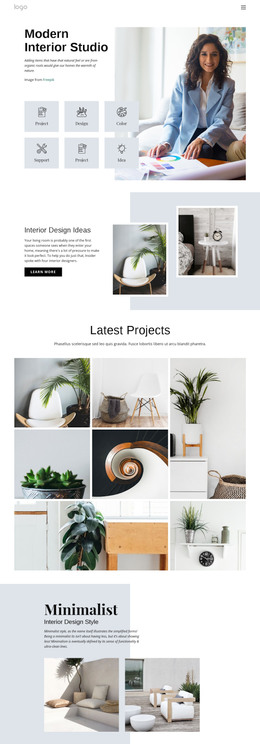
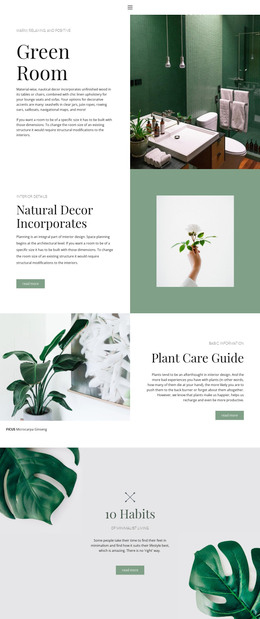
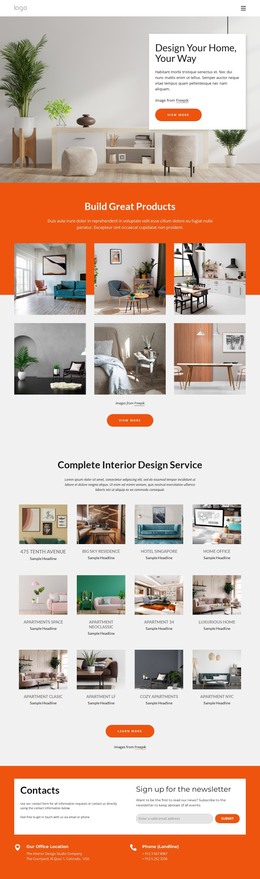
The gallery areas provide a different kind of recurring content relationship. New Collection contains three furniture images and can represent a focused release or featured grouping, while Nature Collections contains six images and communicates a broader visual direction. Chairs Trending adds two furniture highlights beside a larger lifestyle image, and Sweet Home supplies a final decor-oriented collage. Together, these areas create several content categories that can remain visually related while serving different editorial purposes.
The six-mark logo display, navigation header, category and utility links, and five social icons extend the theme beyond the central gallery content. They create shared site-facing regions around the page material rather than functioning as isolated decoration. WordPress Pages could therefore hold the main collection and concept content, while future publishable material can be added around the same visual system when the project requires it. The verified design does not itself prove existing posts or blog structures, so the strongest theme interpretation remains page-oriented furniture and interior content.
Customize with Nicepage
Open this ready-made template in the WordPress Website Builder and customize it visually in the Nicepage editor. Replace demo content, edit page sections, and adapt the design to your project without rebuilding the template from scratch.
Manage and Edit This Theme in WordPress
Customize and Install the WordPress Theme
Start with this ready-made theme instead of building the WordPress design from scratch. Customize its layout, content, typography, images, sections, and other design elements visually in Nicepage editor, then export and install the WordPress Theme, Plugin, and Pages on your WordPress site. The Nicepage WordPress Plugin lets you continue working with the site after installation.
Edit the Theme Directly in WordPress
After installation, you can edit the WordPress Theme directly in WordPress with the Nicepage WordPress Plugin. Use Site Style to customize site Colors, Fonts, Header, Footer, Blog, and Post Page Templates while working within your WordPress website.
Edit WordPress Pages Visually
Use the Nicepage WordPress Plugin to edit page content directly from the WordPress admin area. Open a WordPress Page with Nicepage and visually change its text, images, sections, and other page elements while continuing to manage the Page through WordPress.
WordPress Content and Theme Integration
Use the customized theme with WordPress Pages, Posts, Blog and Post Templates, menus, widgets, and other CMS-managed content. Shared theme elements such as Colors, Fonts, Header, Footer, Blog, and Post Page Templates can be managed as part of the overall site design, while WordPress provides the CMS environment for managing site content.
This workflow combines a ready-made WordPress Theme with visual customization, direct theme editing in WordPress, and continued content management through the Nicepage WordPress Plugin.