
Cabinet WordPress Themes
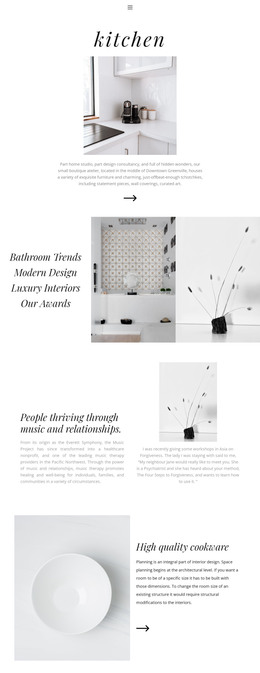
Cabinet companies regularly add completed kitchens, new finishes, service details, and business information. A WordPress-focused theme workflow keeps that changing content inside the CMS, while the shared presentation remains organized around a prepared site design.



More WordPress Themes from Interior Category
-

-
-
-
-
-
-
-
-
-
-
-
-
-
-
-
-
-
-
-
-
-
-
-
Free Website Builder SoftwareDownload
-
-
-











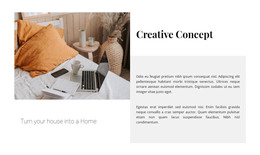


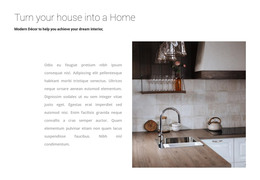
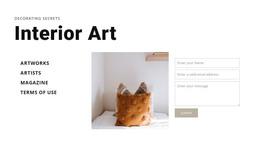
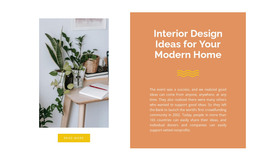












Other Interior WordPress Themes
Flexible Cabinet WordPress Themes for Ongoing Project Updates
Cabinet makers finish new rooms all the time, and every completed kitchen or walk-in closet is an opportunity to showcase fresh work. Cabinet WordPress themes suit shops that want to publish their projects themselves through a familiar CMS, while keeping the design consistent across every entry. The theme sets the look once, and the content keeps growing inside WordPress for years after launch.
Posting Completed Installs Through WordPress
A good cabinet theme gives staff a few kinds of content they can update on their own. The easiest way to judge one is to picture an ordinary month at the shop and ask where each new item would go:
- a completed project with photos, the room type, and the finish used
- a testimonial from a homeowner who ordered a custom vanity
- a short note about a new door collection or a showroom event
If the theme offers Blog and Post templates, each project story automatically gets the same layout, and older installs remain easy to find through the archive and search. Shops that sell ready-made cabinet lines or hardware online can also look for WooCommerce support, which turns the same site into a small catalog with checkout.
Plugin Settings Versus Desktop Changes
It helps to know where each kind of edit happens before committing to a theme. A typical Nicepage workflow runs in three steps:
- Build or adjust the theme in the Nicepage Desktop Application and export it
- upload and activate it in WordPress, then install the Nicepage Editor Plugin
- import the demo content and replace it with your own cabinetry projects
After that, the plugin handles everyday design settings in WordPress. Site Style controls colors and fonts and covers the header, footer, and Blog templates. For larger structural changes, such as a new layout for the door style gallery, go back through the Desktop Application and export again.
Staff Updates Without Redesigns
The real test of a cabinet WordPress theme comes a few months after launch. By then the office manager should be able to publish a mudroom project, swap a showroom photo, or add a new painted finish without calling a designer. A theme that keeps project entries, finish descriptions, and service details in predictable, editable areas makes updates routine. Cabinet brands stay credible when their newest kitchens and vanities appear online quickly and look like they belong alongside the older work, so the deciding factor is how well the theme's content fits what the shop actually builds.