Interior and lighting design WordPress Theme


Edit Template Offline
2. Create new page and search for id 6055105
Edit Template Online
Create Awesome Websites


Free Nicepage Builder
Keywords
Project Content and Inquiry Areas Give the Theme a WordPress-Oriented Structure
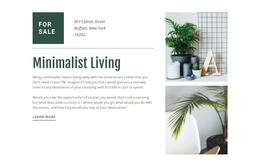
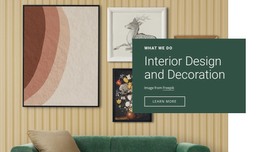
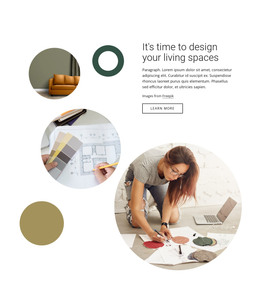
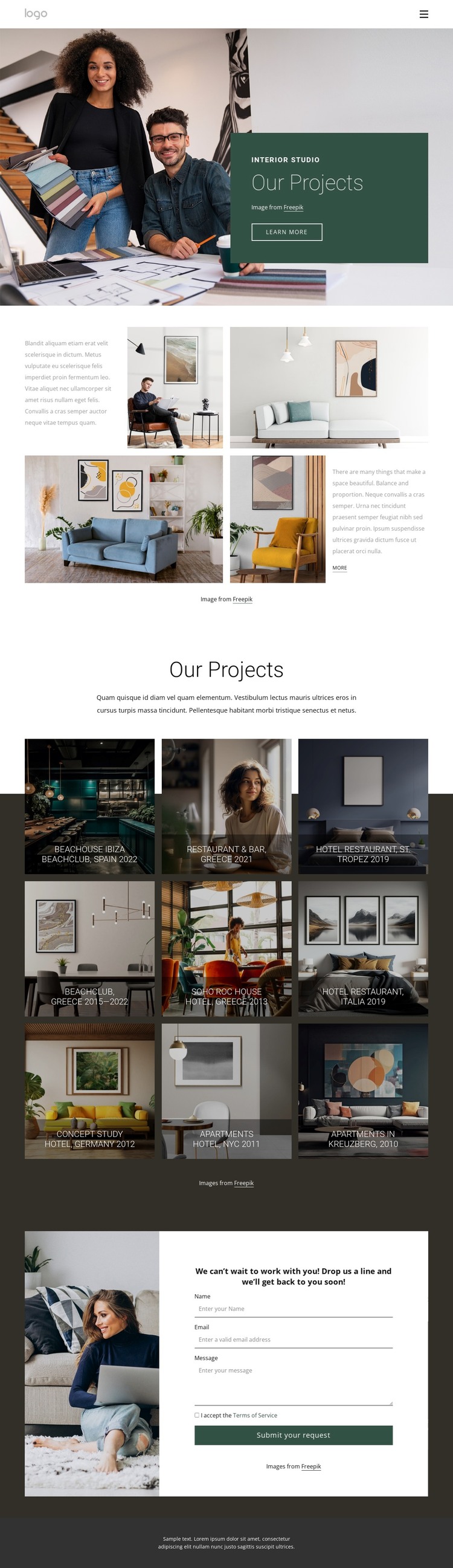
The page separates durable studio content into recognizable areas: an opening portfolio introduction, a visual project gallery, and a closing inquiry section. The hero can serve as page-level identity for the interior studio, while the split block combines explanatory copy with four photographs to establish context before visitors reach the main work. This page-based organization leaves room for the same visual direction to surround additional content without claiming that posts, categories, or blog structures already exist.
The gallery is particularly suitable for a content-managed interpretation because it repeats a stable presentation pattern across nine project tiles. Beachclub, Restaurant & Bar, Hotel Restaurant, Concept Study, and Apartments indicate varied project labels, while location references such as Spain, Greece, St. Tropez, Italia, Germany, NYC, and Kreuzberg add editorial context. These relationships can support an organized portfolio narrative in which project information remains visually connected to the image treatment, rather than becoming a plain list.
The contact form gives the page a separate response area after the visual proof. It sits in a centered white panel beside an interior photograph and ends with Submit your request, making inquiry content easy to distinguish from the portfolio gallery. Shared navigation and the dark footer complete the page frame. In a WordPress project, the theme concept can therefore keep permanent studio and project information visually coordinated while leaving room for future content updates.
Customize with Nicepage
Open this ready-made template in the WordPress Website Builder and customize it visually in the Nicepage editor. Replace demo content, edit page sections, and adapt the design to your project without rebuilding the template from scratch.
Manage and Edit This Theme in WordPress
Customize and Install the WordPress Theme
Start with this ready-made theme instead of building the WordPress design from scratch. Customize its layout, content, typography, images, sections, and other design elements visually in Nicepage editor, then export and install the WordPress Theme, Plugin, and Pages on your WordPress site. The Nicepage WordPress Plugin lets you continue working with the site after installation.
Edit the Theme Directly in WordPress
After installation, you can edit the WordPress Theme directly in WordPress with the Nicepage WordPress Plugin. Use Site Style to customize site Colors, Fonts, Header, Footer, Blog, and Post Page Templates while working within your WordPress website.
Edit WordPress Pages Visually
Use the Nicepage WordPress Plugin to edit page content directly from the WordPress admin area. Open a WordPress Page with Nicepage and visually change its text, images, sections, and other page elements while continuing to manage the Page through WordPress.
WordPress Content and Theme Integration
Use the customized theme with WordPress Pages, Posts, Blog and Post Templates, menus, widgets, and other CMS-managed content. Shared theme elements such as Colors, Fonts, Header, Footer, Blog, and Post Page Templates can be managed as part of the overall site design, while WordPress provides the CMS environment for managing site content.
This workflow combines a ready-made WordPress Theme with visual customization, direct theme editing in WordPress, and continued content management through the Nicepage WordPress Plugin.