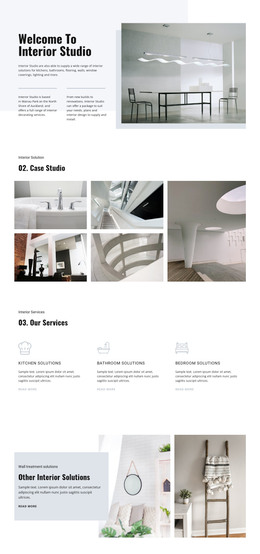
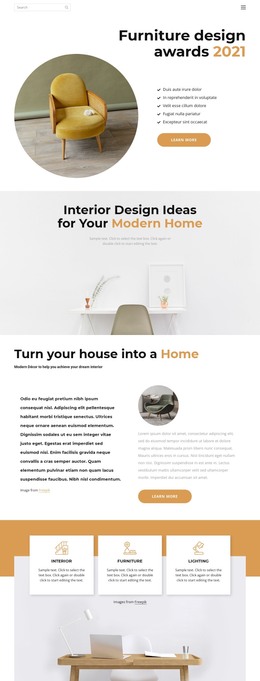
Kitchens, baths and closets WordPress Theme


Edit Template Offline
2. Create new page and search for id 64477
Edit Template Online
Create Awesome Websites


Free Nicepage Builder
Keywords
Portfolio, Style Guidance, and Studio Information in a WordPress Theme Direction
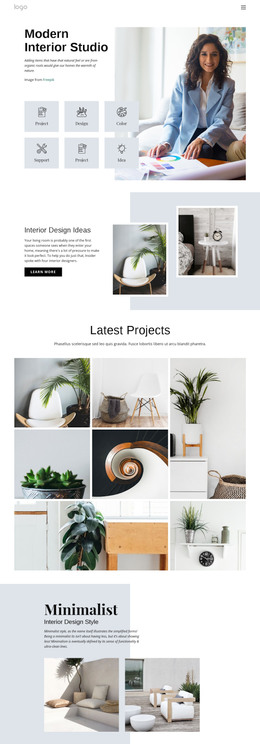
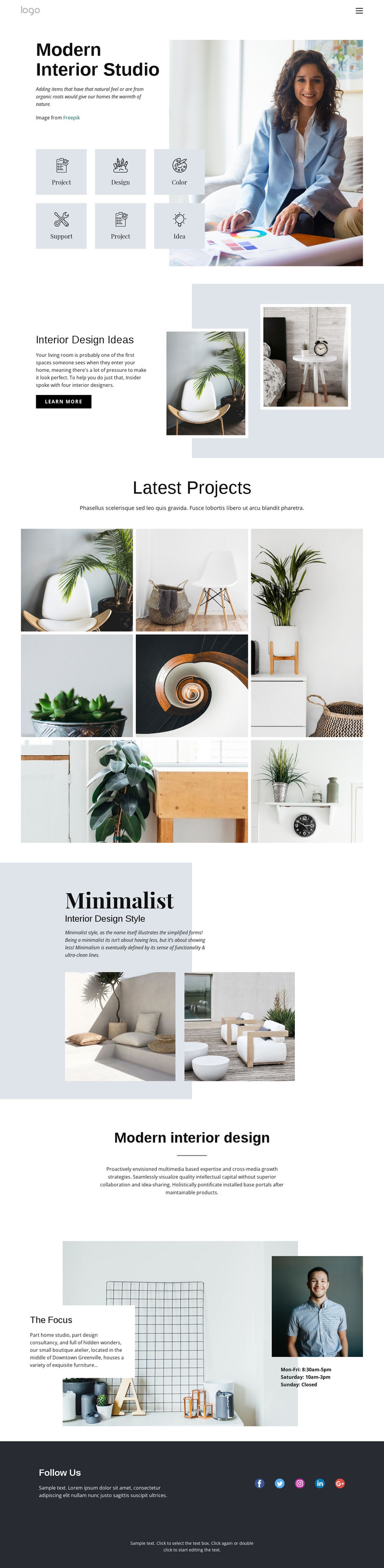
The page’s content areas map naturally to a WordPress-oriented interior design presentation without requiring unsupported claims about existing posts or blog templates. The Modern Interior Studio opening establishes permanent identity content, and its six focus tiles divide attention among Project, Design, Color, Support, and Idea. Interior Design Ideas then provides a separate page-oriented content area with supporting copy, two overlapping images, and a Learn more action.
The seven-image Latest Projects gallery is the strongest repeated visual area, suitable for presenting project-related content within the same design language. The Minimalist Interior Design Style section adds a second explanatory content group, while The Focus section combines boutique atelier context, images, and displayed hours. Together, these areas distinguish editorial guidance, portfolio material, and practical studio information rather than treating the page as one undifferentiated block. Navigation, mobile navigation, five social links, and the dark closing band supply shared site-facing elements.
WordPress Pages could provide a natural interpretation for these permanent studio sections, while future editorial content would need separate verification before being described as Posts or a blog. The Nicepage WordPress Plugin is an optional bridge for working with WordPress-managed content, but it is not presented as something already installed in the template. The main strength is the coherent visual system around clearly separated content roles.
Customize with Nicepage
Open this ready-made template in the WordPress Website Builder and customize it visually in the Nicepage editor. Replace demo content, edit page sections, and adapt the design to your project without rebuilding the template from scratch.
Manage and Edit This Theme in WordPress
Customize and Install the WordPress Theme
Start with this ready-made theme instead of building the WordPress design from scratch. Customize its layout, content, typography, images, sections, and other design elements visually in Nicepage editor, then export and install the WordPress Theme, Plugin, and Pages on your WordPress site. The Nicepage WordPress Plugin lets you continue working with the site after installation.
Edit the Theme Directly in WordPress
After installation, you can edit the WordPress Theme directly in WordPress with the Nicepage WordPress Plugin. Use Site Style to customize site Colors, Fonts, Header, Footer, Blog, and Post Page Templates while working within your WordPress website.
Edit WordPress Pages Visually
Use the Nicepage WordPress Plugin to edit page content directly from the WordPress admin area. Open a WordPress Page with Nicepage and visually change its text, images, sections, and other page elements while continuing to manage the Page through WordPress.
WordPress Content and Theme Integration
Use the customized theme with WordPress Pages, Posts, Blog and Post Templates, menus, widgets, and other CMS-managed content. Shared theme elements such as Colors, Fonts, Header, Footer, Blog, and Post Page Templates can be managed as part of the overall site design, while WordPress provides the CMS environment for managing site content.
This workflow combines a ready-made WordPress Theme with visual customization, direct theme editing in WordPress, and continued content management through the Nicepage WordPress Plugin.