Comfort in your home WordPress Theme


Edit Template Offline
2. Create new page and search for id 27308
Edit Template Online
Create Awesome Websites


Free Nicepage Builder
Keywords
Project Showcases and Studio Principles Create Manageable Page Content
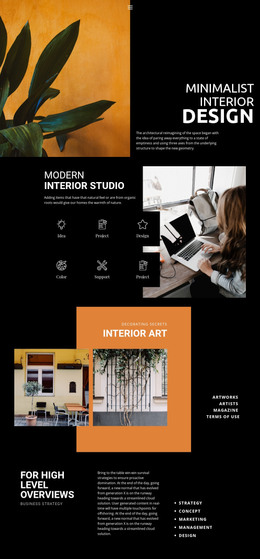
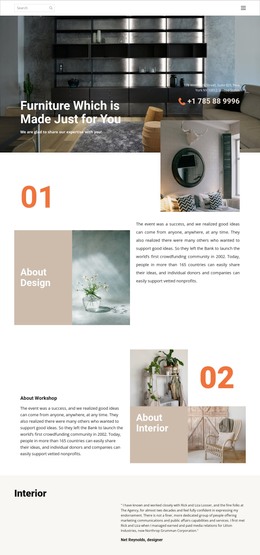
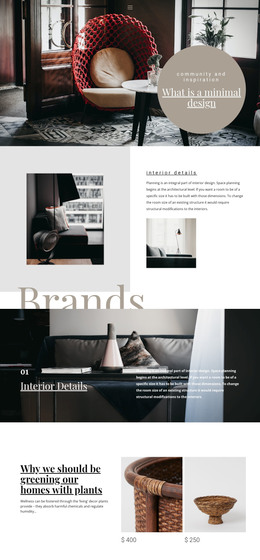
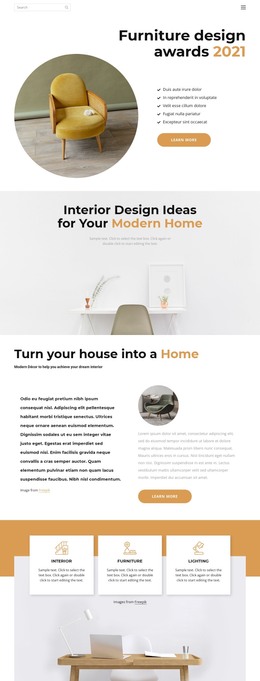
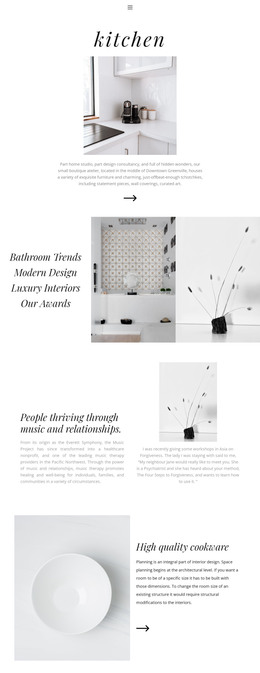
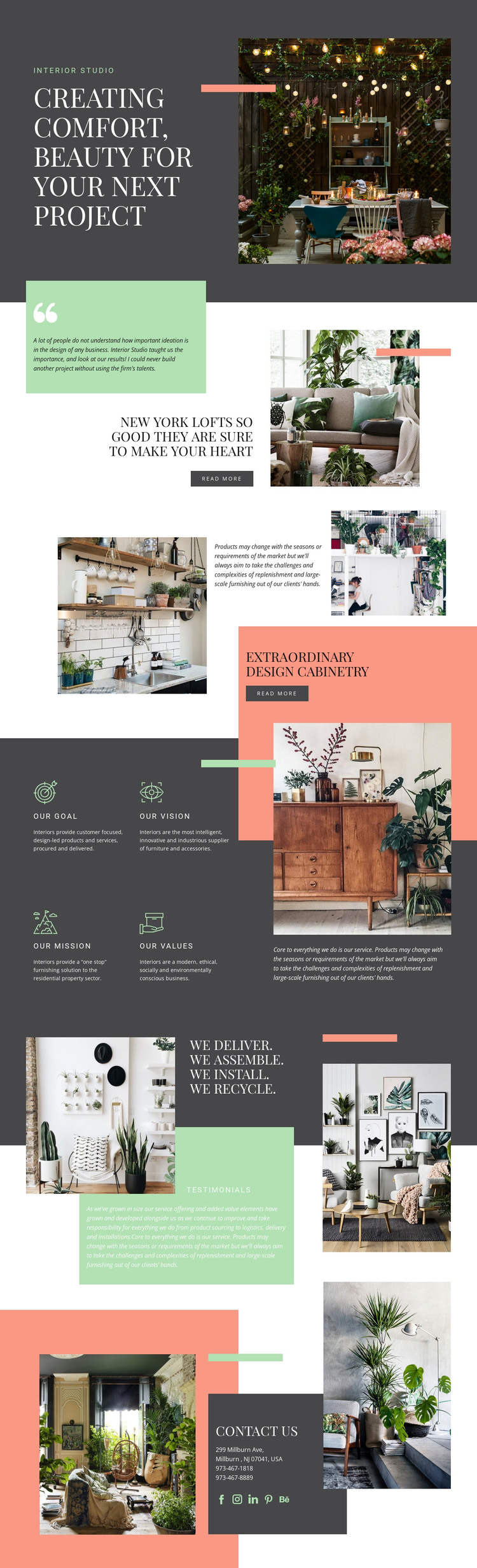
The featured loft and cabinetry sections provide two clearly differentiated areas for permanent studio content. The loft presentation combines a project heading, testimonial-style quotation, interior image, and read more action, while the cabinetry section shifts toward furnishing capability through layered photography, supporting text, and another action link. Together, they give an interior studio page content that can be organized around projects and services without treating the design as a generic brochure.
The four principle panels add a concise page-oriented structure around Our Goal, Our Vision, Our Mission, and Our Values. Their repeated format makes them suitable for stable studio information while the surrounding imagery preserves the visual character of the theme. The later testimonial-style composition extends that content with a practical service statement covering delivery, assembly, installation, and recycling, giving visitors context beyond the photographed interiors.
The contact section supplies another permanent content area, pairing interior imagery with an address, two telephone numbers, and links represented by Facebook, Instagram, LinkedIn, Pinterest, and Behance icons. In a WordPress project, these page sections can form the theme’s core presentation while additional editorial or project content is added around the same visual direction. The analysis confirms the template’s existing sections, but it does not verify WordPress posts, categories, or blog structures, so those should be treated as possible extensions rather than present components.
Customize with Nicepage
Open this ready-made template in the WordPress Website Builder and customize it visually in the Nicepage editor. Replace demo content, edit page sections, and adapt the design to your project without rebuilding the template from scratch.
Manage and Edit This Theme in WordPress
Customize and Install the WordPress Theme
Start with this ready-made theme instead of building the WordPress design from scratch. Customize its layout, content, typography, images, sections, and other design elements visually in Nicepage editor, then export and install the WordPress Theme, Plugin, and Pages on your WordPress site. The Nicepage WordPress Plugin lets you continue working with the site after installation.
Edit the Theme Directly in WordPress
After installation, you can edit the WordPress Theme directly in WordPress with the Nicepage WordPress Plugin. Use Site Style to customize site Colors, Fonts, Header, Footer, Blog, and Post Page Templates while working within your WordPress website.
Edit WordPress Pages Visually
Use the Nicepage WordPress Plugin to edit page content directly from the WordPress admin area. Open a WordPress Page with Nicepage and visually change its text, images, sections, and other page elements while continuing to manage the Page through WordPress.
WordPress Content and Theme Integration
Use the customized theme with WordPress Pages, Posts, Blog and Post Templates, menus, widgets, and other CMS-managed content. Shared theme elements such as Colors, Fonts, Header, Footer, Blog, and Post Page Templates can be managed as part of the overall site design, while WordPress provides the CMS environment for managing site content.
This workflow combines a ready-made WordPress Theme with visual customization, direct theme editing in WordPress, and continued content management through the Nicepage WordPress Plugin.