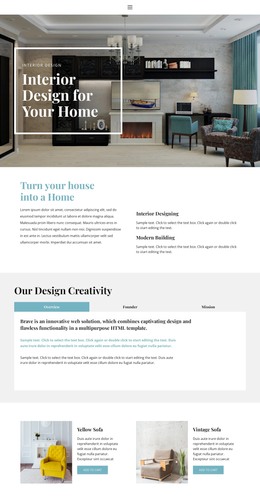
Residential & commercial interior design WordPress Theme



Edit Template Offline
2. Create new page and search for id 6333436
Edit Template Online
Create Awesome Websites


Free Nicepage Builder
Keywords
Portfolio Pages and Editorial Content Share One Studio Direction
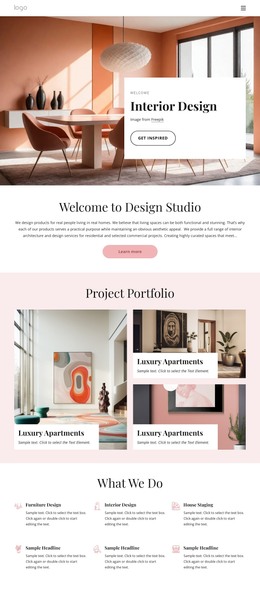
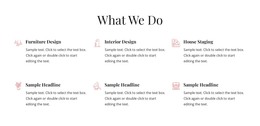
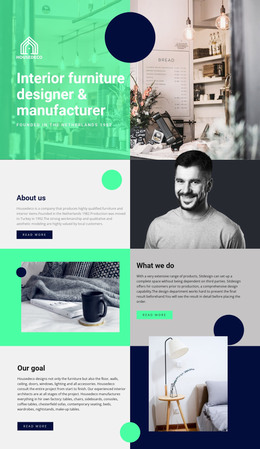
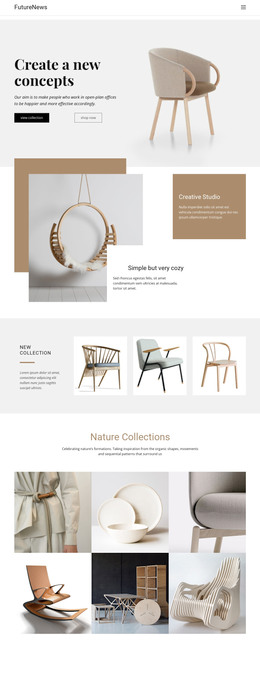
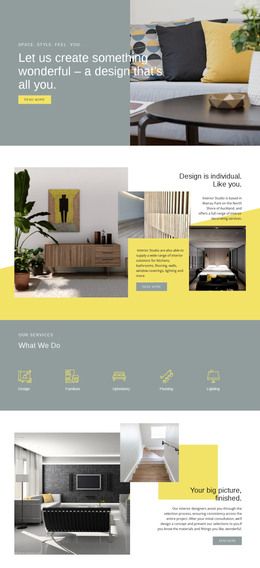
The three category cards provide clear permanent content areas for a WordPress-managed interior design site: Residential Design, Office Interiors, and Hospitality Design. They can introduce the studio’s main project types, while the six service cards explain capabilities such as Furniture Design, Interior Design, and House Staging. The Full-Service Offerings section adds deeper page content through interior architecture and space planning, furniture selection and procurement, and related curation work. Together, these areas give the theme a useful page-oriented structure without claiming that specific WordPress Pages already exist.
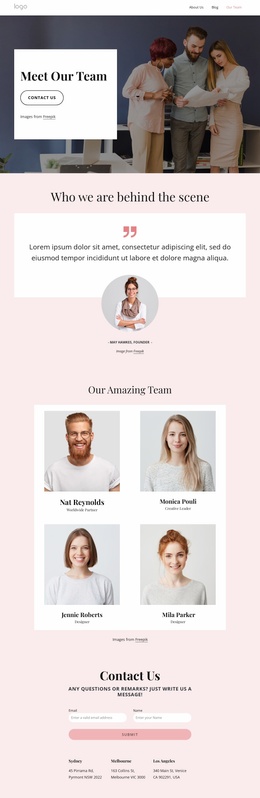
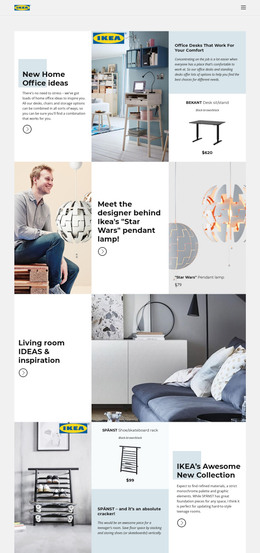
The project presentation can support both featured and broader content. The horizontally navigable portfolio carousel offers a compact way to highlight selected work, while the twelve-item collection creates a fuller visual portfolio area. The six-person team section can remain a dedicated studio-information region, and the event-style cards provide a separate repeated content pattern that could accommodate changing announcements or editorial material after the sample text is replaced.
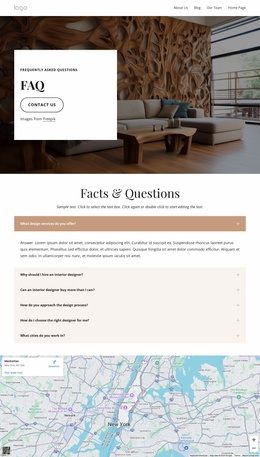
The contact form, three location entries, map, and shared footer complete the site-facing framework. Navigation already references About Us, Our Team, Portfolio, and FAQ, helping connect the major content areas. In a WordPress project, this combination allows permanent service and studio information to remain visually coordinated with regularly refreshed project or event content, while the template’s warm editorial identity stays consistent.
Customize with Nicepage
Open this ready-made template in the WordPress Website Builder and customize it visually in the Nicepage editor. Replace demo content, edit page sections, and adapt the design to your project without rebuilding the template from scratch.
Manage and Edit This Theme in WordPress
Customize and Install the WordPress Theme
Start with this ready-made theme instead of building the WordPress design from scratch. Customize its layout, content, typography, images, sections, and other design elements visually in Nicepage editor, then export and install the WordPress Theme, Plugin, and Pages on your WordPress site. The Nicepage WordPress Plugin lets you continue working with the site after installation.
Edit the Theme Directly in WordPress
After installation, you can edit the WordPress Theme directly in WordPress with the Nicepage WordPress Plugin. Use Site Style to customize site Colors, Fonts, Header, Footer, Blog, and Post Page Templates while working within your WordPress website.
Edit WordPress Pages Visually
Use the Nicepage WordPress Plugin to edit page content directly from the WordPress admin area. Open a WordPress Page with Nicepage and visually change its text, images, sections, and other page elements while continuing to manage the Page through WordPress.
WordPress Content and Theme Integration
Use the customized theme with WordPress Pages, Posts, Blog and Post Templates, menus, widgets, and other CMS-managed content. Shared theme elements such as Colors, Fonts, Header, Footer, Blog, and Post Page Templates can be managed as part of the overall site design, while WordPress provides the CMS environment for managing site content.
This workflow combines a ready-made WordPress Theme with visual customization, direct theme editing in WordPress, and continued content management through the Nicepage WordPress Plugin.