
Tables HTML Templates


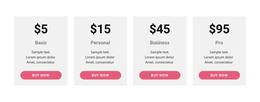

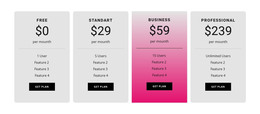
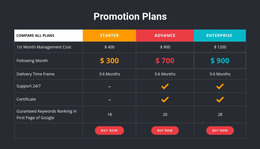
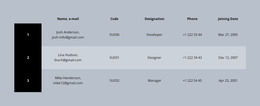
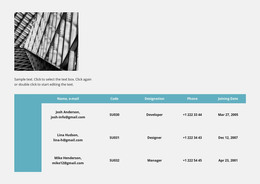
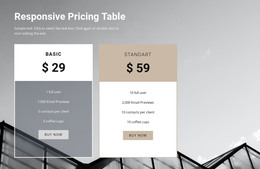
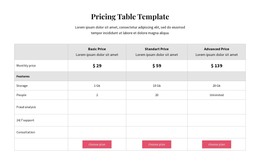
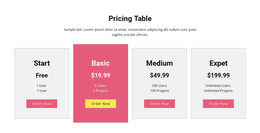










































Other Interior HTML Templates
Progressive Tables HTML Templates With Advanced Display Features
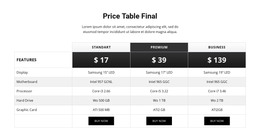
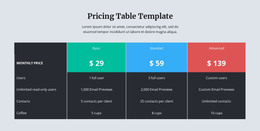
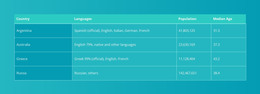
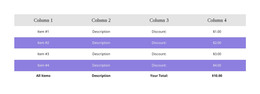
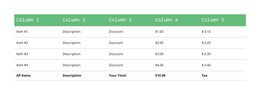
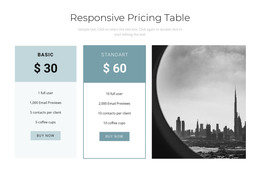
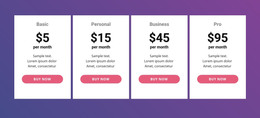
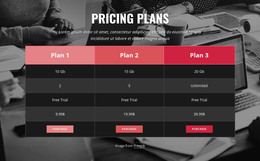
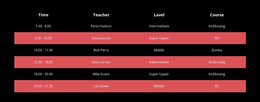
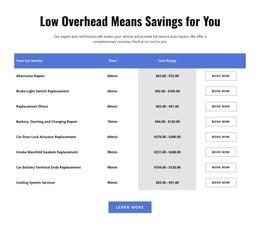
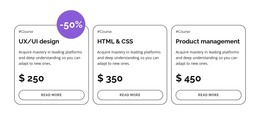
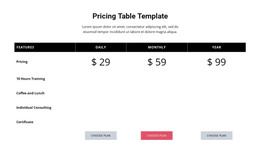
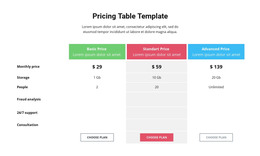
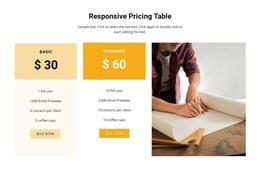
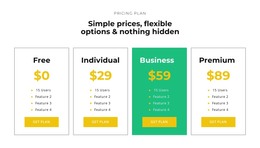
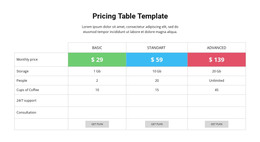
Need a good way to present price, plan, schedule, or product details on your website? Table HTML templates can provide a structure for data in rows and columns for e-commerce sites, educational institutions, SaaS providers, medical clinics, and financial companies. As CSS is used on 98.5% of all websites, the table styling will have a direct impact on font size, borders, space, and responsiveness. Also, the table code should contain appropriate HTML tags. According to the results of the 2025 WebAIM study, there were 972,746 tables on 142,976 home pages; however, only 16.6% of them were coded using proper data table markup.
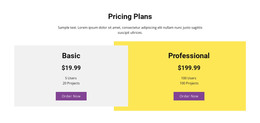
A software provider can compare plans, limitations, and technical support. Good headers will allow visitors to understand which values belong to certain rows and columns. Responsive CSS will allow to adjust the width of a wide table for a narrow screen. Nicepage allows users to customize cells, fonts, borders, and web page sections.
Semantic HTML Tables With Clear Relationships
The HTML structure must clarify the meaning of each cell rather than using border styles, color coding, or spacing. This is particularly important when there are many rows, categories, or items that must be compared. It will help people understand the correlation between labels and data, and make it easier for the source code to be maintained by programmers.
For a basic table, 4 parts deserve attention:
- Table Caption
- Header Cells
- Cell Scope
- Source Order
Table header cells require the th tag, and table data cells require the td tag. These tags contain additional data than generic boxes styled with visual attributes. These tags can be used when comparing prices, creating schedules, reporting finances, creating technical specifications of products, and creating directories, among others.
Practical Table Sections for Real Projects
The caption must give some brief explanation of the content of the table, such as the monthly service cost, product features or event times, among others. It is intended to orient the user before he begins navigating the individual cells of the table. The header cells define the categories, whereas the scope attribute defines whether the header belongs to a row or a column.
Review the content type before you select an accessible table markup:
- Product Specifications
- Event Schedules
- Service Fees
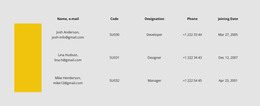
- Staff Records
- Status Reports
- Order Summaries
It is important to consider logical source order since the screen reader normally accesses the content in the order of the HTML coding. Therefore, data must be arranged in a manner that makes sense even in the absence of visual orientation.
Choose Your HTML Table Structure Now
Check out the table HTML and download the HTML templates that fit your information. Change the demo data and build a more transparent path from unprocessed facts to decision-making.