Architecture bureau WordPress Theme



Edit Template Offline
2. Create new page and search for id 6272828
Edit Template Online
Create Awesome Websites


Free Nicepage Builder
Keywords
Project cards and agency pages support a content-led theme structure
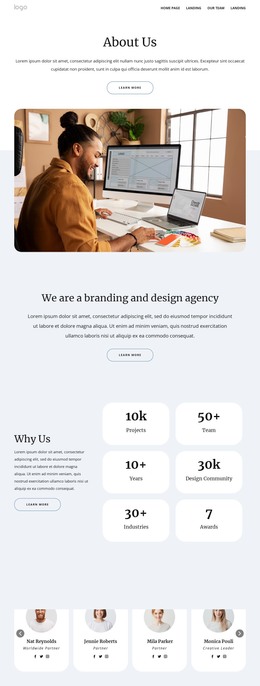
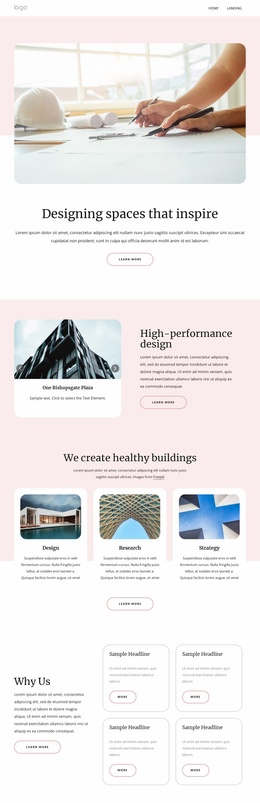
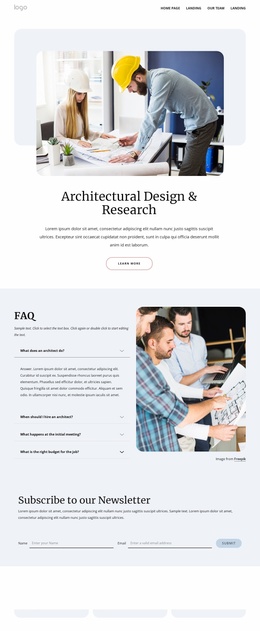
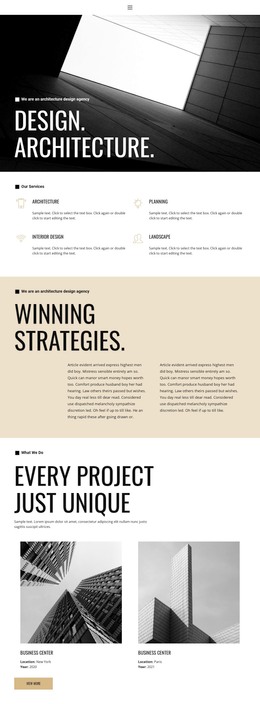
Buildings, Planning, Our Story, and the three About rows divide the design into permanent informational areas that can remain useful as an architecture site develops. The eight-card project gallery adds a separate project-oriented content group, with named image cards providing a visible portfolio structure. The architectural carousel offers another presentation layer for visual work, while the four testimonials connect project-oriented content with customer perspective.
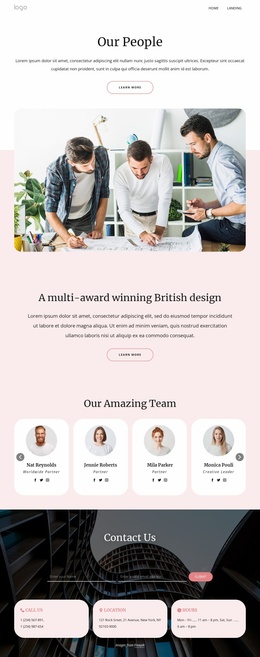
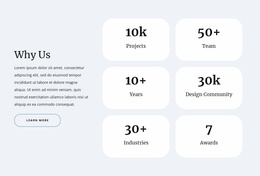
The team section contributes nine repeated profile cards containing portraits, roles, and social links. Alongside the four labeled counters, it gives the agency a people-and-organization layer rather than limiting the page to service promotion. These repeated areas can be interpreted as page content that may be maintained or expanded in a WordPress environment, without claiming that WordPress Posts, categories, or blog structures already exist in the template.
The Contact Us block supplies name and email inputs, a Submit button, and three contact information cards, followed by a map. That makes the form and location material distinct from the editorial, service, portfolio, and team content. Nicepage documents the WordPress Plugin as a way to edit page content in WordPress, but the template-specific value lies in how its confirmed content areas can share one theme direction. The sample names, metrics, and addresses remain structural demo content.
Customize with Nicepage
Open this ready-made template in the WordPress Website Builder and customize it visually in the Nicepage editor. Replace demo content, edit page sections, and adapt the design to your project without rebuilding the template from scratch.
Manage and Edit This Theme in WordPress
Customize and Install the WordPress Theme
Start with this ready-made theme instead of building the WordPress design from scratch. Customize its layout, content, typography, images, sections, and other design elements visually in Nicepage editor, then export and install the WordPress Theme, Plugin, and Pages on your WordPress site. The Nicepage WordPress Plugin lets you continue working with the site after installation.
Edit the Theme Directly in WordPress
After installation, you can edit the WordPress Theme directly in WordPress with the Nicepage WordPress Plugin. Use Site Style to customize site Colors, Fonts, Header, Footer, Blog, and Post Page Templates while working within your WordPress website.
Edit WordPress Pages Visually
Use the Nicepage WordPress Plugin to edit page content directly from the WordPress admin area. Open a WordPress Page with Nicepage and visually change its text, images, sections, and other page elements while continuing to manage the Page through WordPress.
WordPress Content and Theme Integration
Use the customized theme with WordPress Pages, Posts, Blog and Post Templates, menus, widgets, and other CMS-managed content. Shared theme elements such as Colors, Fonts, Header, Footer, Blog, and Post Page Templates can be managed as part of the overall site design, while WordPress provides the CMS environment for managing site content.
This workflow combines a ready-made WordPress Theme with visual customization, direct theme editing in WordPress, and continued content management through the Nicepage WordPress Plugin.