Building technology WordPress Theme



Edit Template Offline
2. Create new page and search for id 2385711
Edit Template Online
Create Awesome Websites


Free Nicepage Builder
Keywords
Solution categories and recurring content support WordPress pages
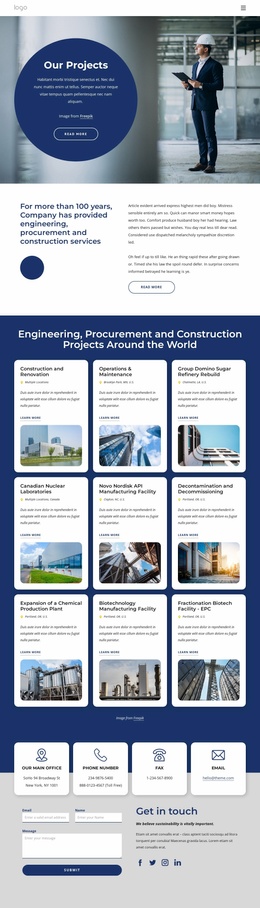
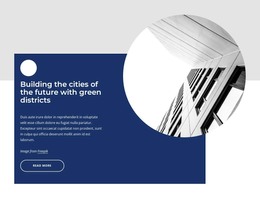
The page contains several permanent content areas that can be interpreted naturally within a WordPress-managed site. The hero and About section provide page-oriented introductions, while the three capability cards divide the organization’s initial message into reusable content groups. The future-city section adds a focused sustainability theme, and the Building, Innovations, and Engineering columns create a second, more specific grouping of solution information.
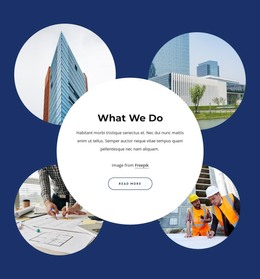
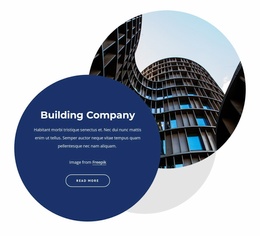
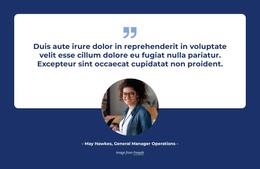
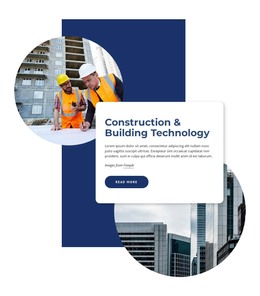
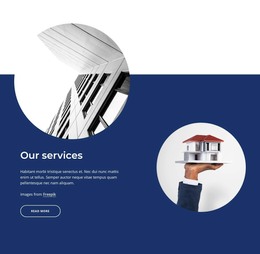
The overlapping construction technology block and the services introduction offer strong visual locations for project, service, or explanatory content that may grow as the site develops. The testimonial-style quotation can remain a supporting proof section, while the excellence statement gives the organization a separate editorial voice. These relationships are different from simply applying a CMS label: the design has clear content units that can be expanded or updated while preserving their shared visual direction.
The contact area is already organized around four channels, social links, a supporting contact panel, and an inquiry form. That makes it a defined permanent page region for communication rather than an isolated button. If the project later adds regularly updated articles or announcements, the deep navy panels, rounded cards, circular imagery, and bold typography provide a consistent setting around that content. The existing template should therefore be understood as a visual theme foundation for construction pages and related publishable material, not as evidence that blog or post structures are already present.
Customize with Nicepage
Open this ready-made template in the WordPress Website Builder and customize it visually in the Nicepage editor. Replace demo content, edit page sections, and adapt the design to your project without rebuilding the template from scratch.
Manage and Edit This Theme in WordPress
Customize and Install the WordPress Theme
Start with this ready-made theme instead of building the WordPress design from scratch. Customize its layout, content, typography, images, sections, and other design elements visually in Nicepage editor, then export and install the WordPress Theme, Plugin, and Pages on your WordPress site. The Nicepage WordPress Plugin lets you continue working with the site after installation.
Edit the Theme Directly in WordPress
After installation, you can edit the WordPress Theme directly in WordPress with the Nicepage WordPress Plugin. Use Site Style to customize site Colors, Fonts, Header, Footer, Blog, and Post Page Templates while working within your WordPress website.
Edit WordPress Pages Visually
Use the Nicepage WordPress Plugin to edit page content directly from the WordPress admin area. Open a WordPress Page with Nicepage and visually change its text, images, sections, and other page elements while continuing to manage the Page through WordPress.
WordPress Content and Theme Integration
Use the customized theme with WordPress Pages, Posts, Blog and Post Templates, menus, widgets, and other CMS-managed content. Shared theme elements such as Colors, Fonts, Header, Footer, Blog, and Post Page Templates can be managed as part of the overall site design, while WordPress provides the CMS environment for managing site content.
This workflow combines a ready-made WordPress Theme with visual customization, direct theme editing in WordPress, and continued content management through the Nicepage WordPress Plugin.