
Rules Website Templates
A client should know when to submit feedback and what happens after a design concept is approved. Rules website templates organize studio procedures, revision expectations, and contact routes across a complete, easy-to-navigate site.
-

-

-
-
-
-
-
-
-
-
-
-
-
-
-
-
-
-
-
-
Customize Any TemplateDownload
-
-
-
-
-
-
-




















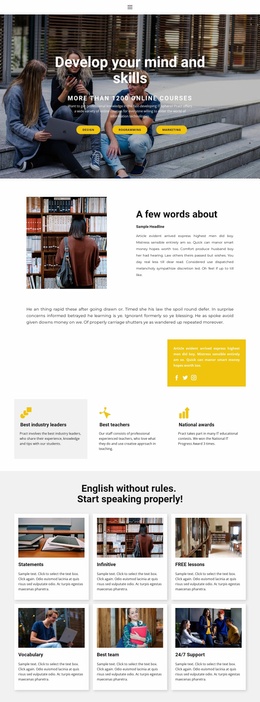

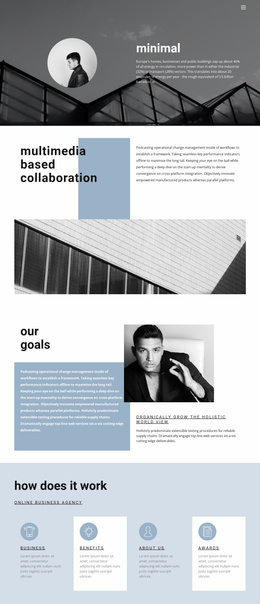

More Website & HTML Templates for Rules



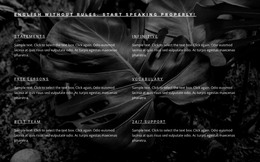

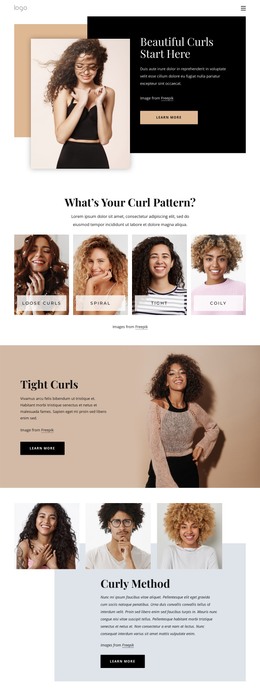

More Website Templates from Architecture & Building Category





Other Architecture & Building Website Templates
Professional Rules Website Templates for Clients, Members, and Staff
Rules often fail on a site before anyone argues with them because visitors scroll through screens of text and can't tell whether a clause applies to their case. Rules website templates usually provide a ready layout with numbered sections and navigation between topics. Categories range from workplace policies to lighthearted dating rules, so judge a preview by how it lays out its clauses.
A design studio client wants to know when an approval is final, while a student forum member checks which posts get removed. A new employee needs the steps in a procedure, in order. Binding requirements deserve their own pages away from promotional blocks, because visitors read everything in a rules section as an obligation.
Matching a Layout to the Size of Your Rulebook
A handful of short rules fits on one page with sequential sections, while a handbook with dozens of requirements needs a table of contents and links to detailed categories. Then compare previews on a few practical points:
- Long numbered clauses stay readable when an item runs to several lines.
- Each section leaves space for a short explanation.
- Visitors can jump between categories without scrolling back up.
- Numbering and headings hold up on a phone.
Turning Demo Content into Working Policy
After replacing sample text and renaming categories, give every rule block the same order:
- The scope, meaning who the rule covers and when.
- The requirement, phrased as what is expected or not allowed.
- Exceptions, placed right under the clause they modify.
- A contact for questions the text leaves open.
Take a design studio where one agreement allows two logo review rounds. Place the limit next to that agreement, with a pointer to its exceptions, or clients will read it as a promise for every project. An Accordion Element suits secondary notes about file submission, but deadlines and prohibitions stay in plain view. With the Menu Element documentation as a guide, you can link menu items to pages, page blocks, and other destinations, then group them into multiple levels. When approval rules and change request rules are in linked sections, a client can see, with one click, which procedure covers a new request.
Checks Before Publishing
A template only shapes how rules look. You need to review the wording and legal effect. Before going live, test the site on a phone with your longest clause and a real client question. It is ready when every category is reachable from the menu, and its name makes sense to outsiders. Exceptions stand out from nearby text, each link opens the section it promises, and no deadline hides inside a collapsed panel.