Quality roofing solutions WordPress Theme



Edit Template Offline
2. Create new page and search for id 6429810
Edit Template Online
Create Awesome Websites


Free Nicepage Builder
Keywords
Service Pages and Inquiry Content Fit the Theme’s Core Structure
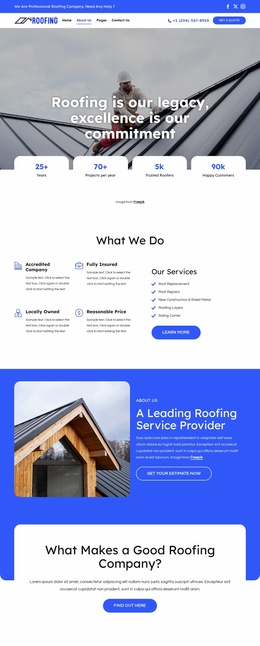
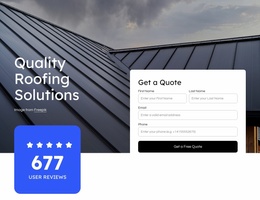
The service tiles and explanatory sections provide clear permanent content areas for a roofing-focused WordPress site. The eight categories distinguish storm damage, residential roofing, commercial roofing, tile roofing, inspections, repairs, and gutter services, giving the design a useful basis for page-oriented information without claiming that those pages already exist. The hero quote form and the lower contact inquiry form can remain central response areas while the service content supplies context around them.
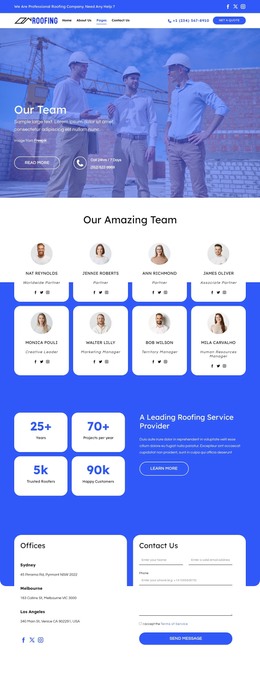
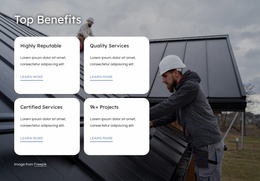
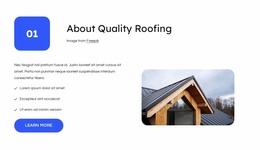
The company sections create additional content relationships. Worker imagery, the experience and priority statements, four benefit items, and the Roofing & Guttering Services split layout can support pages or sections that explain the company’s approach and capabilities. The commercial repair banner adds a focused area for commercial service content, while the three testimonial cards offer a repeated proof pattern that can remain visually consistent as customer-focused content is maintained.
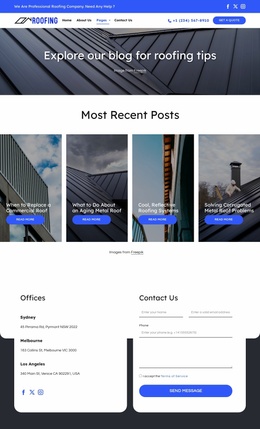
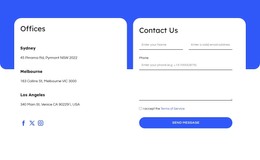
Office information and the dark footer give the site shared contact and navigation context. In a WordPress-oriented project, permanent page content could continue to use this visual system, while future editorial or regularly updated material would need to be added only if the project requires it; no blog or post structure is verified in this template. The design’s main value is the clear mapping between service information, company content, proof, locations, and inquiry actions, not a claim about existing CMS-managed elements.
Customize with Nicepage
Open this ready-made template in the WordPress Website Builder and customize it visually in the Nicepage editor. Replace demo content, edit page sections, and adapt the design to your project without rebuilding the template from scratch.
Manage and Edit This Theme in WordPress
Customize and Install the WordPress Theme
Start with this ready-made theme instead of building the WordPress design from scratch. Customize its layout, content, typography, images, sections, and other design elements visually in Nicepage editor, then export and install the WordPress Theme, Plugin, and Pages on your WordPress site. The Nicepage WordPress Plugin lets you continue working with the site after installation.
Edit the Theme Directly in WordPress
After installation, you can edit the WordPress Theme directly in WordPress with the Nicepage WordPress Plugin. Use Site Style to customize site Colors, Fonts, Header, Footer, Blog, and Post Page Templates while working within your WordPress website.
Edit WordPress Pages Visually
Use the Nicepage WordPress Plugin to edit page content directly from the WordPress admin area. Open a WordPress Page with Nicepage and visually change its text, images, sections, and other page elements while continuing to manage the Page through WordPress.
WordPress Content and Theme Integration
Use the customized theme with WordPress Pages, Posts, Blog and Post Templates, menus, widgets, and other CMS-managed content. Shared theme elements such as Colors, Fonts, Header, Footer, Blog, and Post Page Templates can be managed as part of the overall site design, while WordPress provides the CMS environment for managing site content.
This workflow combines a ready-made WordPress Theme with visual customization, direct theme editing in WordPress, and continued content management through the Nicepage WordPress Plugin.