Engineering, procurement and construction projects WordPress Theme


Stable Portfolio Content for a WordPress Page
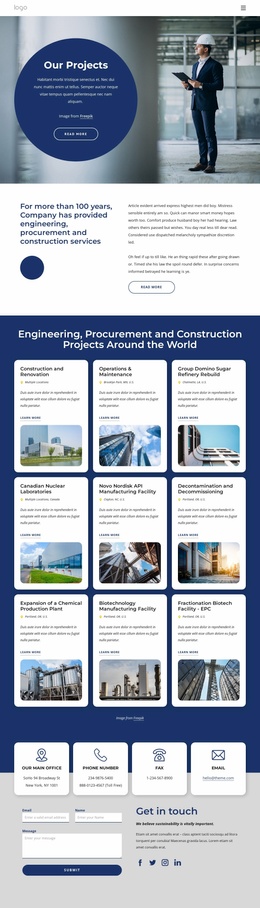
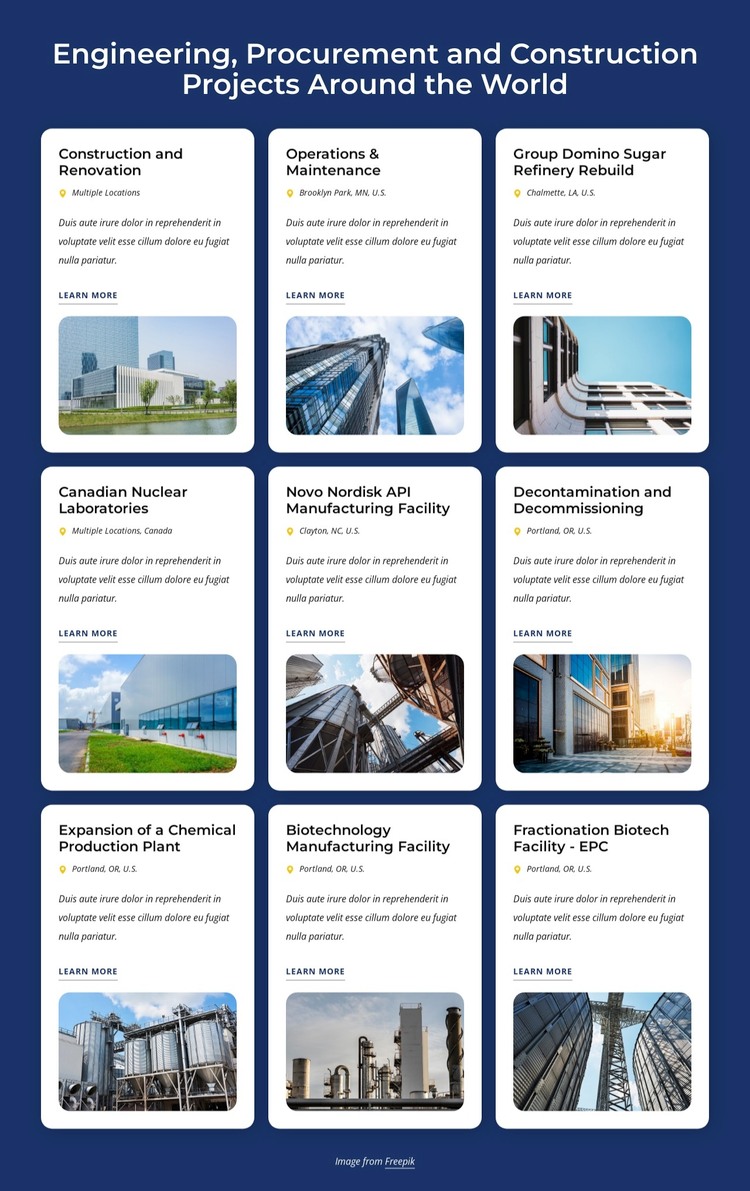
The heading and nine repeated cards read as durable project information that can occupy a services, portfolio, or case-study area within a WordPress-managed page. Each card presents a project title, location label, description, Learn more link, and image, giving the content a consistent format for communicating engineering and construction experience. Examples such as Group Domino Sugar Refinery Rebuild and Canadian Nuclear Laboratories show how individual entries can retain their own identity inside the shared section design.
The three-column by three-row grid keeps the project collection compact, while the white rounded cards separate individual entries from the deep blue background. Dark headings and yellow location markers create recurring cues that help visitors scan the project list, and the images provide visual context through buildings, industrial facilities, and construction scenes. The block therefore works as a publishable content region rather than as a complete theme or site structure.
Within a WordPress-oriented project, the surrounding pages and broader content system can provide navigation, company information, and deeper project details. This section remains responsible for its own portfolio presentation. Its repeated card pattern can be maintained as project content changes, while the visual arrangement preserves a consistent relationship between the project information, location, link, and image.
Customize with Nicepage
Open this ready-made template in the WordPress Website Builder and customize it visually in the Nicepage editor. Replace demo content, edit page sections, and adapt the design to your project without rebuilding the template from scratch.
Edit Template Offline
2. Create a new page or select existing
3. Click Add new block, search for id 5826245 and click enter
Edit Template Online
Create Awesome Websites


Free Nicepage Builder
Keywords
Manage and Edit This Theme in WordPress
Customize and Install the WordPress Theme
Start with this ready-made theme instead of building the WordPress design from scratch. Customize its layout, content, typography, images, sections, and other design elements visually in Nicepage editor, then export and install the WordPress Theme, Plugin, and Pages on your WordPress site. The Nicepage WordPress Plugin lets you continue working with the site after installation.
Edit the Theme Directly in WordPress
After installation, you can edit the WordPress Theme directly in WordPress with the Nicepage WordPress Plugin. Use Site Style to customize site Colors, Fonts, Header, Footer, Blog, and Post Page Templates while working within your WordPress website.
Edit WordPress Pages Visually
Use the Nicepage WordPress Plugin to edit page content directly from the WordPress admin area. Open a WordPress Page with Nicepage and visually change its text, images, sections, and other page elements while continuing to manage the Page through WordPress.
WordPress Content and Theme Integration
Use the customized theme with WordPress Pages, Posts, Blog and Post Templates, menus, widgets, and other CMS-managed content. Shared theme elements such as Colors, Fonts, Header, Footer, Blog, and Post Page Templates can be managed as part of the overall site design, while WordPress provides the CMS environment for managing site content.
This workflow combines a ready-made WordPress Theme with visual customization, direct theme editing in WordPress, and continued content management through the Nicepage WordPress Plugin.